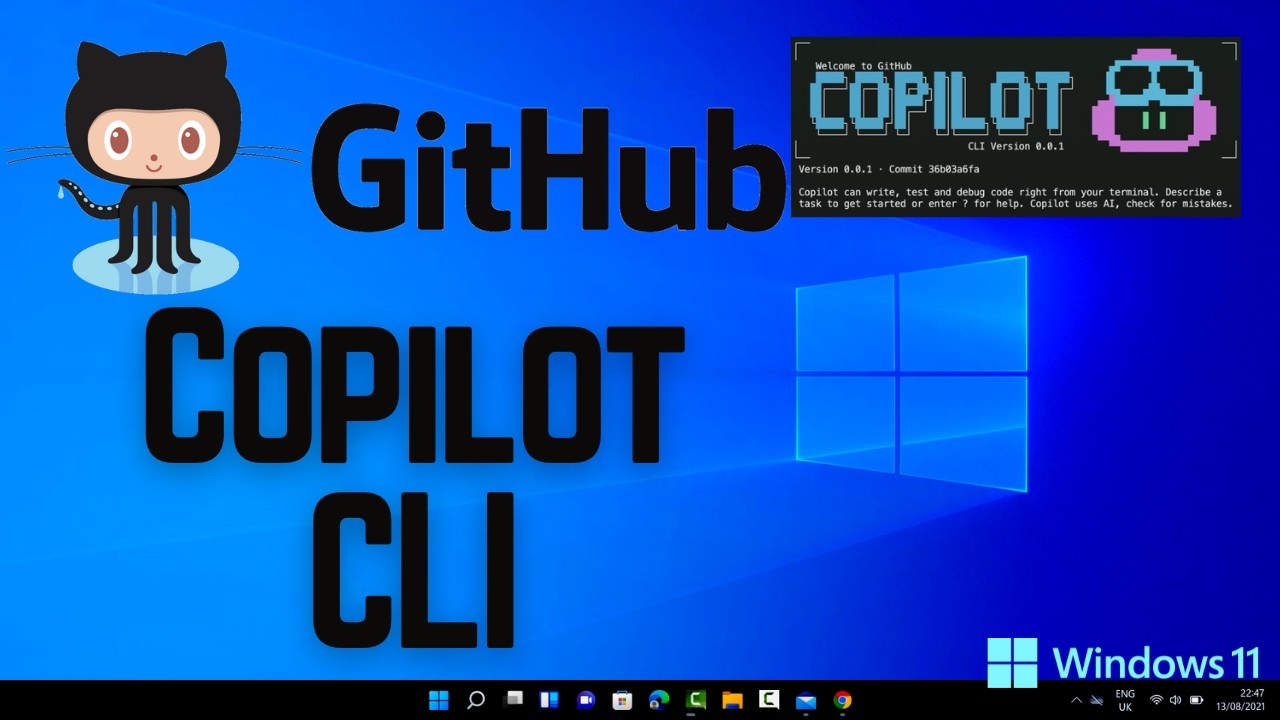
How to Install and Use GitHub Copilot CLI on Windows 11 (2026)
Автор: ProgrammingKnowledge
Загружено: 2026-01-17
Просмотров: 239
How to Install GitHub Copilot CLI on Windows 11
In this complete step-by-step tutorial, you’ll learn *how to install GitHub Copilot CLI on Windows 11* and start using AI-powered coding assistance directly from your command line. GitHub Copilot CLI brings the power of GitHub Copilot to your terminal, helping you *write commands, generate scripts, explain commands, and improve productivity* using artificial intelligence. This guide is perfect for *developers, students, DevOps engineers, and command-line users* working on a Windows 11 PC or laptop.
The video begins with an explanation of **what GitHub Copilot CLI is and how it works**. You’ll learn how it integrates with GitHub Copilot to provide intelligent suggestions for shell commands, scripts, and workflows, making terminal usage faster and more efficient.
First, you’ll learn about the **prerequisites required to install GitHub Copilot CLI on Windows 11**, including having **Node.js, npm, and a GitHub account with an active Copilot subscription**. Each requirement is explained clearly so you can prepare your system correctly before installation.
Next, the tutorial walks you through the **installation process step by step**. You’ll see how to install GitHub Copilot CLI using npm from the Command Prompt, PowerShell, or Windows Terminal. The guide explains each command in simple terms so beginners can follow along without confusion.
After installation, you’ll learn how to **authenticate GitHub Copilot CLI with your GitHub account**. The video shows how to log in securely, authorize access, and confirm that Copilot CLI is connected properly on your Windows 11 system.
You’ll then see **how to use GitHub Copilot CLI in real scenarios**. The tutorial demonstrates common commands such as generating shell commands from plain English, explaining existing commands, and improving scripts using AI suggestions. This hands-on usage helps you understand how Copilot CLI can speed up daily development and terminal tasks.
The video also covers **common issues and fixes**, such as command not recognized errors, authentication problems, or npm-related issues, along with simple troubleshooting steps specific to Windows 11.
This guide is ideal for **developers working with Git, GitHub, Node.js, DevOps tools, and automation workflows**. GitHub Copilot CLI is especially useful for those who spend a lot of time in the terminal and want AI assistance to reduce errors and save time.
By the end of this video, you’ll have **GitHub Copilot CLI fully installed and working on Windows 11**, ready to enhance your command-line experience with AI-powered help.
If you found this tutorial helpful, don’t forget to *like, share, and subscribe* for more Windows 11 tutorials, GitHub tools guides, AI coding assistants, and developer productivity tips. Leave a comment if you’d like more GitHub Copilot or AI developer tool tutorials.
#GitHubCopilot #CopilotCLI #Windows11 #GitHub #AIProgramming #DeveloperTools #CommandLine #Coding #Programming #TechTutorial #BeginnerGuide #Automation #DevOps #SoftwareDevelopment
Доступные форматы для скачивания:
Скачать видео mp4
-
Информация по загрузке: