Open WebUI Tutorial: Connect Hugging Face Inference API (Free Tier)
Автор: Quinn Favo
Загружено: 2026-01-15
Просмотров: 4
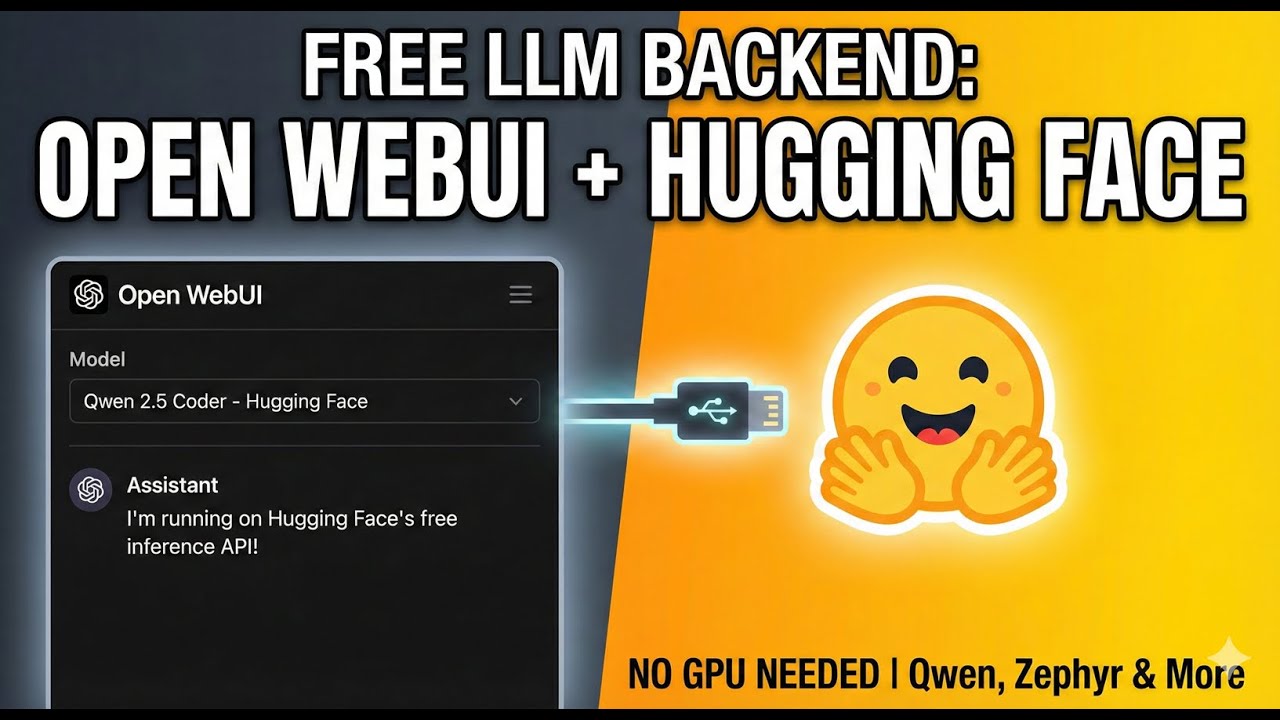
In this video, I show you how to connect Open WebUI directly to the Hugging Face API to run powerful LLMs like Qwen 2.5 Coder and Zephyr completely for free. This is a great way to test models or offload compute without needing a massive local GPU or paid subscriptions.
We cover how the integration works, how to monitor your usage on the Hugging Face free tier, and walk through the exact configuration settings you need in Open WebUI.
🚀 Quick Setup Guide (Walkthrough):
Get your API Key: Log in to your Hugging Face account, go to Settings - Access Tokens, and create a new token with "Read" permissions.
Open WebUI Settings: Navigate to your Open WebUI instance, click on Admin Settings, and select Connections.
Add Connection:
Paste the API URL: https://router.huggingface.co/v1
Enter your Hugging Face API Token.
Crucial Step: Manually specify the Model IDs you want to use (e.g., Qwen/Qwen2.5-Coder-32B-Instruct) in the model list field.
Save & Chat: Save your connection. Start a new chat, and your Hugging Face models will now appear in the dropdown list!
⏱️ Timestamps: 0:00 - Demo: Custom Hugging Face Space & Model Switching 0:43 - Connecting via Direct API (Free Tier) 1:09 - Testing Qwen 2.5 Coder Model 1:25 - Monitoring API Usage & Limits 2:04 - Tutorial: How to Connect Hugging Face to Open WebUI 2:09 - Generating the Access Token 2:18 - Configuring Open WebUI Connection Settings 2:35 - Verifying the New Models
Hashtags: #OpenWebUI #HuggingFace #LLM #AI #DevOps #SelfHosted #MachineLearning #Qwen #TechTutorial
Доступные форматы для скачивания:
Скачать видео mp4
-
Информация по загрузке:

![ПОЛНЫЙ ГАЙД на n8n. ИИ агенты и автоматизации (5+ часовой курс) [Без кода]](https://image.4k-video.ru/id-video/tUufFo-JTZQ)


