How To Make Interactive Drag-and-Drop Spelling Games in Scratch! | Complex 'AND' Logic and more
Автор: OREVEINS Education
Загружено: 2025-10-18
Просмотров: 160
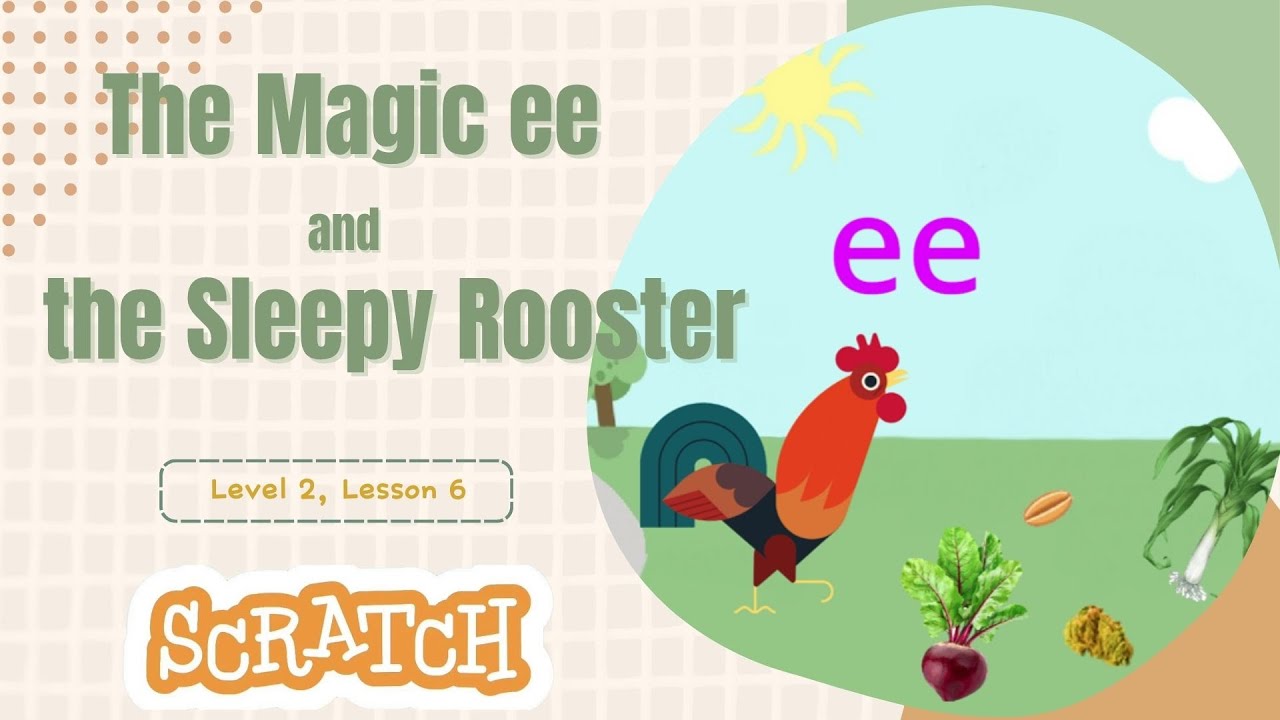
🌟 Welcome to OREVEINS Digital Storytelling - Level 2, Lesson 6! 🌟
Learn to build an interactive, drag-and-drop spelling game in Scratch!
This advanced Scratch tutorial (Level 2, Lesson 6) teaches you key game development skills by creating a magical phonics adventure:
🖱️ Full-Screen Sprite Dragging: Make sprites moveable even when the game is maximized. Essential for drag-and-drop mechanics.
🧐 Complex Logic: Use the 'and' block to check multiple conditions simultaneously—the core of your game's winning logic.
📐 Coordinate Checking: Use the x position block to determine if letters are in the correct spelling spots.
✨ Visual Effects: Master chaining effects (Color, Ghost, Pixelate) to create amazing, expressive character animations (like Rooster's spicy food reaction!).
Broadcasting: Learn to manage game flow and trigger reactions across different sprites.
This is a step-by-step guide for anyone wanting to level up their Scratch coding and create engaging educational games.
👍 Like and subscribe for more **Scratch tutorials**!
#Scratch #ScratchCoding #GameDevelopment #KidsCoding #EducationalGames #DragAndDrop #ComplexLogic #ScratchProjects #VisualEffects #LearnToCode
Доступные форматы для скачивания:
Скачать видео mp4
-
Информация по загрузке: