Modern PS4/Xbox Steering Control Just Went Oldschool With My Cronusmax Plus NeGcon Project (Vid #40)
Автор: Wired-Up Retro
Загружено: 2019-09-02
Просмотров: 4976
Today, I am presenting a new way to play your Playstation 3 & 4, as well as Xbox 360 & X1 racing games. I've made a way for the handheld racing controllers of the original Playstation generation to become compatible, & accomplished it with two controller adapters that are quite easy to locate & obtain. If you're a fan of racing games, this is now your big chance to get great steering wheel control without having to buy a very large piece of equipment.
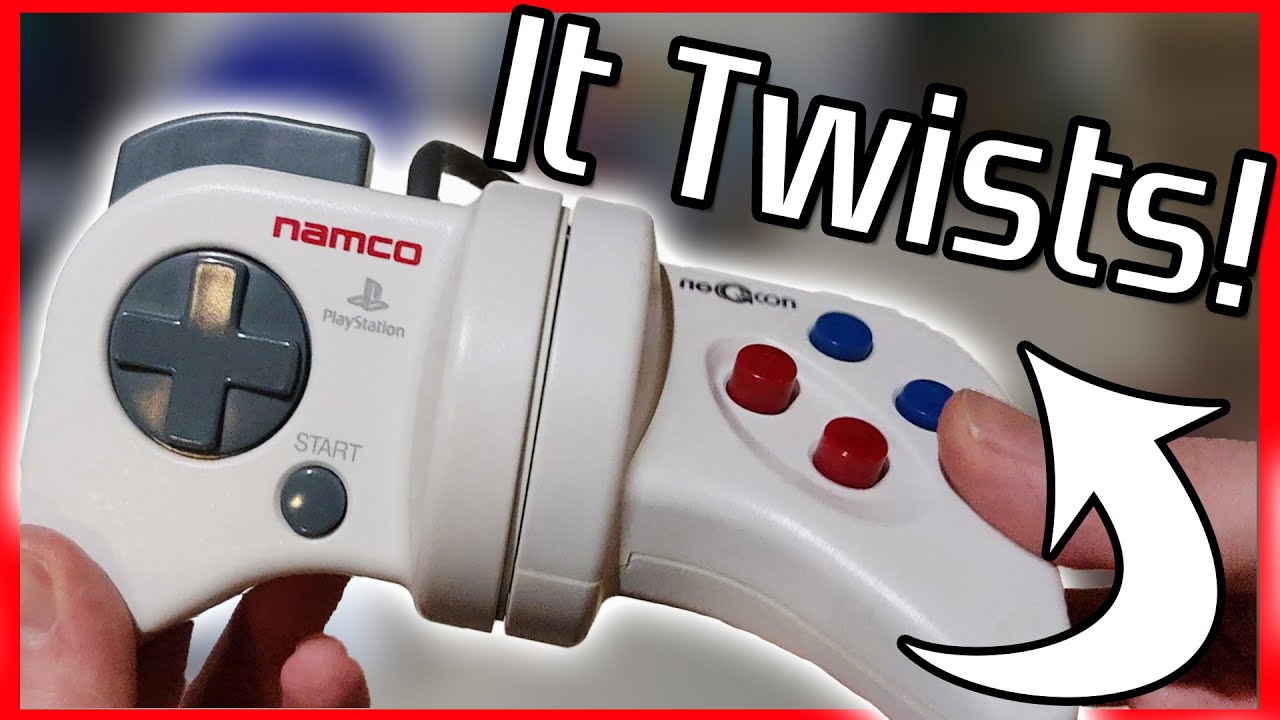
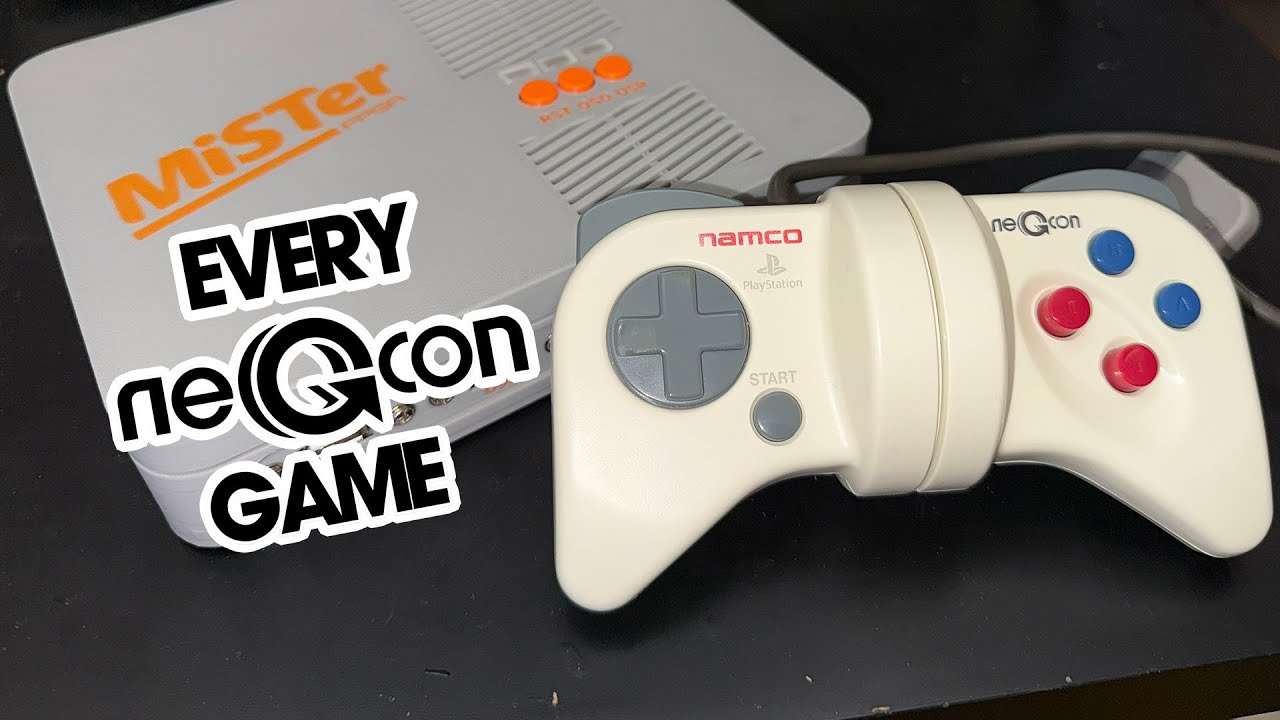
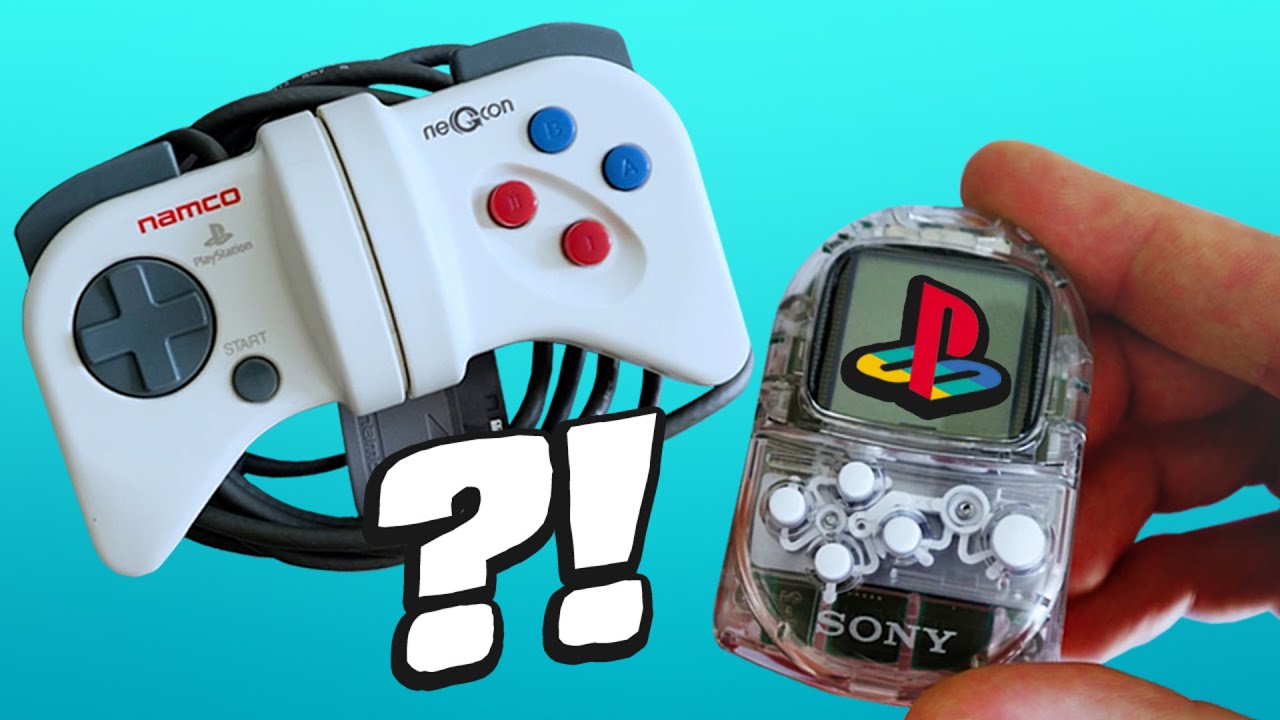
The Namco NeGcon was introduced in 1995, & ever since then, it's maintained a good following of Playstation racing game fans- me included! I have used Namco's twisting controller for 24 years- & it's great. In fact, back in 2012 I produced a video demonstrating how to make the Playstation racing controllers compatible with the original Xbox, PS2, and PS3. If you want to check it out, here's the link: • Newly discovered adapter allows PS2 and PS...
Near the beginning of today's presentation I mentioned that you need to be aware of the PC requirements for the project. Be sure your OS is not one released earlier than Windows Vista (ie. Windows XP). Also, the manual discusses a way to get it working on a Mac.
For today's project you'll need to obtain two adapters: The PII-PIII & PC Controller Convertor (or a Radio Shack PSX to USB adapter, which works identically) & the Cronusmax Plus. The Controller Convertor has a little rectangular box about halfway down the cord with the following words printed on it: "PIII & PC Converter". There are other similar looking Convertors on the market right now, & I'm not sure they'll be compatible. Look for the one that's identical to mine. There is a seller on Ebay who has well over a hundred of these for sale, so hopefully, availability will be fine for a good long time.
The Cronusmax Plus has the ability to run GPC Scripts to do all sorts of interesting things. The GPC scripts that have been created for the PS1 racing controllers were centered around the NeGcon controller, & when trying to use alternative controllers there are some things you need to know. Firstly, be aware that the Madcatz handheld racing wheel has rumble motors inside. Back in 2009, I tried to get that controller to work on the Playstation 3 using the Radio Shack PSX to USB adapter & the adapter suddenly stopped working. You might want to avoid PS1 racing controllers that have vibration feedback to prevent something bad happening to one of your adapters. I recommend playing games with the NeGcon, UltraRacer, & Hori Zerotech controllers that I showed in the video. It's good that the UltraRacer is basically a paddle controller which is nice for certain games found within the Flashback Atari games compilations. It also has button programmability. (Hint: give Night Driver a go!)
In the video I mentioned that you want to NOT have R3 or L3 (thumbstick click-in buttons) assigned to any in-game action. In certain games, like V-Rally 4 on the Xbox One, one of those L3/R3 buttons cannot be remapped to have no function. To solve this issue, I assigned the function to be turning the windshield wipers on and it was the best solution. In Motoracer 4 for the PS4 the game doesn't allow you to change button mapping at all. After pressing the brake once in a while, it puts you into a reverse-view thanks to R3 remaining mapped to the controller. The solution is to go to the PS4 Settings menu and click 'Accessibilty' & do a button remap- place R3 on L3 and place L3 on R3. This can be activated/deactivated at will. I found this helpful: • PS4 - How to Customise Button Assignments ...
Regarding the 4 GPC scripts: I included info in each about button assignments that you definitely want to read about beforehand.
Special thanks goes out to Cronusmax Forum members, Batts & CrispyCroco. CrispyCroco shortened Script #1 & also added a toggle option, & Batts gave out great advice & shortened script #4 which was also very nice- Thanks!
I mentioned in the video an issue that has to do with the Playstation 3 asking you to sign in to the online server & the controller not responding. Solution: Press the home button on you Dualshock 3 while it's plugged into port 2. Reassign it to be controller 1 temporarily to get past that screen. Then bring it back to being controller 2. If this problem occurs with the PS4, there's an even simpler solution: Just unplug and replug the controller/PIII&PC adapter into the CM+.
Another thing mentioned in the video has to do with PS4 controller disconnections. This will help: https://cronusmax.com/forums/showthre...
If you enjoyed today's video, feel free to support the channel with a donation at the Patreon website: https://www.patreon.com/bePatron?u=23...
Special thanks to my son, Chris, for doing the thumbnail and the intro music to the video.
Also, special thanks to Namco for having such a great Ridge Racer soundtrack!
I also am grateful to DJ Kestutis for inclusion of his song, "Reborn". (license http://goo.gl/ZSoZf)

Доступные форматы для скачивания:
Скачать видео mp4
-
Информация по загрузке: