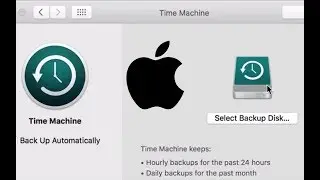
Setting Up Time Machine in Mac OS X Sierra and Earlier
Автор: Gemsbok Apple Tips and Tricks
Загружено: 2016-10-16
Просмотров: 71258
This video shows you how to set up Time Machine in Mac OS X 10.12 Sierra and back up your entire Mac to an external hard drive as well as retrieving one or more files or folders from your backup disk.
Backups are very important to safeguard your files, and family photos, music and movies!
You will learn how to set up the backup, maintain it and get files out of the backup if you've accidentally deleted a file.
If you have any questions or suggestions for videos you would like to see, please put them in the comments below.
If you would like one-on-one help or would like to arrange remote help please contact us through our website at:
http://www.gemsbok.ca
Доступные форматы для скачивания:
Скачать видео mp4
-
Информация по загрузке: