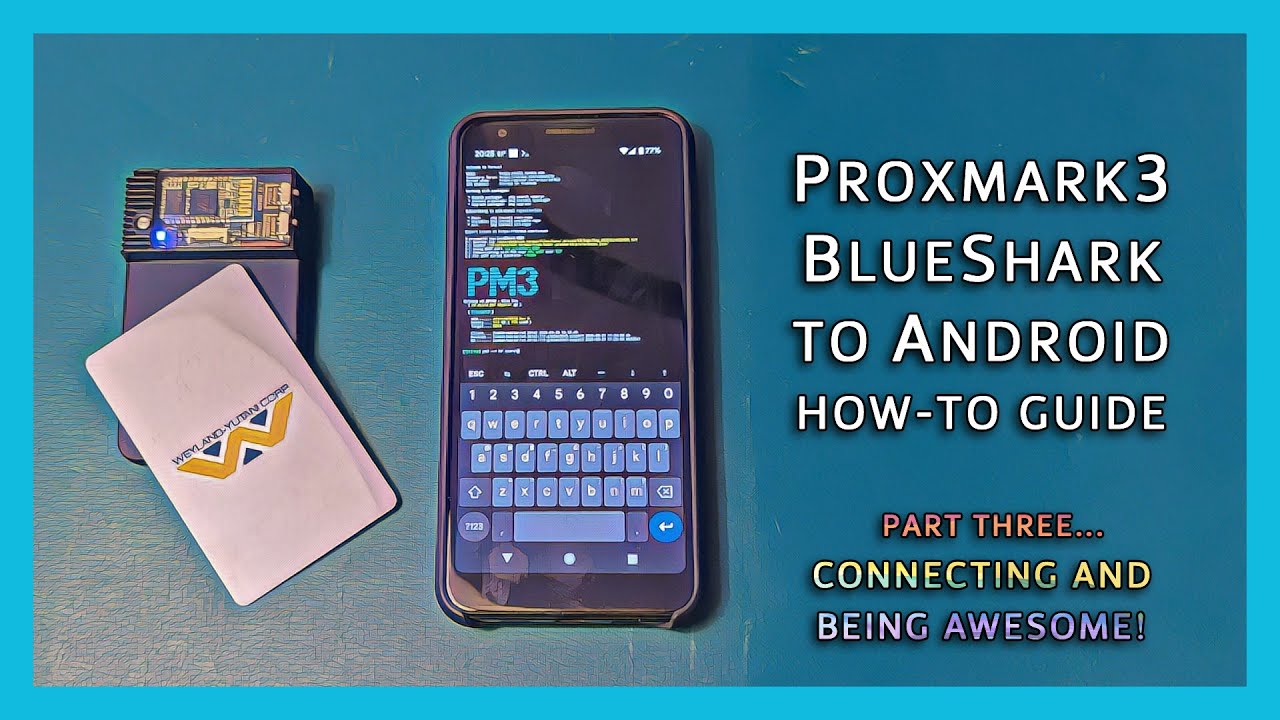
Proxmark3 Blueshark-to-Android How-To-Guide, part 3: Connecting and Being Awesome!
Автор: DeviantOllam
Загружено: 2025-06-04
Просмотров: 5926
There are three videos in this series. To make the details in the doobly-doo more useful I'm simply replicating all my notes and links across all three. Enjoy! 👍😁👍
-- ----- ----------
[= Video One: Hardware Install =]
1. Install the BlueShark Module
Pop open the Proxmark case, connect the Blueshark's ribbon cable, and optionally dim your LED lights if covert pocket carry is of interest to you.
You can acquire a Blueshark module either from Hacker Warehouse or from my own retail site that I don't mention on my channel because it's cringe to do that shit. 😂
[= Video Two: Update Proxmark Firmware. =]
2. Flash your Proxmark to the latest firmware with the BT addon
The easiest way to go about if you're on Windows is by grabbing the latest pre-compiled bluetooth-enabled build from Gator's site...
https://proxmarkbuilds.org/fileviewer...
If you want to fully compile from source, you can pull that from the RfidResearchGroup's GitHub repo...
https://github.com/RfidResearchGroup/...
...and edit the Makefile.platform file to uncomment one line...
If you want more than one PLATFORM_EXTRAS option, separate them by spaces:
#PLATFORM_EXTRAS=BTADDON
#PLATFORM_EXTRAS=FLASH
#PLATFORM_EXTRAS=SMARTCARD
PLATFORM_EXTRAS=BTADDON FLASH
#STANDALONE=LF_SAMYRUN
... notice how that fifth line is uncommented, thus enabling the BTADDON flash line. But for real, the precompiled binaries are a way easier choice here.
Connect your Proxmark to your laptop and run the pm3-flash-all.bat script to ensure that your device is fully up to date and that you're now running firmware that will play well with the Blueshark that you've installed.
[= Video Number Three: Connect Your Proxmark to your Android Device =]
3. You will need two tools:
Termux...
https://f-droid.org/packages/com.termux/
(yes this involves trusting an app outside of the Play Store)
Bluetooth TCP Bridge
https://play.google.com/store/apps/de...
(i recommend spending the $3 for the pro version)
4. Install the Proxmark software from within Termux
There is also a guide here...
https://github.com/RfidResearchGroup/...
But this command should install the latest stable release...
pkg install proxmark3
You can also run this if you've re-flashed your Proxmark device elsewhere and now you're back on your phone again and want to make sure all software versions are the latest release...
pkg upgrade proxmark3
5. Pair your proxmark with your phone
Go to your Bluetooth interface in phone
Make sure the Proxmark and BlueShark are powered on (BT light should be flashing)
Add new device
Pairing with code 1234. Remember, "pairing" is not the same as "connecting." If your Proxmark is listed in "saved devices" then it is paired.
6. Use the BT/TCP bridge to actually make the connection
Start Bluetooth TCP Bridge
Set the Proxmark as Device A using "Connect to classic Bluetooth device"
Set a TCP Server as Device B on an unused port (e.g. 4321)
Ensure "Retransmission" is set to "both ways"
(It is possible to record the config as autostart script under Settings. Hence why i like the Pro version)
7. from Termux you should now be able to connect to your proxmark
proxmark3 tcp:localhost:4321
8. Setting home screen icons, etc
If you are doing a little bit of polish and cleanup on your phone's home screen, this is the link to the Blueshark icon that I have created...
https://deviating.net/stuff/Blue_Shar...
... enjoy running your Proxmark3 device without the need for a laptop now, everybody! Keep in mind, that while loads of the usual functions that you are used to performing should work just fine, there is a slight communications lag when you are bridging over bluetooth. A few of the more advanced functions which involve very fast and timing-depending interrogation of certain credentials, readers, etc. may fail to work if you're operating in Bluetooth bridge mode like this. I have found that this is particularly true if you're in an environment with a lot of noise in the Bluetooth radio spectrum.
Good luck and Happy Pride! 👍😁👍🌈🦈
-- ----- ----------
I'm on the Fediverse. That's a great place to find me...
https://defcon.social/@deviantollam
I'm also on Instagram. I mostly use it for liking my friends' photos...
/ deviantollam
Bluesky has picked up a lot of momentum, and I'm over there, too...
https://bsky.app/profile/deviantollam...
I'm also on Discord, but mostly only because my daughter uses it...
/ discord
I post dumb questions to Reddit and sometimes answer folks' questions there, too...
/ deviantollam
This is my GitHub. I post my design files there...
https://github.com/deviantollam
This is my personal web site. Most things i create wind up online...
https://deviating.net
Доступные форматы для скачивания:
Скачать видео mp4
-
Информация по загрузке: