Proteus + Arduino Setup Guide: Adding Libraries & Hex Files
Автор: Ino-Teus
Загружено: 2025-11-29
Просмотров: 25
Are you trying to simulate Arduino in Proteus but don’t know how to add the Arduino library or the HEX file?
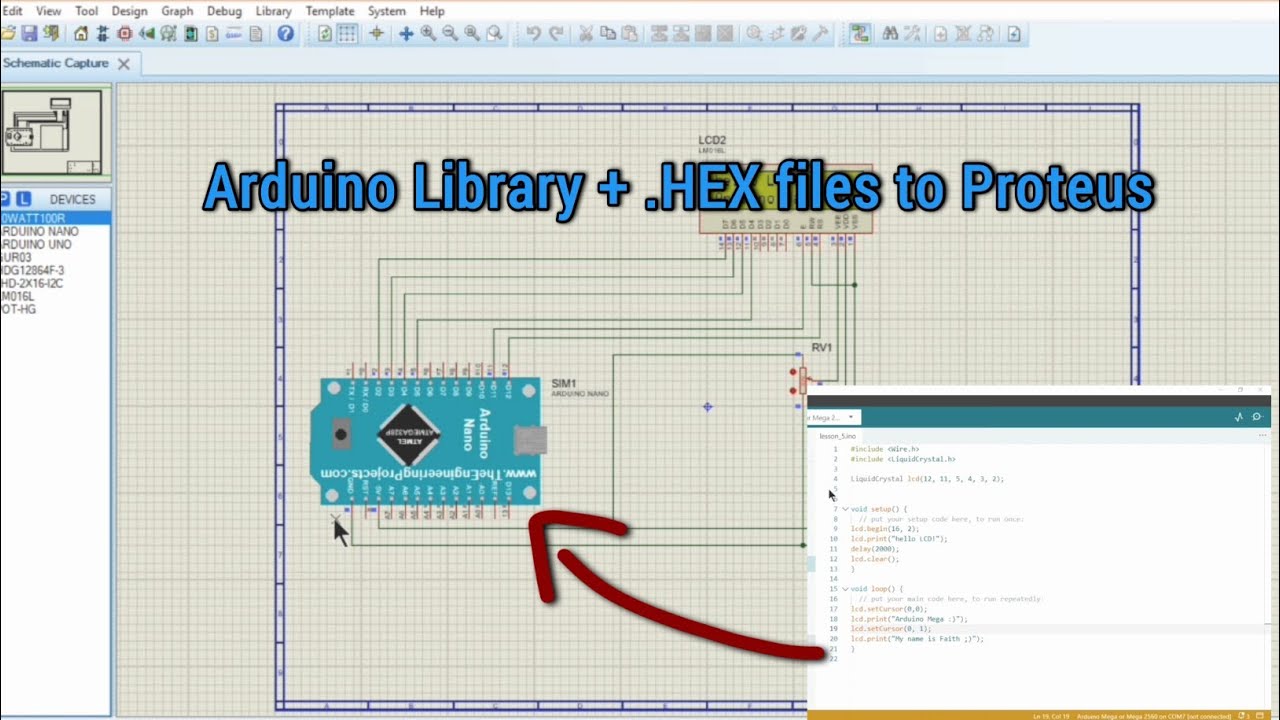
This beginner-friendly tutorial walks you through everything — from downloading the right library to installing it, exporting your Arduino code as a compiled binary, and attaching it to the Arduino component in Proteus.
In this video, you’ll learn:
✔️ How to download the correct Arduino library for Proteus
✔️ How to unzip and install the library properly
✔️ How to locate the Proteus library folder on your PC
✔️ How to export the compiled HEX file from Arduino IDE
✔️ How to attach the HEX file to an Arduino board inside Proteus
✔️ How to fix common errors beginners face
✔️ A simple example project to test your setup
Whether you're just starting with Arduino or trying to get your first simulation working in Proteus, this guide will save you hours of confusion.
If you find this helpful, don’t forget to LIKE and SUBSCRIBE for more Arduino, Proteus, and electronics tutorials! 💡
Доступные форматы для скачивания:
Скачать видео mp4
-
Информация по загрузке:





