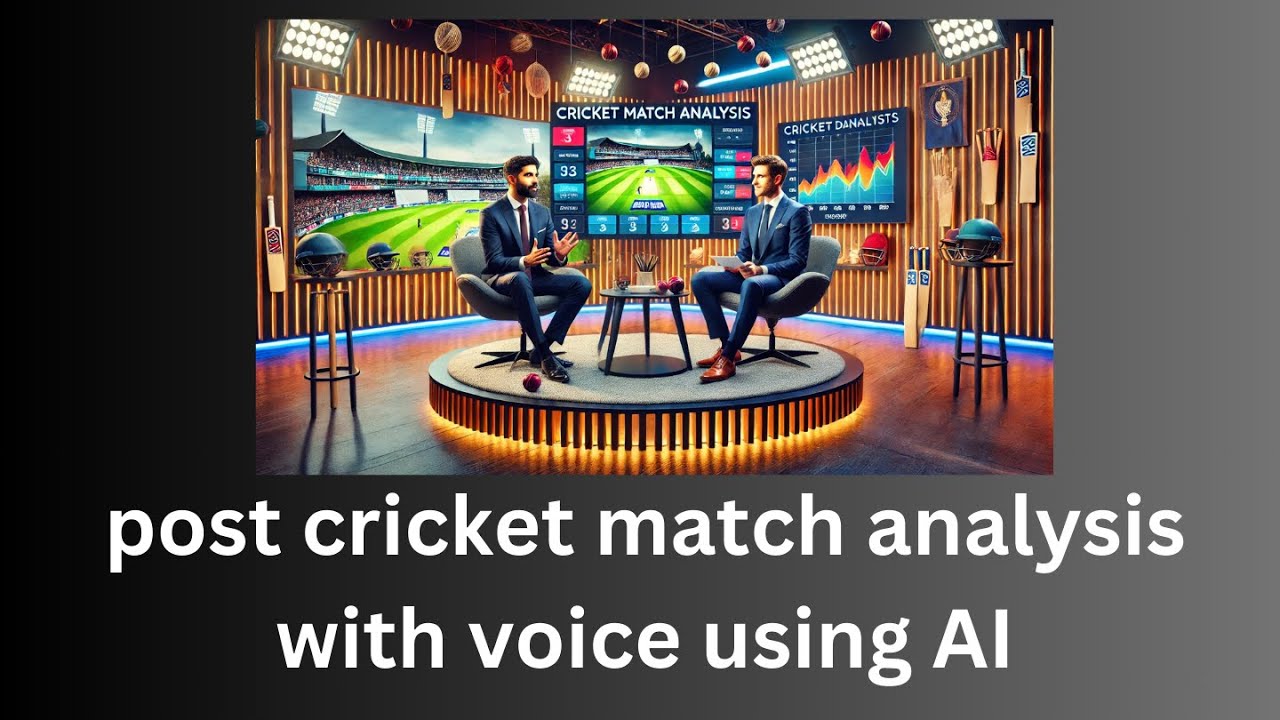
Generate POST MATCH Cricket Analysis with AI Voice in MINUTES!
Автор: Total Technology Zonne
Загружено: 2024-12-14
Просмотров: 477
TELEGRAM: https://t.me/ttyoutubediscussion
github: https://github.com/ronidas39/AiAll/tr...
Want to create post-match cricket analysis in minutes? Podcastify with AI technology to generate audio transcripts for insightful analysis of cricket matches! Perfect for cricket fans, journalists, and analysts looking to delve deeper into game strategies and player performances. Explore the power of AI in cricket analysis with Podcastify!
Hey everyone! This is Ronnie, and welcome back to **Total Technology Zone**. In this tutorial, we’re diving into an exciting and fun activity—**cricket match analysis with AI-generated voice**.
If you're from a cricket-playing nation or a fan of the game, you're probably familiar with post-match analysis. It’s where experts break down what happened during the match—who excelled, who underperformed, the key moments, and much more. But instead of relying on human commentators or analysts, we’re going to use AI to mimic this process.
This tutorial will guide you through building an **AI-powered post-match analysis tool**, where we’ll generate insightful match reports with AI voices.
---
*What You’ll Need*
*Python 3.1* or higher.
The **Podcastify library**, which handles the generation of audio podcasts based on input.
---
*Overview of the Workflow*
1. **Provide Match Data**: We'll input match details via a URL (for matches already completed).
2. **Generate Voice Analysis**: Using an AI voice model, we’ll create a podcast-like analysis.
3. **Play the Output**: Finally, we’ll listen to the generated audio.
---
*Key Features*
**Customizable Roles**: Define specific roles for AI voices, like "Cricket Analyst" or "Expert Commentator."
**Detailed Configurations**: Add discussion styles, player highlights, match summaries, and more.
**Real-Time Processing**: Input match data dynamically and generate analysis in just a few clicks.
---
*Steps to Build*
#### *Step 1: Setting Up the Streamlit App*
We’ll use Streamlit for the UI to input match details.
Add a text input field for the match URL.
Define configurations like voice styles, discussion topics, and podcast titles.
#### *Step 2: Generating the Podcast*
Use the `Podcastify` library to:
Fetch match data from the provided URL.
Process it through an AI text-to-speech model.
Output an audio file with match insights.
#### *Step 3: Playing the Analysis*
Once the audio is generated, it will be played directly in the app using the `Streamlit.audio()` function.
---
*Live Demo*
For this demo, I analyzed a match between **Bangladesh and West Indies**, where the latter pulled off an incredible series sweep. The AI-generated podcast delivered a detailed breakdown:
Highlighting **Amir Jangu's debut century**.
Discussing key moments like dropped catches and partnerships.
Summarizing the match with an engaging conclusion.
---
*Key Takeaways*
This tool is incredibly versatile. You can adapt it to:
Build live commentary systems with continuous updates via WebSockets.
Create custom podcasts for cricket enthusiasts or professional analysis.
Explore more sports or events beyond cricket.
---
*Engagement Reminder*
If you found this tutorial helpful, please:
*Like* this video.
*Subscribe* to *Total Technology Zone* for more tutorials.
*Comment* below to share your thoughts or ideas for future projects.
Your support helps us grow and reach a wider audience. Let’s build an amazing community together!
---
*Final Words*
Thanks for watching! Try this out, have fun, and let me know what you create. See you in the next tutorial. Until then, take care, stay curious, and happy learning! 😊
Доступные форматы для скачивания:
Скачать видео mp4
-
Информация по загрузке:


