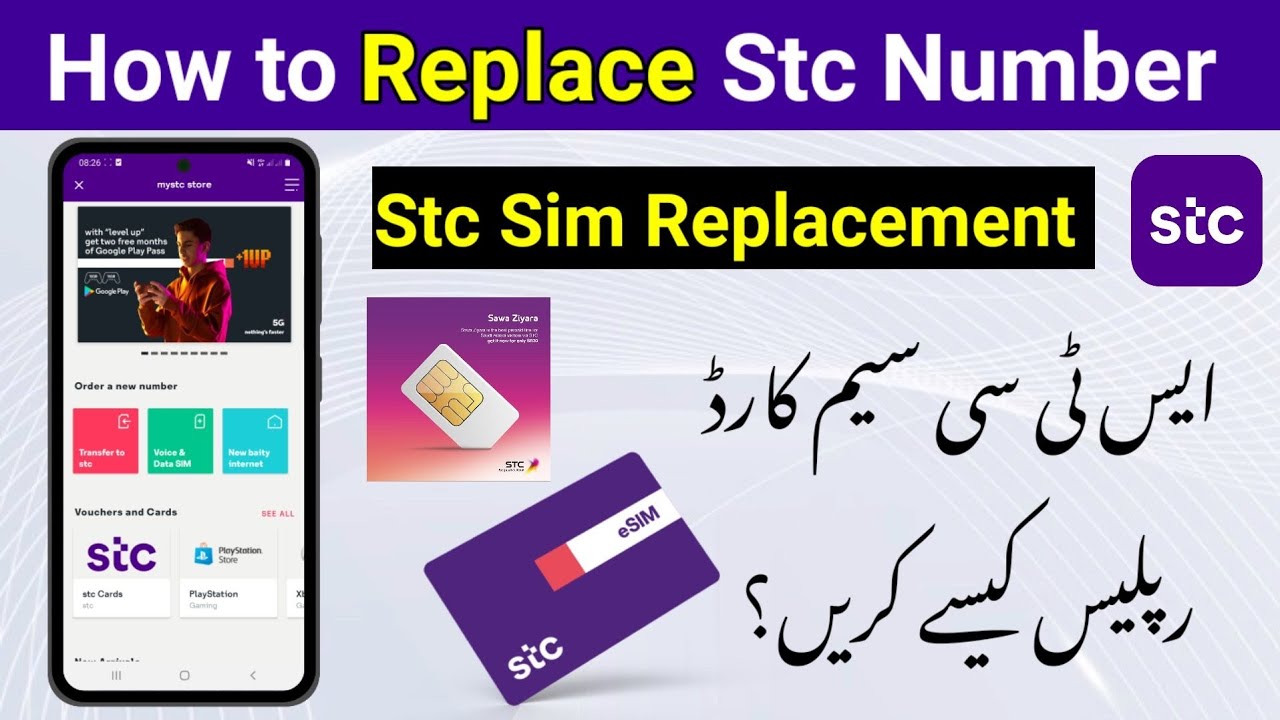
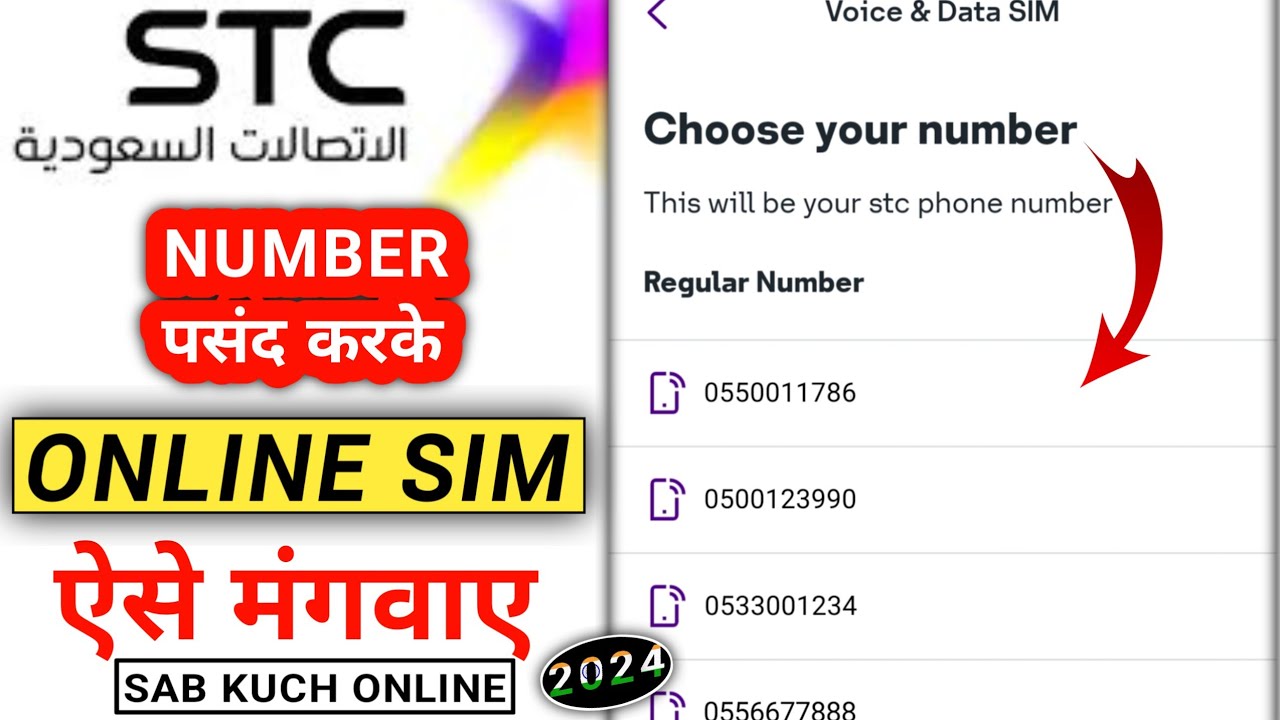
How To Order STC Lost Sim Card Online | Order STC Lost Sim Online | STC Sim Replacement
Автор: Wali YT
Загружено: 2024-05-17
Просмотров: 3921
How To Order STC Lost Sim Card Online
Order STC Lost Sim Online
STC Sim Replacement
To order a replacement for a lost STC SIM card online, you can follow these steps:
First download My STC app on your mobile.
•Open my Stc App Click on My STC Store.
•Click on Side Bar Then Click sum Sim Manage.
•Click on Sim Replacement
Choose your SIM type (Mobile SIM or Quicknet Data SIM).
Enter your SIM details,first name second name including your number and contact number & Add your delivery address & Check the Order Summary &
Accept Terms and Conditions & Then Click Place Order.
Follow the on-screen instructions to complete the replacement process.
Make sure you have your personal information and any required documents handy, as you might need to verify your identity during the process. If you encounter any issues, STC customer support is available to assist you further.
sawa sim replacement
how to replace stc sim card
how to replace stc sim to esim
stc sim replacement
stc sim replacement online
How to replace stc sim online
Order STC Lost SIM online
Reprint STC Sim
print stc Sim
How To Order STC Lost Sim Card Online | Order STC Lost Sim Online | STC Sim Replacement

Доступные форматы для скачивания:
Скачать видео mp4
-
Информация по загрузке: