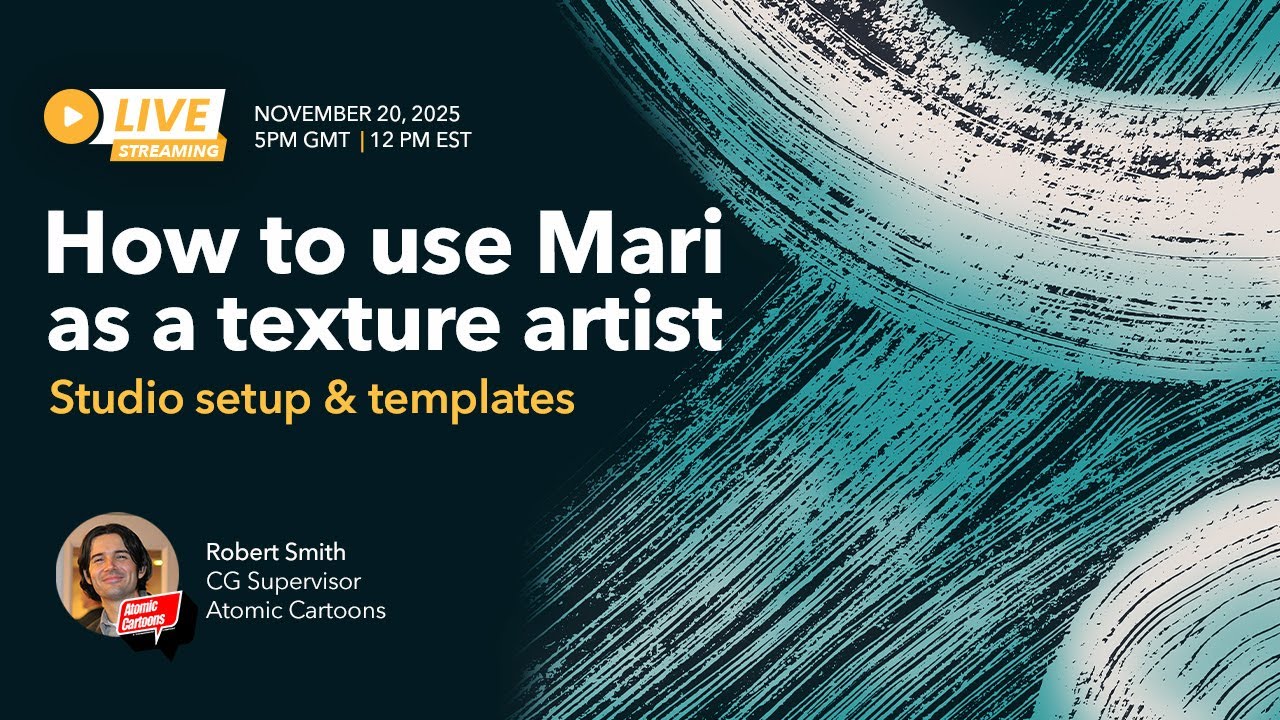
How to use Mari as a texture artist: Studio setup & templates
Автор: Foundry
Загружено: 2025-11-20
Просмотров: 1214
Learn how texture artists who are new to Mari can get started in production and get tips on how to set-up for success.
Robert Smith, CG Supervisor at Atomic Cartoons, walks you through the studio’s process for setting up a Mari studio template. He talks about why this is important for ensuring consistency across all shows and artists, from texture naming convention, to lookdev environment and workflows. See how the node system can be used to quickly generate all necessary channels from the diffuse channel, and how the PxrSurface shader in Mari helps you visualize your textures during lookdev, as close to a 1:1 match as possible, so you know what exactly how they’ll look in the final render.
Whether you’re new to Mari or an aspiring studio artist wanting to expand your texture knowledge, you’ll get a clear picture of how to start as a texture artist on animation productions.
About Us:
Foundry creates award-winning creative software so global studios can turn incredible ideas into reality.
Subscribe to our channel and get the latest news, tutorials, webinars and updates from the Foundry team.
0:00 Intro
5:08 Start here
8:45 UV layouts in texturing
13:05 Mari templates in a studio pipeline
44:03 Using an oil procedural
Доступные форматы для скачивания:
Скачать видео mp4
-
Информация по загрузке: