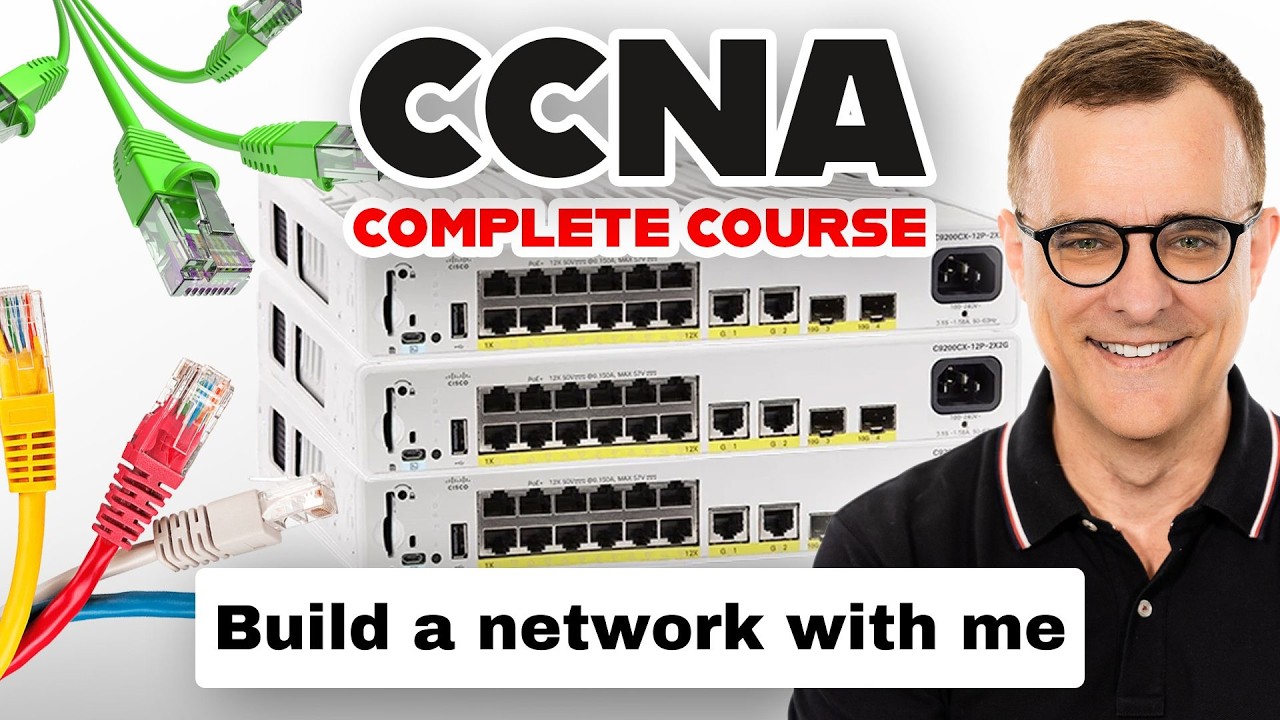
New to Switching Part 1? This Video Is Your Perfect Starting Point
Автор: ER Abhishek Anand (Free Network +Security Channel)
Загружено: 2026-01-19
Просмотров: 19
A network switch is a Layer-2 device used to connect devices within a Local Area Network (LAN).
Switches forward traffic using MAC addresses, not IP addresses.
Each device connected to a switch has a unique MAC address burned into its NIC.
The switch learns MAC addresses by examining the source MAC of incoming frames.
Learned MAC addresses are stored in a table called the MAC Address Table (CAM Table).
The CAM table maps MAC address → switch port.
When a frame arrives, the switch checks the destination MAC address.
If the destination MAC is known, the frame is forwarded only to that specific port.
This process is called unicast forwarding.
If the destination MAC is unknown, the switch floods the frame to all ports except the source port.
Flooding occurs for unknown unicast, broadcast, and multicast traffic.
A broadcast frame has destination MAC FF:FF:FF:FF:FF:FF.
ARP requests are common examples of broadcast traffic.
Switches break up collision domains but not broadcast domains by default.
Each switch port creates a separate collision domain.
By default, all switch ports belong to VLAN 1.
A VLAN (Virtual LAN) logically separates devices into different networks.
VLANs help reduce broadcast traffic and improve security.
Devices in different VLANs cannot communicate without Layer-3 routing.
Switch ports can operate in Access mode or Trunk mode.
Access ports carry traffic for only one VLAN.
End devices like PCs and printers connect to access ports.
Trunk ports carry traffic for multiple VLANs.
Trunks use VLAN tagging, most commonly IEEE 802.1Q.
The VLAN ID is added to the Ethernet frame in trunk links.
Trunks are typically used between switches or switch-router links.
A switch can have multiple VLANs configured simultaneously.
Each VLAN is a separate broadcast domain.
Inter-VLAN communication requires a router or Layer-3 switch.
PoE supplies power to devices like IP phones and access points.
Switches maintain MAC entries for a limited time.
The default MAC aging time is typically 300 seconds.
If a MAC is not seen, it is removed from the table.
This allows the switch to relearn moved devices.
Switches operate at Layer 2 of the OSI model.
Frames contain source MAC, destination MAC, and payload.
Switches do not change IP addresses in frames.
Switches provide high-speed internal forwarding using ASICs.
Enterprise switches support redundancy and high availability.
Stackable switches act as a single logical switch.
Switch management is done using CLI, GUI, or SNMP.
Cisco switches use IOS for configuration.
Basic commands help configure VLANs and ports.
Switches can have a management IP address for remote access.
Management IP is usually configured on a VLAN interface.
SSH is preferred over Telnet for secure access.
Switches log events and errors for troubleshooting.
LED indicators show port status and activity.
Switches are the backbone of enterprise LANs.
Proper switching design improves performance and stability.
Understanding switching is essential for CCNA and CCNP exams.
Switching concepts are heavily tested in practical scenarios.
VLANs and trunks are core exam topics.
STP and port security are critical for real networks.
Switching knowledge is required before learning routing.
Real-world networks rely heavily on switching efficiency.
Poor switching design can bring down an entire network.
Mastering basics makes advanced topics easier.
Switching is the foundation of network engineering.
Every network engineer must understand switching deeply.
Start with MAC learning and forwarding logic.
Then move to VLANs and trunking.
Learn STP to avoid loops.
Practice configurations in labs.
Understand real-world troubleshooting scenarios.
Use packet captures to see frame behavior.
Always think in terms of broadcast domains.
Switching is simple once concepts are clear.
Avoid memorization, focus on understanding.
Build strong fundamentals before advanced topics.
Switching knowledge helps in wireless networks too.
Data centers depend heavily on switching.
Cloud networking still relies on switching concepts.
Exams test logic, not commands only.
Clear fundamentals reduce confusion.
Practice daily to build confidence.
Switching is not difficult when taught correctly.
This is why learning from scratch is important.
Strong switching = strong networking career.
Master switching basics to succeed in CCNA and CCNP.

Доступные форматы для скачивания:
Скачать видео mp4
-
Информация по загрузке: