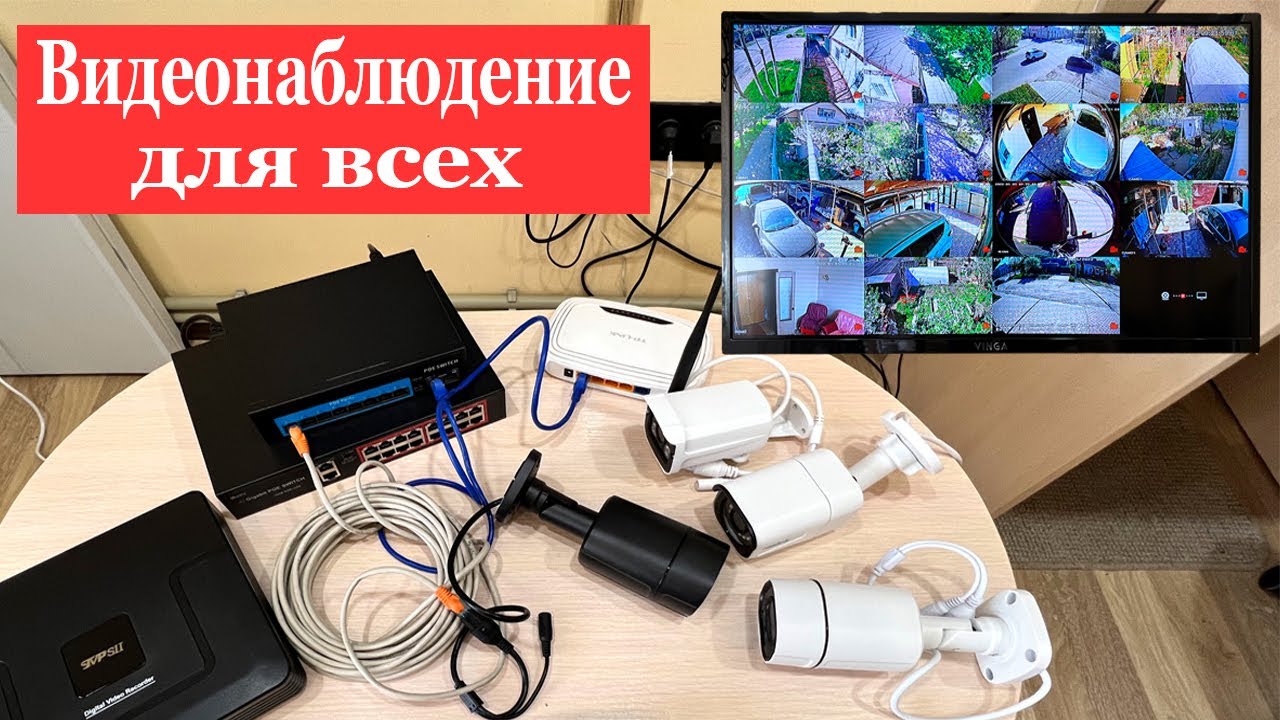
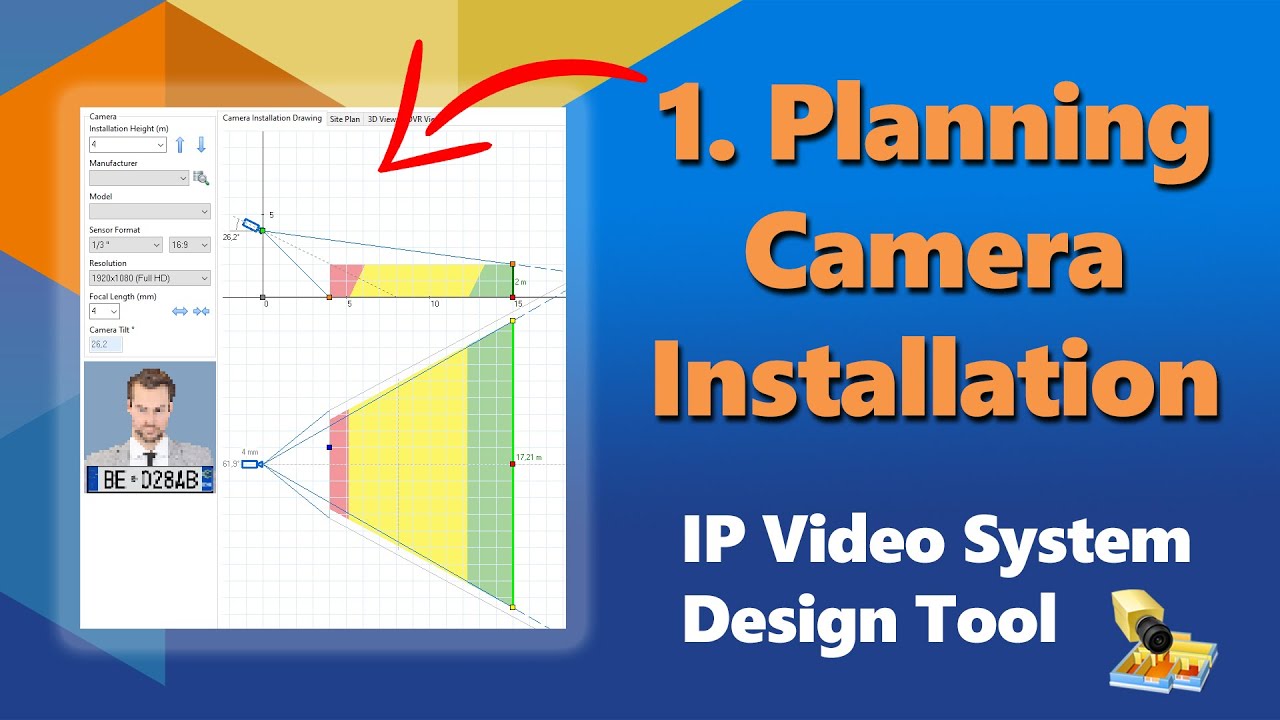
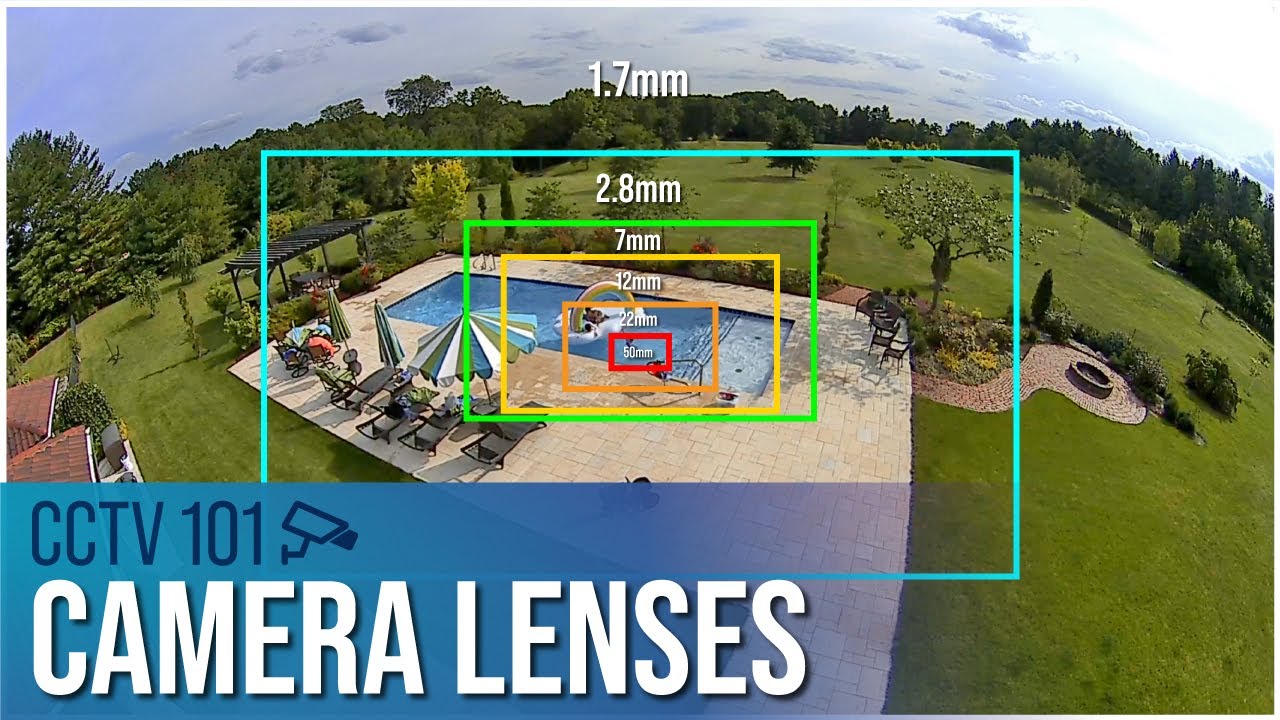
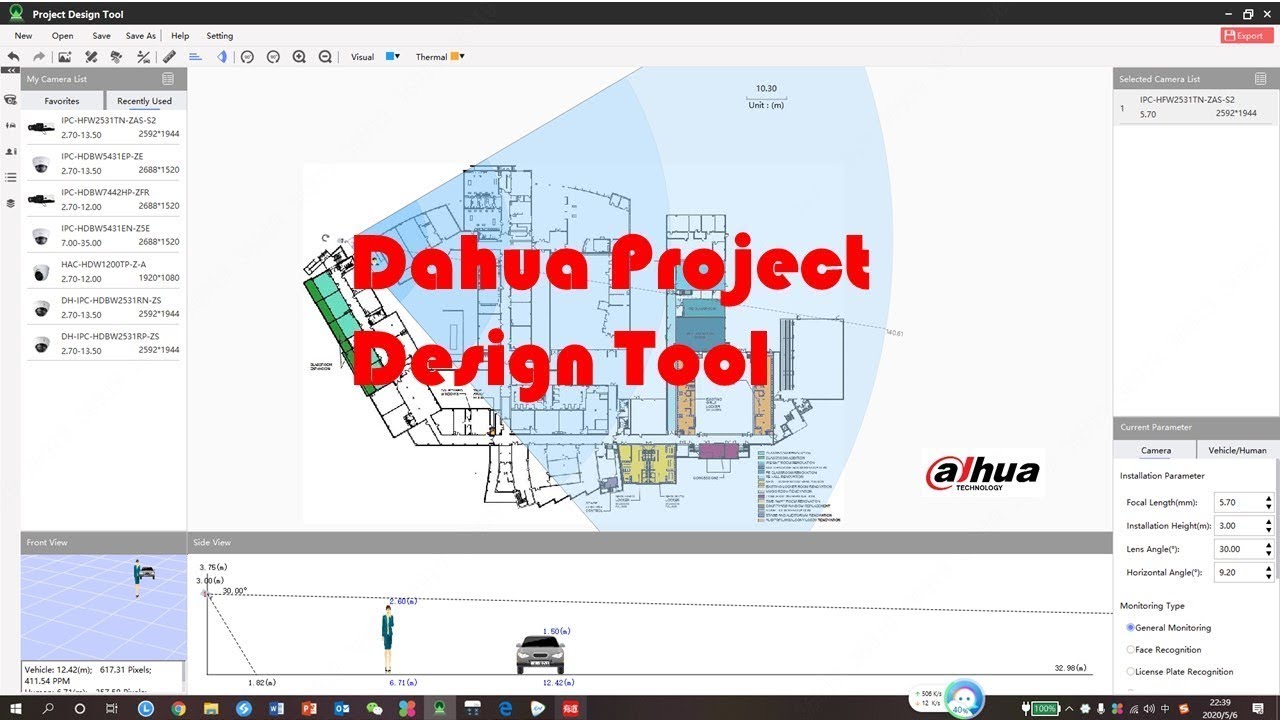
How to Design Video Surveillance System. Part 3 - site plan and camera positions
Автор: JVSG - video surveillance design apps
Загружено: 2019-06-04
Просмотров: 38180
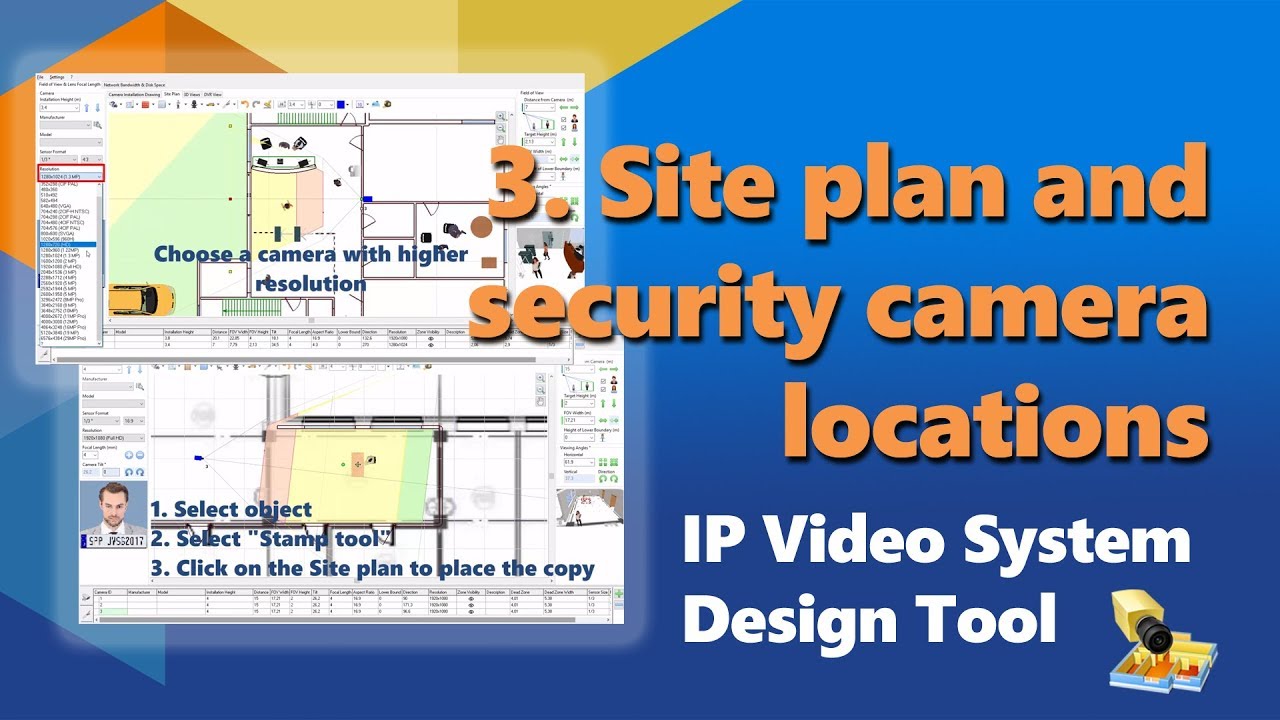
Part 3: How to design CCTV camera systems using IP Video System Design Tool (https://www.jvsg.com/?r=n3 ) and to find optimal camera locations.
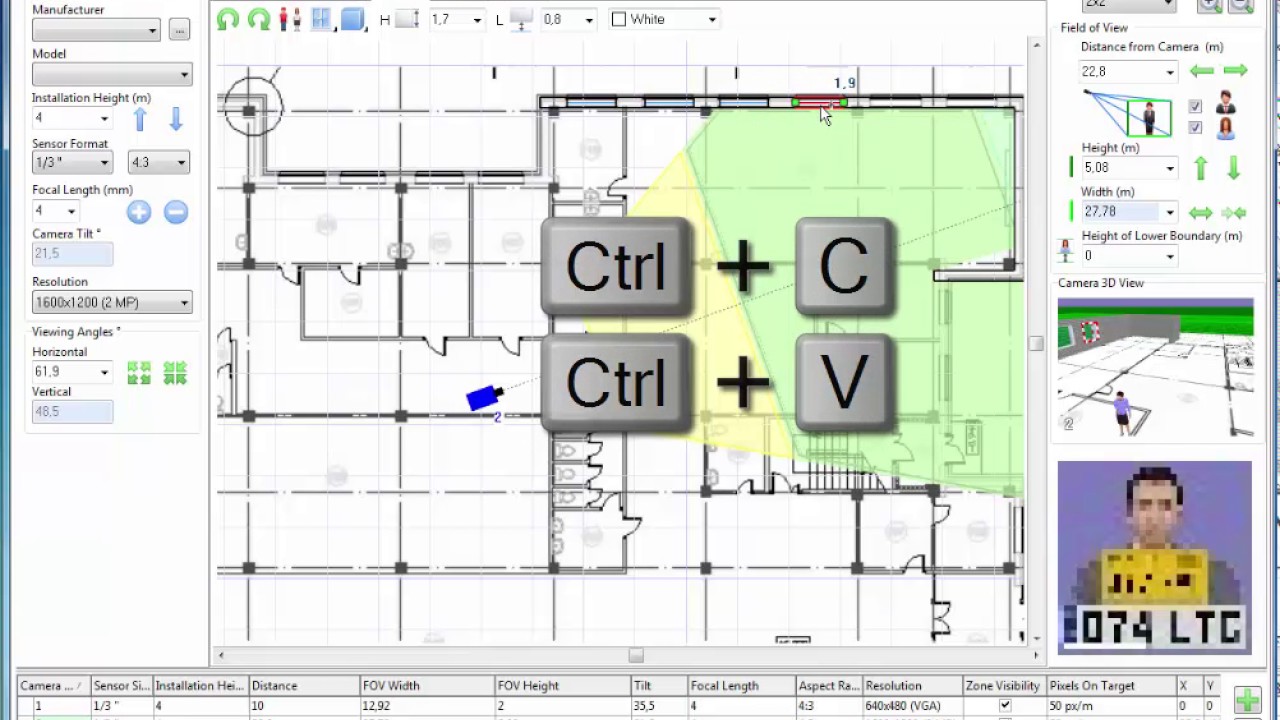
1. Import a site plan or a floor plan (jpeg, png, pdf, AutoCAD dwg)
2. Add security cameras
3. Check camera coverage and camera zones: detection, observation, recognition, identification based on pixels per meter or Pixels Per Foot..
4. Add obstacles: walls, doors, windows, 3D models of people, stairs, e.t.c
5. Find optimal camera locations, camera resolution and camera height.
Next video:
Part 4: Camera View simulation (3D View Tab):
• How To Design Security Camera System. Part...
Part 5: Bandwidth and storage space calculator:
• CCTV Design Software Part 5: bandwidth an...
Part 6: Import of user 3D Models (.obj, .dae)
• How to import user 3D models into IP Video...
Part 1: More about focal length, camera angles:
• How to design CCTV system. Part1: Camera I...
Part 2: Camera Zones, DORI zones (Detection, Observation, ,Recognition, Identification) and EU/IEC standard EN62676-4:
• How to design Video Surveillance System. P...
You can find video tutorial in other languages: German, French, Spanish, Italian, Portuguese:
/ ipica
Доступные форматы для скачивания:
Скачать видео mp4
-
Информация по загрузке: