What is Windows Failover Cluster How Windows Failover Cluster Works | Windows Server
Автор: Skill Set with Shehzad
Загружено: 2022-06-02
Просмотров: 11026
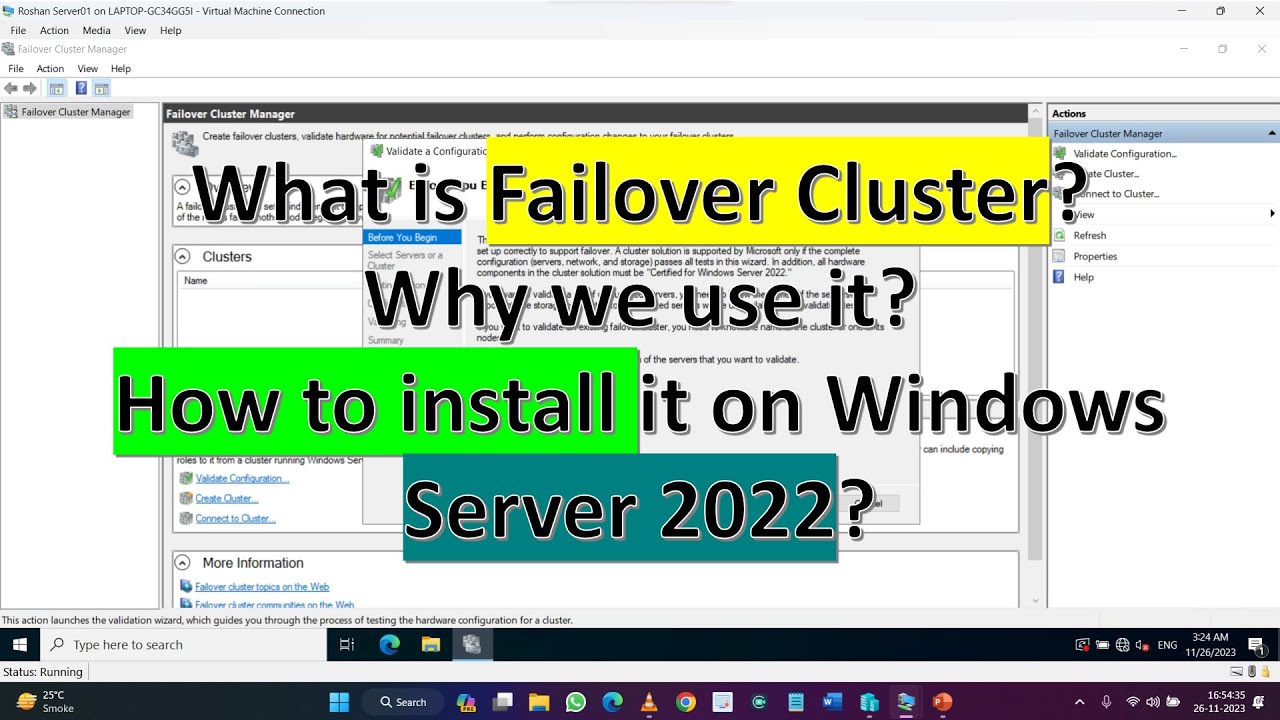
In this video we will learn What is Windows Failover Cluster How Windows Failover Cluster Works
This is a conceptual video regarding Windows Failover Cluster and it is in Hindi languge, This video also in Urdu language.
Windows Server Failover Clustering (WSFC)
What is Windows Server Failover Clustering (WSFC)?
Windows Server Failover Clustering (WSFC) -- a feature of Microsoft Windows Server operating system for fault tolerance and high availability (HA) of applications and services -- enables several computers to host a service, and if one has a fault, the remaining computers automatically take over the hosting of the service. It is included with Windows Server 2022, Windows Server 2019, Windows Server 2016 and Azure Stack HCI.
In WSFC, each individual server is called a node. The nodes can be physical computers or virtual machines, and are connected through physical connections and through software. Two or more nodes are combined to form a cluster, which hosts the service. The cluster and nodes are constantly monitored for faults. If a fault is detected, the nodes with issues are removed from the cluster and the services may be restarted or moved to another node.
Capabilities of Windows Server Failover Clustering (WSFC)
Windows Server Failover Cluster performs several functions, including:
• Unified cluster management.
• Resource management.
• Health monitoring.
• Automatic and manual failover.
Common applications that use WSFC
A number of different applications can use WSFC, including:
• Database Server
• Windows Distributed File System (NFS) Namespace Server
• File Server
• Hyper-V
• Microsoft Exchange Server
• Microsoft SQL Server
• Namespace Server
• Windows Internet Name Server
WSFC voting, quorum and witnesses
WSFC uses a voting system with quorum to determine failover and to prevent a split-brain condition. In the cluster, the quorum is defined as half of the total nodes. After a fault, the nodes vote to stay online. If less than the quorum amount votes yes, those nodes are removed. For example, a cluster of five nodes has a fault, causing three to stay in communication in one segment and two in the other. The group of three will have the quorum and stay online, while the other two will not have a quorum and will go offline.
A dynamic quorum allows the number of votes to constitute a quorum to adjust as faults occur. This way, as long as more than half of the nodes don't go offline at one time, the cluster will be able to continuously lose nodes without it going offline. This allows for a single node to run the services as the "last man standing."
Windows Server Failover Clustering and Microsoft SQL Server Always On
SQL Server Always On is a high-availability and disaster recovery product for Microsoft SQL server that takes advantage of WSFC. SQL Server Always On has two configurations that can be used separately or in tandem. Failover Cluster Instance (FCI) is a SQL Server instance that is installed across several nodes in a WSFC. Availability Group (AG) is a one or more databases that fail over together to replicated copies. Both register components with WSFC as cluster resources.
Windows Server Failover Clustering Setup Steps
See Microsoft for full documentation on how to deploy a failover cluster using WSFC.
• Verify prerequisites
o All nodes on same Windows Server version
o All nodes using supported hardware
o All nodes are members of the same Active Directory domain
• Install the Failover Clustering feature using Windows Server Manager add Roles and Features
• Validate the failover cluster configuration
• Create the failover cluster in server manager
• Create the cluster roles and services using Microsoft Failover Cluster Manager (MSFCM)
Video Title:-
What is Windows Failover Cluster How Windows Failover Cluster Works
Tags:-
#cluster #WindowsFailoverCluster #WindowsClusterService
#whatisWindowsFailoverCluster #windowsFailoverCluster #WindowsRedundancy #WindowsHighAvailability #windowHA #highavailability #windowsserver
#windowstutorials #windowclusterconfiguration #windowsserver2019 #windowsserver2022 #windowsserver2016
windows server,
active directory,
remote desktop services,
rdp server,
windows active directory,
windows server 2019 datacenter,
sftp server windows,
windows ftp server,
windows 2019 server,
free rdp server,
windows server 2019 price,

Доступные форматы для скачивания:
Скачать видео mp4
-
Информация по загрузке:






![Microsoft Clustering Services [Failover cluster]](https://imager.clipsaver.ru/j31-6y0s6Sk/max.jpg)