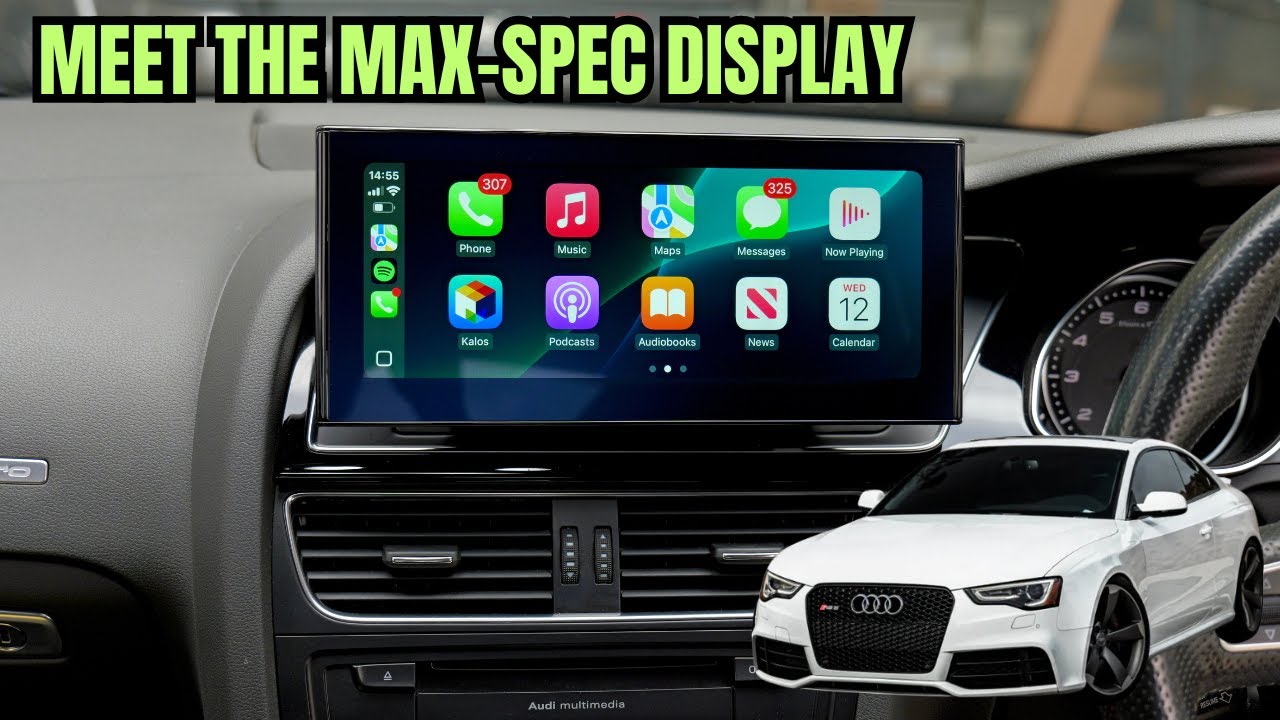
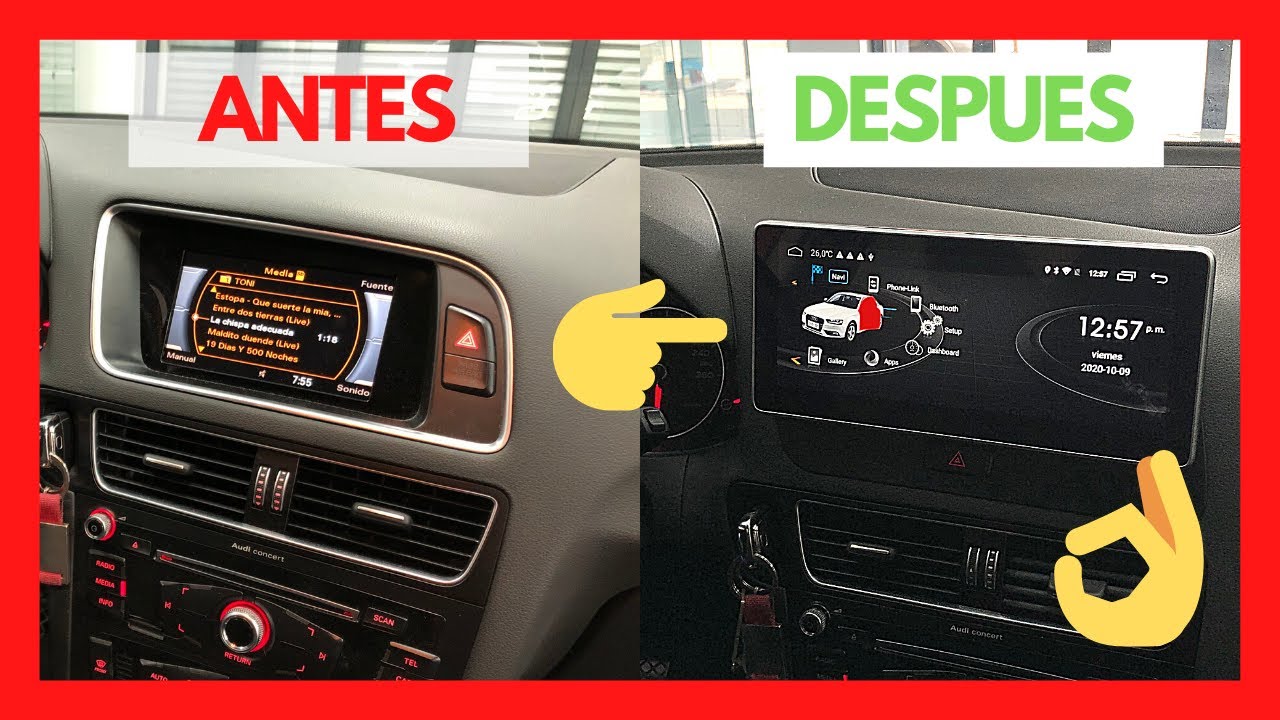
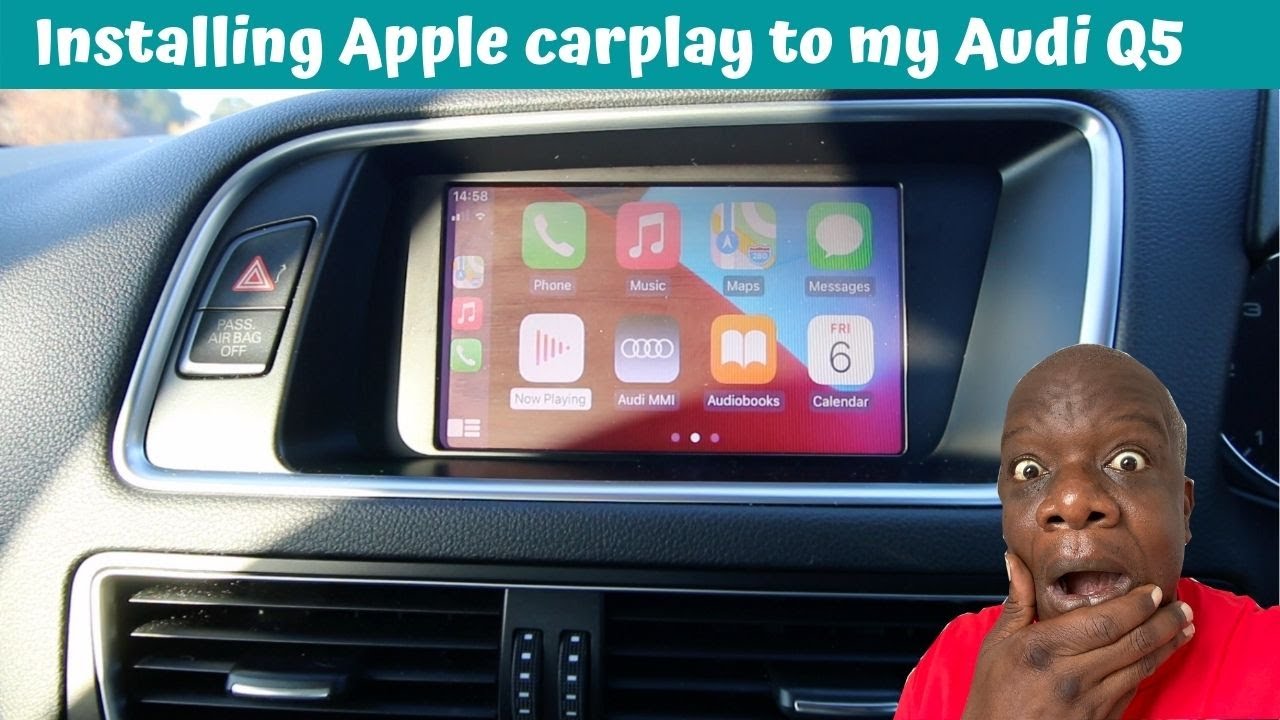
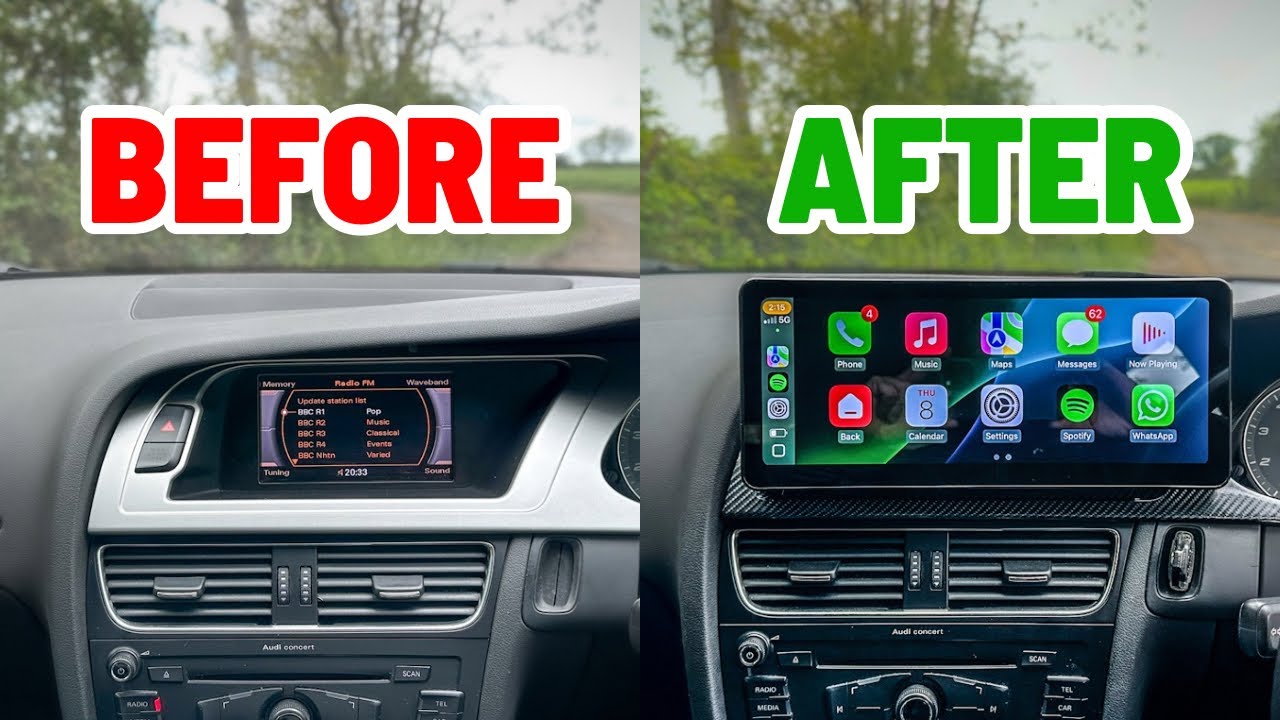
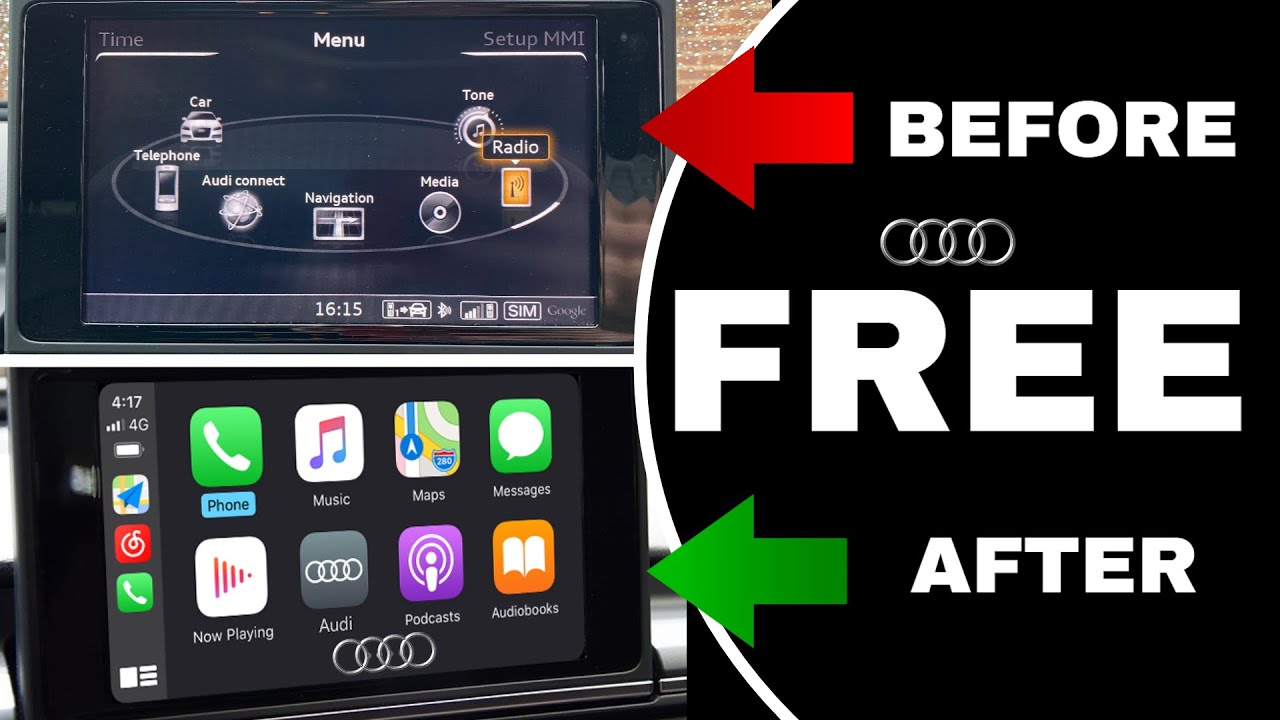
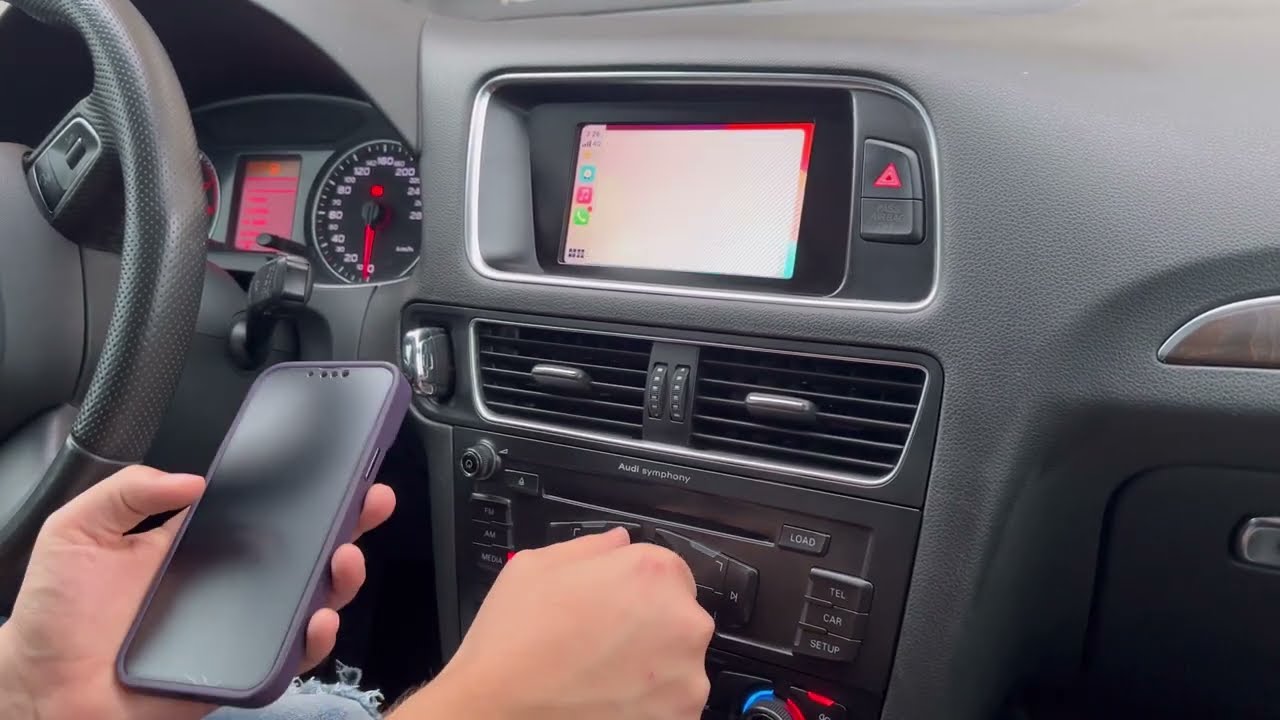
How to Install CARPLAY in Audi Q5 2010, 2011, 2012, 2013, 2014, 2015, 2016, 2017
Автор: UNAVI CarPlay & Dash Cam
Загружено: 2023-01-30
Просмотров: 127550
[ATTENTION CUSTOMERS] These installation videos are intended for promotional use only. Please refer to the documentation included in the kit instead.
⚡LIMITED TIME ONLY!⚡
https://unavi-usa.com/pages/unavi-lim...
For Audi Q5 2010, 2011, 2012, 2013, 2014, 2015, 2016, 2017
How to Install UNAVI Wireless Apple CarPlay / Android Auto
UNAVI SKU being installed: ZSTAWAU09Q
00:08 Shift to neutral and remove AC control panel
01:13 Pull the MMI radio unit forward
01:40 Disconnect the OEM LVDS and the OEM radio harness
02:20 Connect the CarPlay radio harness
03:31 Route and connect the CarPlay AC harness connector
04:40 Connect the CarPlay LVDS cable
05:39 Splice the audio ground wires
06:14 Route the CarPlay USB cable
06:54 Mount the Wi-Fi antenna
07:19 Configure the dipswitches
08:00 Connect the CarPlay cables to the CarPlay
09:29 Position the CarPlay Module
10:09 Connect the CarPlay harness to AC control panel
10:22 Connect the CarPlay AMI cable
10:51 Test CarPlay functions
For reference purposes only. Please seek professional installation consultation for additional information.
Unavi CarPlay system for AUDI 3G MMI+ is compatible with below:
2010~2016 Audi A4 / Audi S4 ( 8K )
2010~2015 Audi A5 / Audi S5 ( 8T )
2010~2017 Audi Q5 ( 8R )
For questions about installation, please text 714-643-5704 (text-only line).
Get an Apple CarPlay upgrade with true OEM integration – our aftermarket CarPlay installation delivers an OEM integrated, OEM style CarPlay retrofit with a seamless install that adds CarPlay to your factory screen. Enjoy a wireless CarPlay module and a clean factory look, professionally installed for a factory-quality finish.
Visit www.unavi-usa.com for more information about adding and purchasing Android Auto / Apple CarPlay for your vehicle.
Доступные форматы для скачивания:
Скачать видео mp4
-
Информация по загрузке: