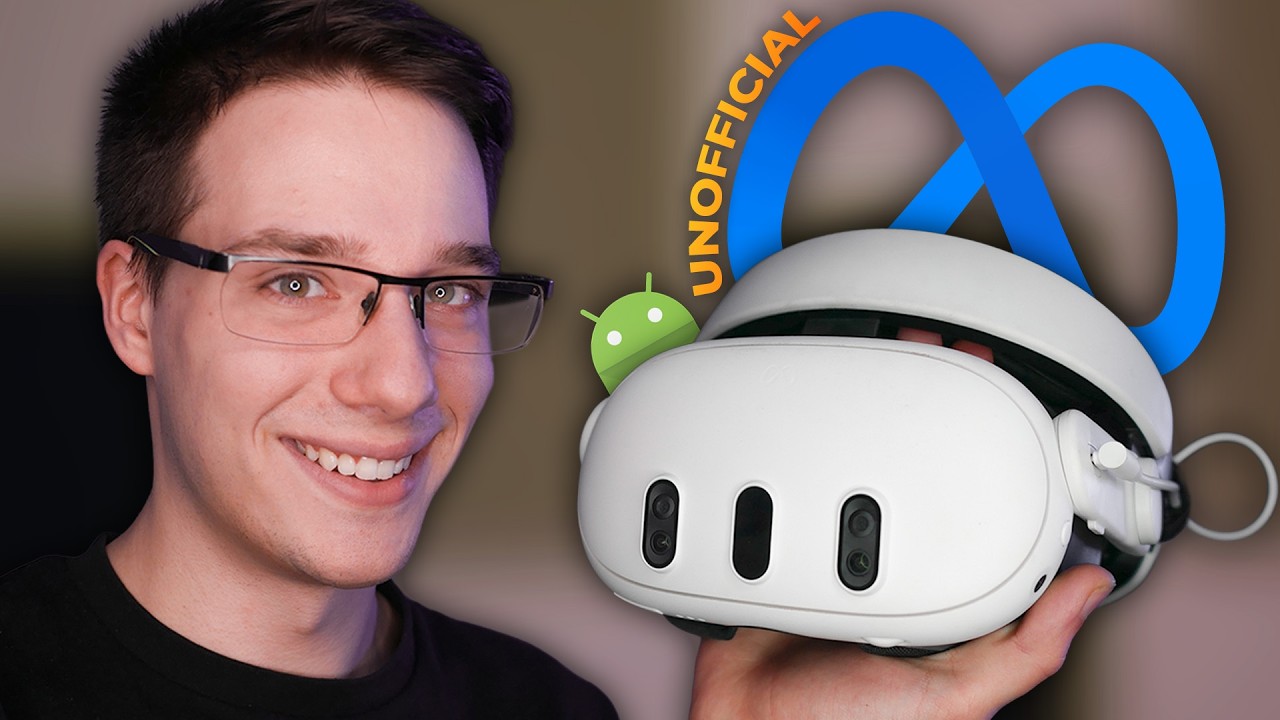
Outer Worlds Spacer's Choice Edition with UEVR [Archlinux + Meta Quest 3 via WiVRn]
Автор: Linux Games BR
Загружено: 2025-07-05
Просмотров: 166
This is Outer Worlds run in VR via UEVR. I used this plugin in UEVR for the controls and adjustments: https://github.com/gwizdek/OuterWorld...
Versions:
WiVRn v25.6.1
Mesa 25.1.4
kernel 6.15.4-273-tkg-eevdf
UEVR 1.05
To make it work:
install the game on Steam, run it once and configure on high or medium- download UEVR, uncompress it. Then copy its directory under the game prefix, e.g. cp -r uevr ~/.local/share/Steam/steamapps/compatdata/1622910/pfx/drive_c/
download the UEVR profile, a zip file. Don't uncompress nor rename it.
download .NET 6.0 from Microsoft's site and install it on the prefix, say .net is under /dados: PRESSURE_VESSEL_FILESYSTEMS_RW="/dados:/home" protontricks-launch --no-bwrap --appid 1920490 /dados/windowsdesktop-runtime-6.0.36-win-x64.exe (the PRESSURE_VESSEL_FILESYSTEMS_RW is needed so that proton can see the executable file)
if you used the variable, you might also want to use it on your steam launch options, so that the game can fully access all files: PRESSURE_VESSEL_FILESYSTEMS_RW="/dados:/home" %command%
run the game again. Then run the command for UEVRInjector: PRESSURE_VESSEL_FILESYSTEMS_RW="/dados:/home" protontricks-launch --no-bwrap --appid 1622910 ~/.local/share/Steam/steamapps/compatdata/1622910/pfx/drive_c/uevr/UEVRInjector.exe
go to "Import"- find the UEVR profile. Import the file. Quit the game and UEVR.
start wivrn, connect to it. Start the game. DON'T LOAD A SAVEGAME, for me it crashes every time if I inject after starting playing. I have to inject on the title screen.
Run UEVR again, then click on "Inject". The VR screen should go dark for a few seconds, then appear in all its glory. Click both thumbnails to close UEVR screen and start playing.
![Outer Worlds Spacer's Choice Edition with UEVR [Archlinux + Meta Quest 3 via WiVRn]](https://imager.clipsaver.ru/fIM_2x-u6nE/max.jpg)
Доступные форматы для скачивания:
Скачать видео mp4
-
Информация по загрузке:
![Still Wakes the Deep with UEVR mod [Archlinux + Meta Quest 3 via WiVRn]](https://imager.clipsaver.ru/g1IekDzeahE/max.jpg)
![Если вы не понимаете это, то вы не понимаете теорию эволюции [Veritasium]](https://imager.clipsaver.ru/Unxh6MnVIWc/max.jpg)

![Escape the Backrooms VR gameplay [Archlinux + Meta Quest 3 via Steam Link]](https://imager.clipsaver.ru/ngMGnHCCbq8/max.jpg)