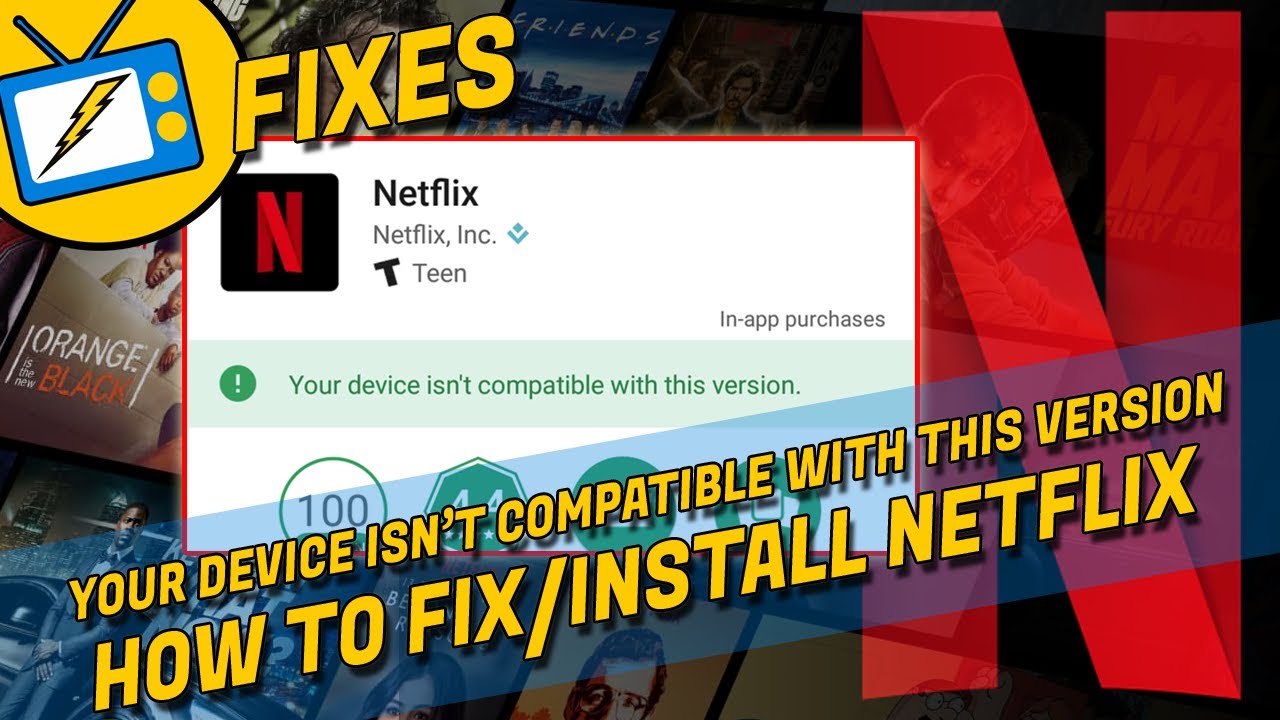
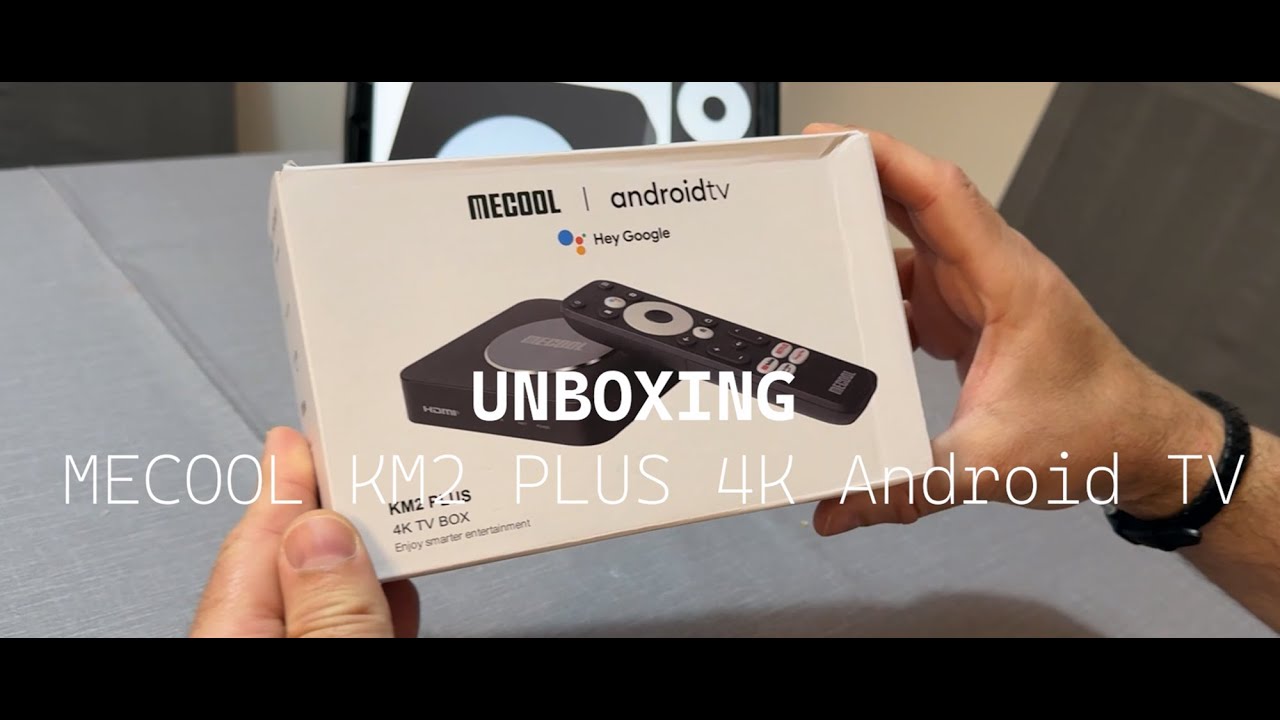
On MECOOL KD5 KD3 KM2 How to cast Netflix to the TV | MECOOL Tips
Автор: MECOOL-Official
Загружено: 2022-06-12
Просмотров: 1160
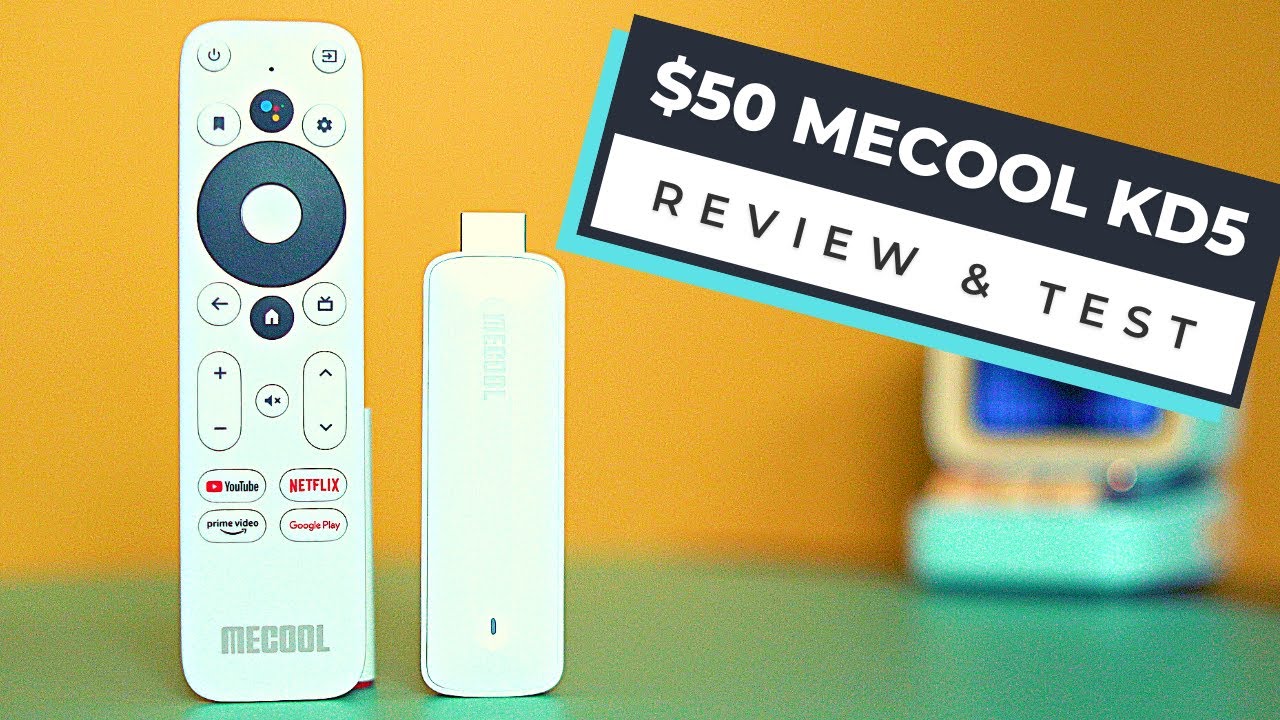
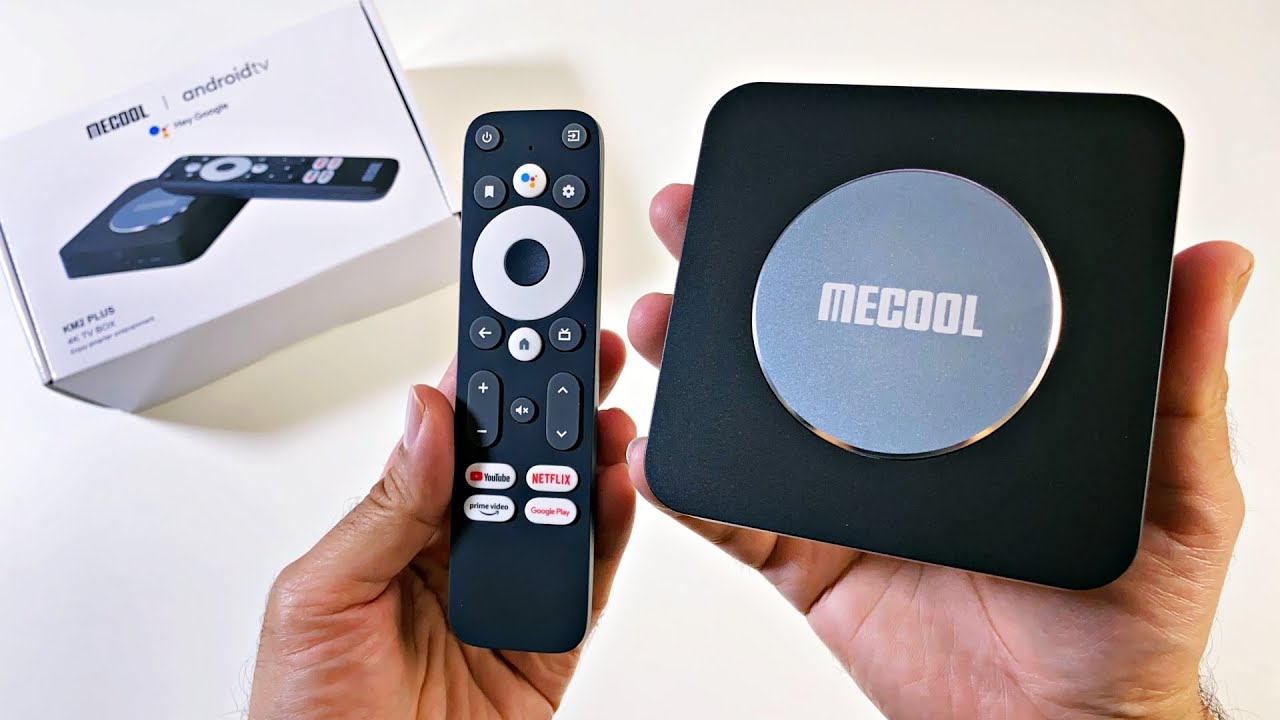
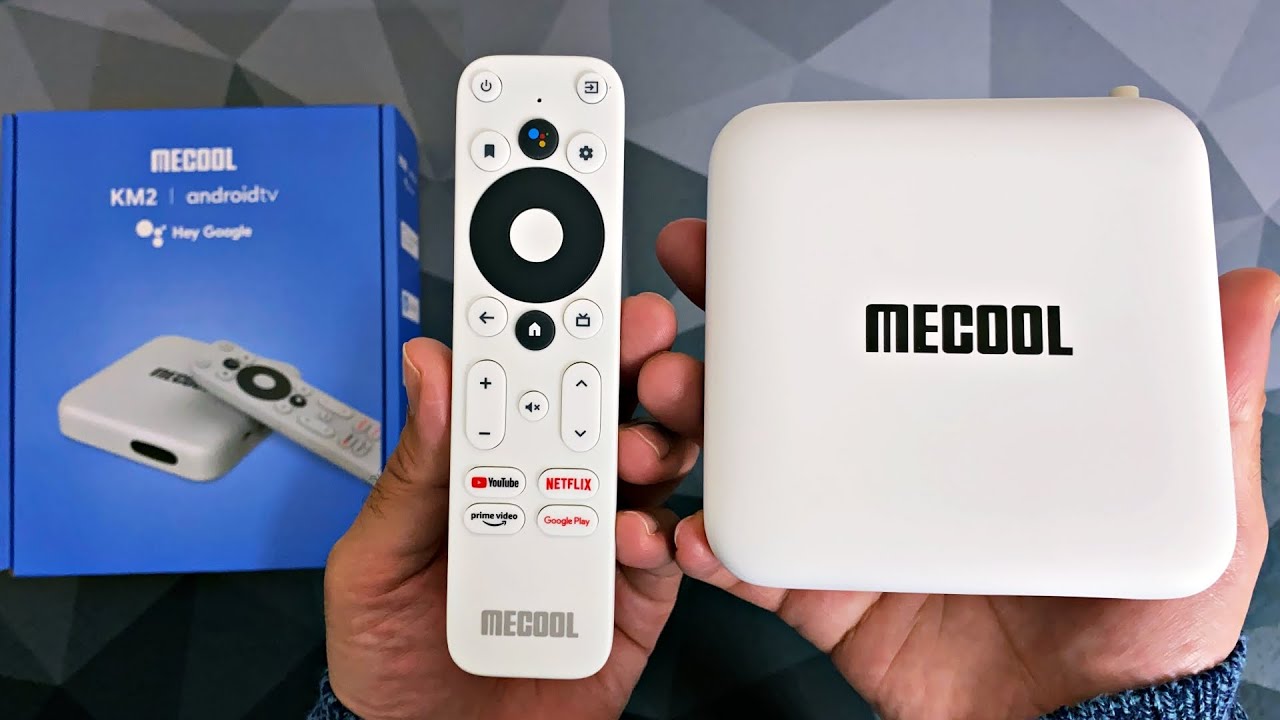
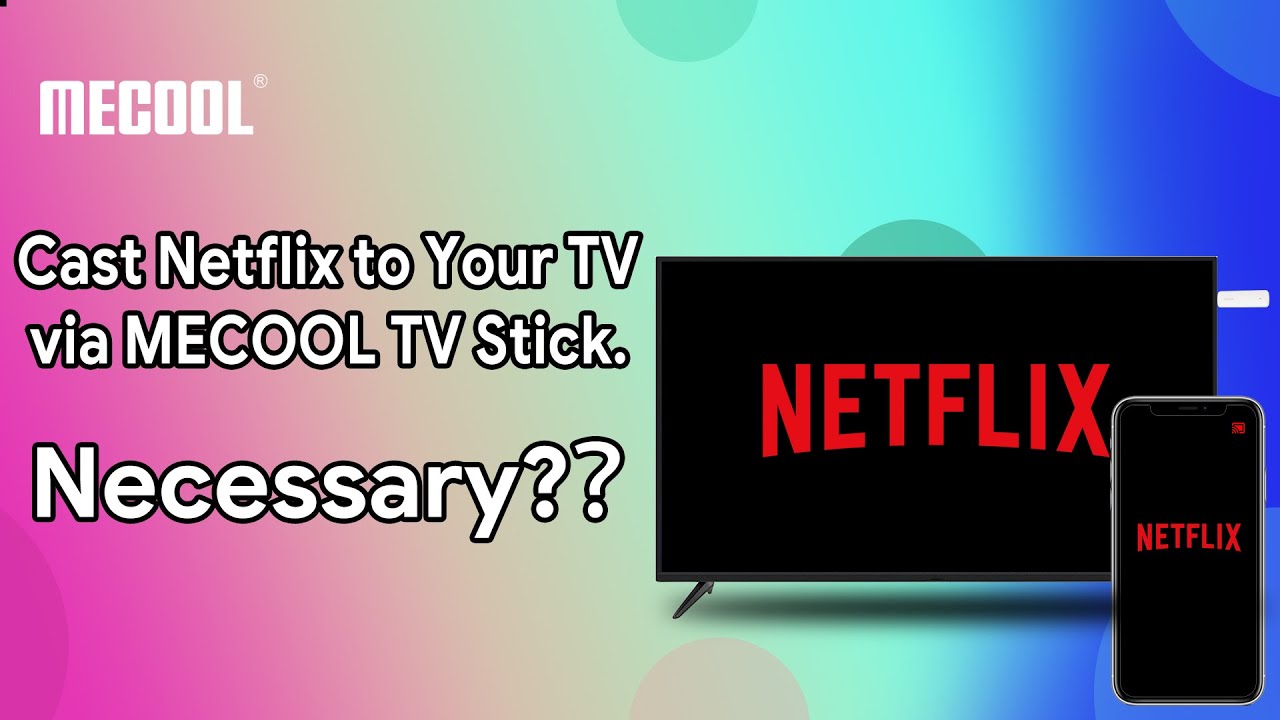
With MECOOL Netflix approved products #mecoolkm2 #mecoolkd3 #mecoolkd5, you could simply Log in your Netflix account and streaming . There is no need to cast Netflix from your phone to the TV.
Here's how to use MECOOL KD5 KD3 KM2 to cast Netflix to your TV from your Android or iOS phone.
One thing to mention: You need also log in your Netflix on device before the below steps:
1. On your mobile device, open the Netflix app and sign in.
2. In the upper or lower right corner of the screen, select Cast. .
3. Select the device you want to watch your TV show or movie on.
4. Select a TV show or movie and press Play.
Learn more about MECOOL products: https://bit.ly/3D0m874
Follow us on social media to keep in tuned:
MECOOL website: www.mecool.com
Facebook: / globalmecool
Twitter: / mecooltvbox
Instagram: https://www.instagram.com/
Tiktok: / mecool.official
Доступные форматы для скачивания:
Скачать видео mp4
-
Информация по загрузке: