Connecting a Remote Repository [Learn Git Video Course]
Автор: Tower
Загружено: 2020-06-24
Просмотров: 2106
Learn how you can connect to a remote repository. This video is part of our free 24-part video course on Learning Git on the Command Line.
Subscribe ► / @gittower
***************************************
Additional Git tutorials and resources
Learn Git on the Command Line: a free 24-part video course ► • What is Version Control? [Learn Git Video ...
Learn Git with Tower: • Learn Git with Tower
Surviving with Git: • Surviving with Git
More Productive in Git with Tower: • More Productive in Git with Tower
***************************************
Welcome to our video series on learning version control with Git. Today, you will learn how to connect a remote repository to a local one.
We need to talk about two different scenarios:
First: cloning a repository from a remote server. In that case, Git has automatically saved this connection for you. You'll have a properly set up remote called "origin". Exactly as with the "master" branch, the name "origin" for this remote is only a naming convention. It's just a normal remote repository connection like any other.
The other scenario is when you've started a new Git repository on your computer. In that case, of course, you'll have to explicitly add a remote connection. For example when you want to start sharing your code with your teammates. You will then create a blank remote repository on your server - and upload your project.
Let's see how this works in our video.
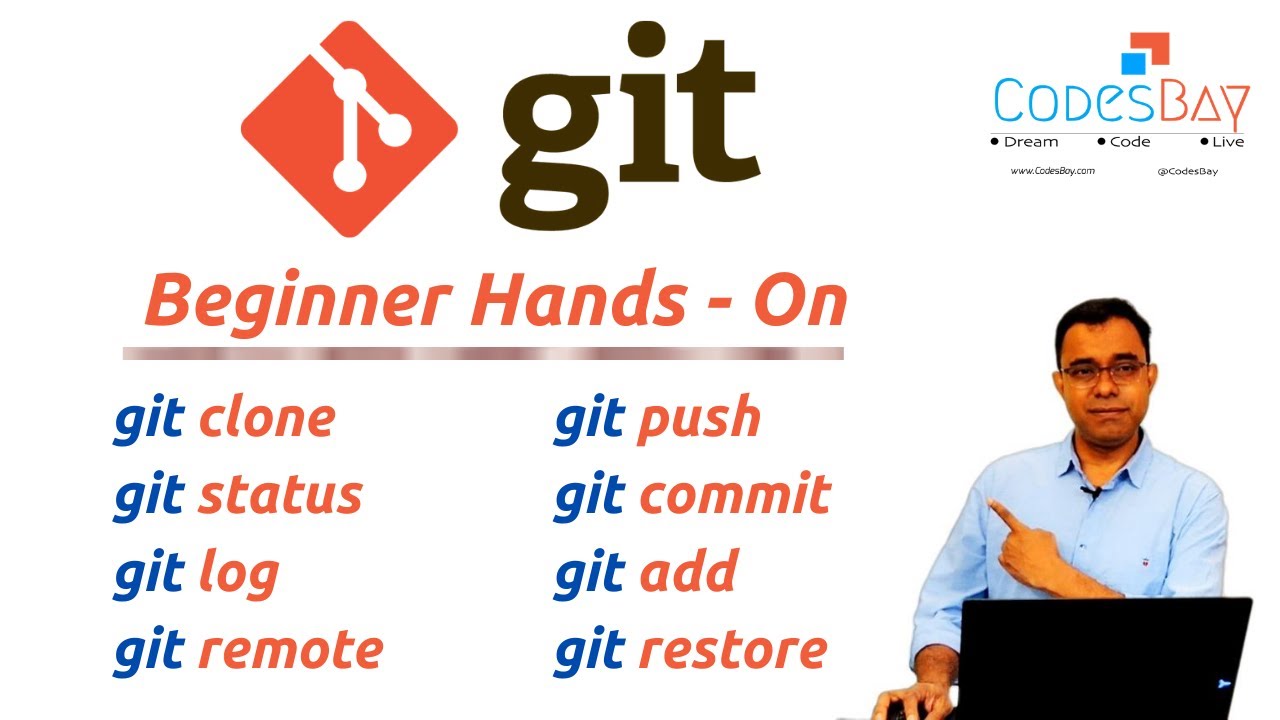
"git remote dash v" shows all connected remote repositories in that local project. In this case here, it shows an empty list. This is because I've started this as a new repository on my computer.
Let's say I already created a blank remote repository - and I now want to connect it with my local repository.
"git remote add" is the command we need. You have to provide a shortname for this connection and the URL of the remote repository. The shortname is very handy because it saves you from typing that long URL later all the time.
Use "git remote -v" again to see what this did. Note that we now get two lines in return - although we just added one remote connection. This is because you could (in theory) use different URLs for read and write access to the server. Also, note that you can connect as many remote repositories as you like. But in most cases - like in our course here - a single remote is what we want.
Well, fantastic. This is the basis for our next videos. See you there!
SUBSCRIBE to learn more about Git, Tower, and how to become a better developer!
/ @gittower
For more free ebooks, cheat sheets, and video tutorials make sure to check out our FREE learning platform!
https://www.git-tower.com/learn/
STAY UP-TO-DATE:
Tower: https://www.git-tower.com
YouTube: / @gittower
Twitter: / gittower
Facebook: / gittower
#git #learngit #gittutorial
![Connecting a Remote Repository [Learn Git Video Course]](https://imager.clipsaver.ru/fSH-_SmtHio/max.jpg)
Доступные форматы для скачивания:
Скачать видео mp4
-
Информация по загрузке:


![Sharing Data on a Remote Repository [Learn Git Video Course]](https://imager.clipsaver.ru/CO2DyHqyj9A/max.jpg)












![Branching Workflows [Learn Git Video Course]](https://imager.clipsaver.ru/QO_j3Izy_m0/max.jpg)
