Customise Xero Invoices Like a Pro – Make Them Stand Out!
Автор: Learn About Xero
Загружено: 2025-04-06
Просмотров: 8763
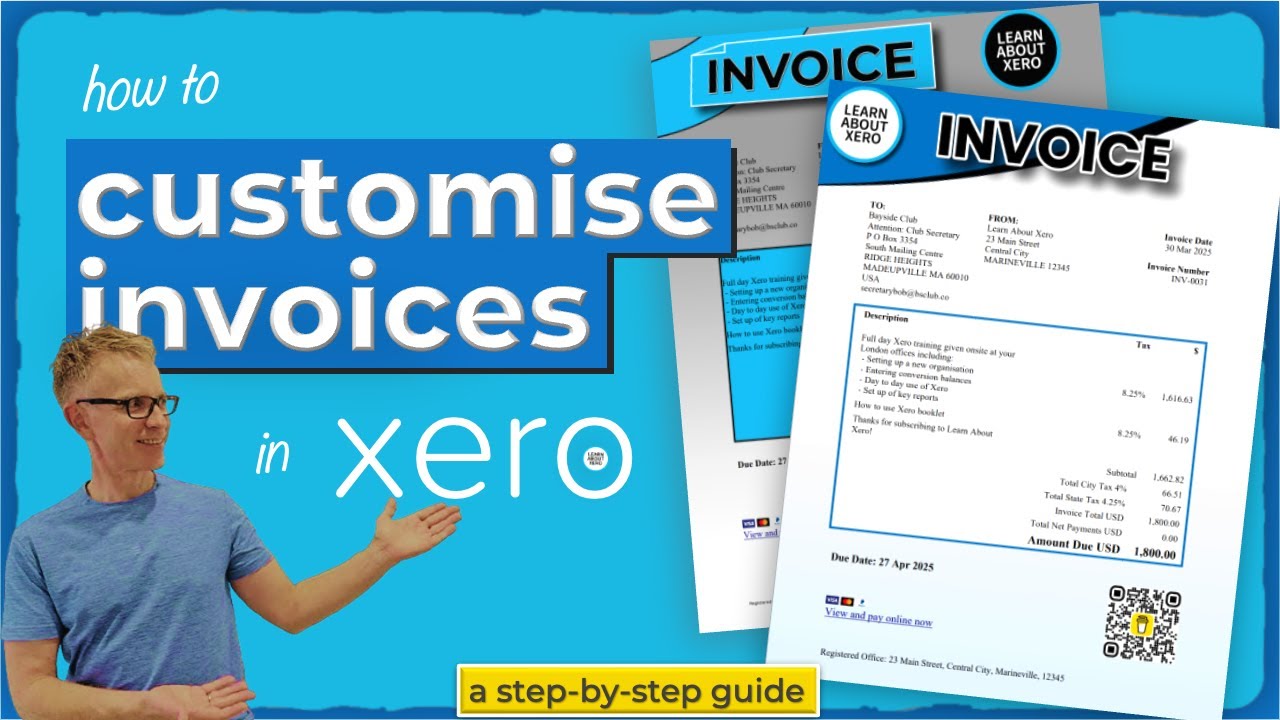
🚀 Want to make your Xero invoices stand out? Learn how to customise invoices in Xero. A step by step guide, including adding logos, fonts, colours, QR codes, and more! In this tutorial, we’ll explore two methods for customising your invoices:
✅ Standard Themes – A quick and easy way to brand your invoices
✅ Custom DOCX Templates – Unlock full design control for a truly professional look
🔹 Timestamps:
00:00 Make your invoices stand out
00:44 Create a standard invoice theme
03:52 Preview your invoice
05:38 Create a custom DOCX invoice theme
06:40 Understand the DOCX file
08:57 Change fonts
09:14 Edit text
09:34 Delete merge fields
10:14 Add a merge field
13:35 Edit a table
16:04 Add images to a Xero invoice
19:10 Add a shape
20:18 Add colour to a table
21:08 Add a QR code to an invoice
21:50 Change background colour
26:05 Set a default theme for new invoices
26:44 Add a payment service to a branding theme
27:48 Xero Invoicing playlist
💡 Why customise your invoices?
Build brand recognition with your logo & colors
Improve customer experience with clear, well-designed invoices
Add payment links & QR codes for faster payments
👉 Watch next: • Xero Invoicing & Quoting
💬 Have you customised your Xero invoices? Share your experience in the comments! Don’t forget to LIKE & SUBSCRIBE for more Xero tips. 🔔
#xero #invoices #docx
Доступные форматы для скачивания:
Скачать видео mp4
-
Информация по загрузке: