Cinema 4D Tutorial - Creating the Ghost in the Shell HUD Effect with Sketch & Toon
Автор: eyedesyn
Загружено: 2017-04-05
Просмотров: 117282
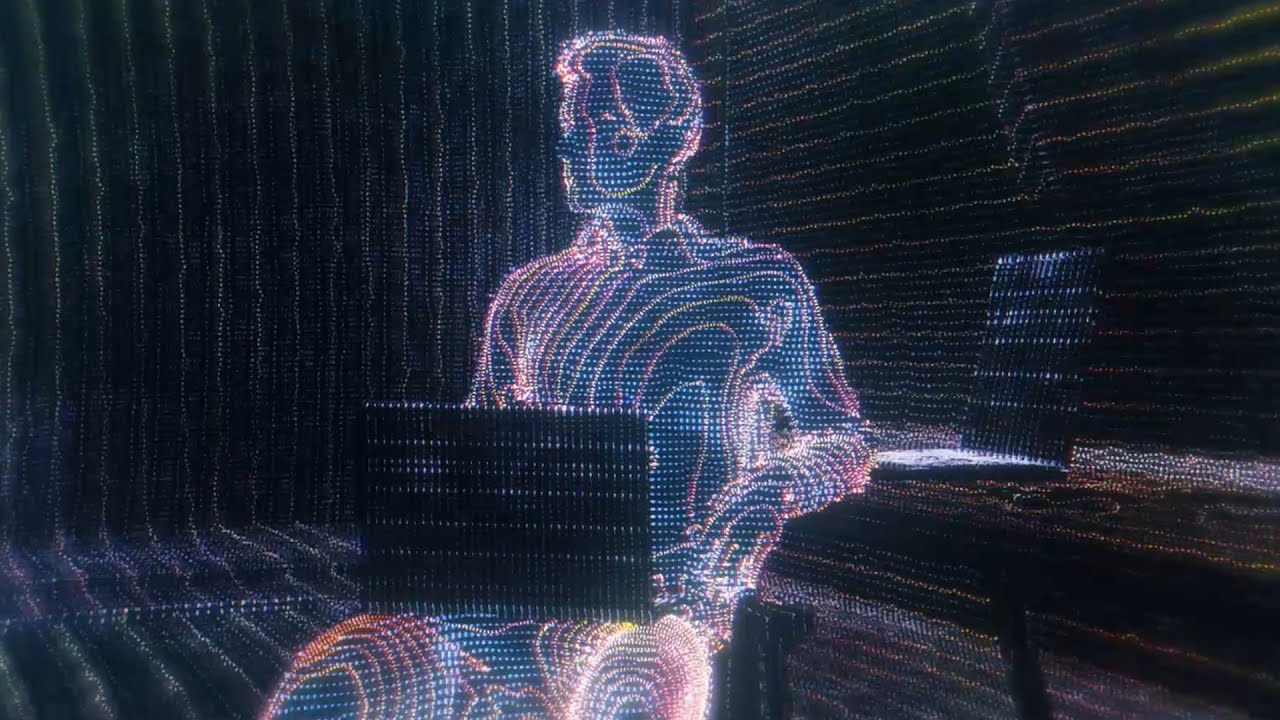
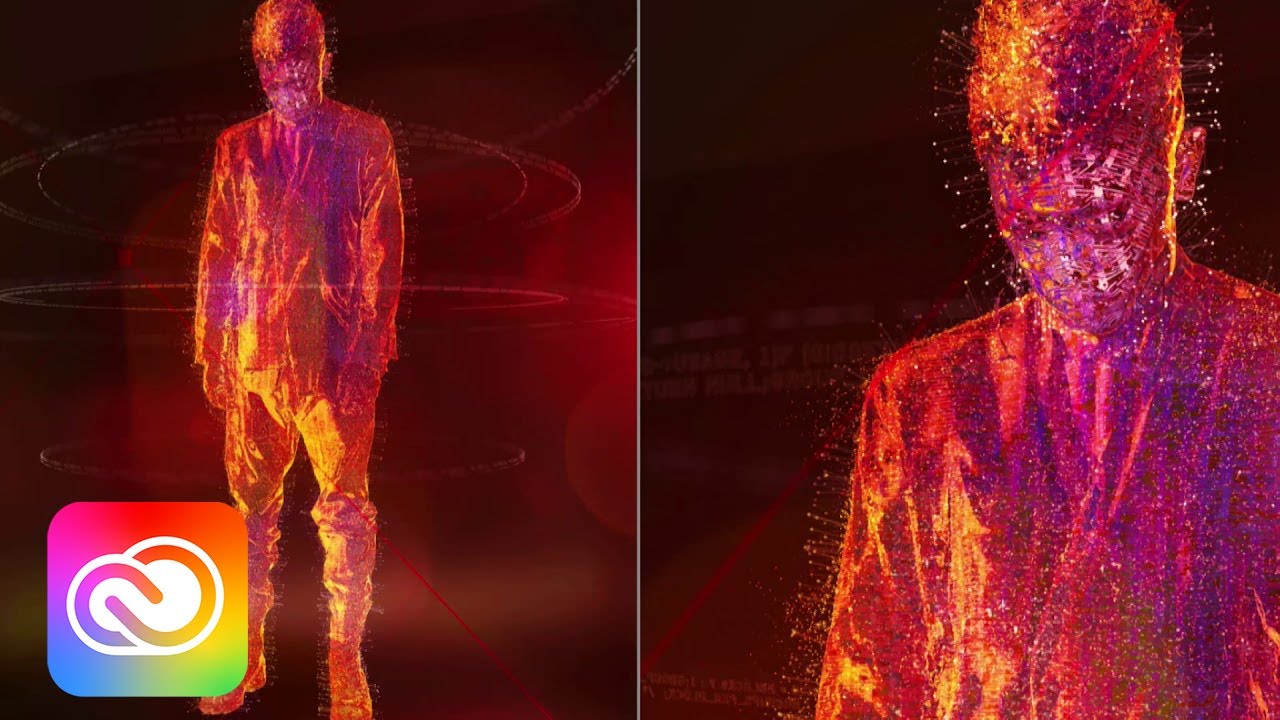
In this tutorial, you'll learn how to create a cool HUD scanline effect inspired by a scene in the live action Ghost in the Shell movie by using Cinema 4D's Sketch and Toon! Download project files: https://gum.co/dZKHm
Please LIKE and SUBSCRIBE if you enjoy this tutorial & check out more tutorials at http://www.eyedesyn.com
New to 3D? Watch my FREE Cinema 4D Lite for the 2D Animator series! http://eyedesyn.com/cinema4d-lite
Check out my Sketch & Toon tutorial playlist to learn more about Sketch & Toon!
• Learn Cinema 4D Sketch & Toon
Got an idea for a tutorial you'd like to see? Contact me here:
http://www.eyedesyn.com/contact/
Check out my other tutorials at http://www.eyedesyn.com
Creating the Ghost in the Shell HUD Effect with Sketch & Toon Topics Include:
• Covering Sketch & Toon effect basics
• Learning about the Contour Line type
• Using Patterned Lines to create dotted lines
• Covering Sketch Material options to create tech lines
• Using Sketch Style Tags to apply Sketch Materials to individual objects
• Using Material Selection Tags with Sketch Style Tags
• Compositing in After Effects to add Glows, Blurs & Color Correction
If you have any questions about Creating the Ghost in the Shell HUD Effect with Sketch & Toon in Cinema 4D , post them in the comments section! If you create any cool HUD effects using this technique, be sure to share it with me!
Share your work with me:
/ eyedesyn
/ eyedesyn
/ eyedesyn
Thanks for watching!
To get alerted for future live design casts & get sneak peeks at new tutorials before anyone else, sign up for the Eyedesyn Newsletter: bit.ly/1e22BRG
Доступные форматы для скачивания:
Скачать видео mp4
-
Информация по загрузке:


![Digital style & Cryptomatte | Cinema 4D + After Effects Tutorial | [RU]](https://imager.clipsaver.ru/EzL0n9kWHfU/max.jpg)