Scan NFC tags with Power Bi
Автор: Data Panda
Загружено: 2025-03-11
Просмотров: 474
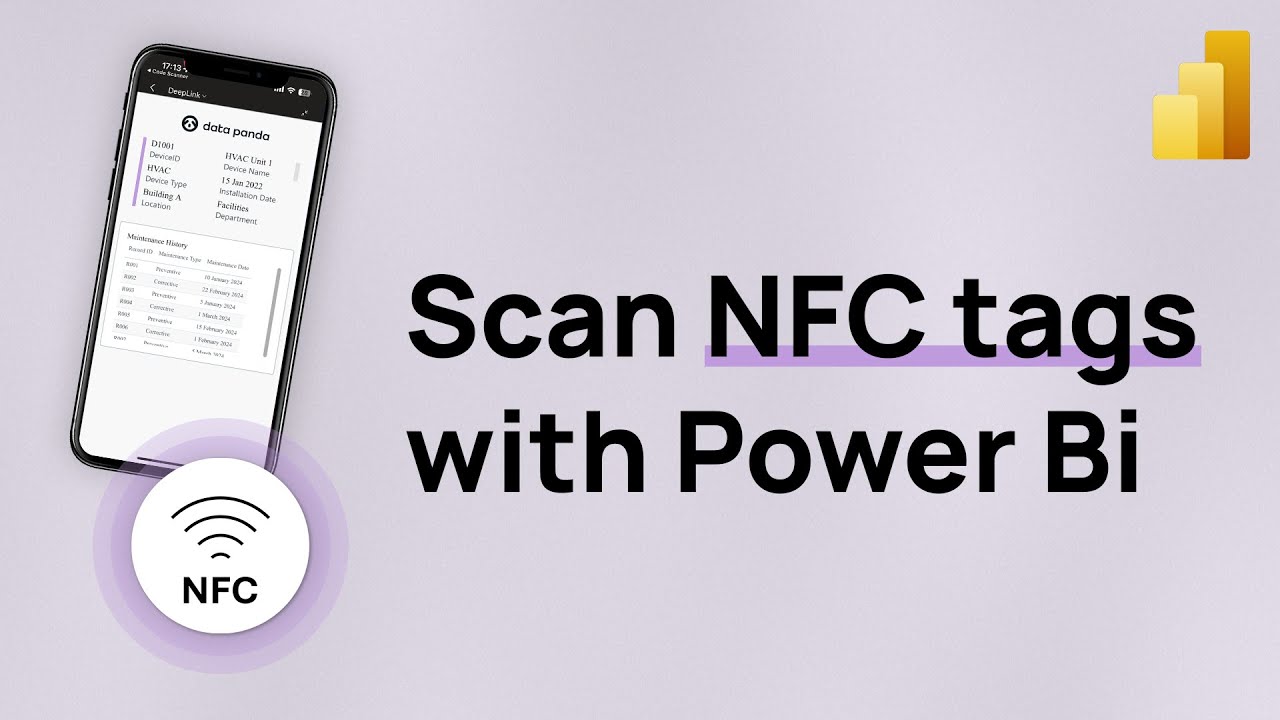
You can use NFC tags to automatically open a Power Bi report on your mobile phone or tablet.
00:00 Intro
00:12 Use Cases
00:57 Scanning NFC tags with Power Bi
01:37 Write NFC tags with the Power Bi mobile app
02:12 Types of NFC tags
03:12 Thoughts and recommendations
The form factor of the NFC tags is not so relevant. You can pick whichever shape or form that fits your use case. However, the type of NFC chip is important. You need to have a tag with sufficient storage capacity. The advised tag type is NTAG215. You can also use an NTAG216 but this will be more expensive and won't bring extra value. The NTAG213 will not work. If you try to scan this type of tag you'll get an error.
While it's very neat that we can write and encode NFC tags with the Power Bi mobile app it's not the most practical way in a real world scenario. Especially when you need to encode a lot of tags. In that case you can use deep linking to programmatically write the NFC tags.
More on deeplinking: • Deep Link Magic | Power Bi
NFC tags come with a cost. The cost of the tag, but also the cost of a NFC printer or writer. As an alternative you can also use QR codes and the deep linking capability.
More on using QR codes and Power Bi:
#powerbi #nfc
Доступные форматы для скачивания:
Скачать видео mp4
-
Информация по загрузке:





![Камеди клаб [НОВЫЙ 2026] [full HD] Сборник избранных смешных и юмористических эпизодов | часть 5](https://image.4k-video.ru/id-video/hFezUJlKMmM)



