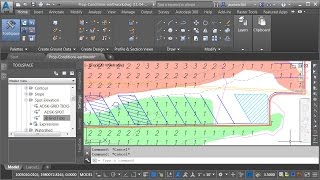
Civil 3D Canal Design: Create Profile with List Command (2% Slope)
Автор: Subhash chand Mahich
Загружено: 2025-05-21
Просмотров: 484
🌿 Civil 3D Canal Design – Part-3: Design Profile Creation Using LIST Command
In this video, we explain how to create a design profile for a canal using a 2% slope and the LIST command in Civil 3D.
This step is crucial for maintaining consistent slope in irrigation or drainage canal designs.
🔧 Steps Covered:
Draw a polyline on the surface profile view
Maintain 2% slope by snapping the polyline correctly
Copy polyline from base point and paste at X=0, Y=0
Use LIST command to extract coordinates
Copy X (horizontal distance) and Y (elevation) into Excel
Use Text to Columns to format data
Add starting elevation and calculate the design profile
Paste final data into Notepad and save as .txt
Return to Civil 3D and use Create Profile from File
🔁 Final profile follows the correct canal slope
✅ Perfect for:
Canal designers
Civil engineers
Civil 3D beginners
Infrastructure planners
👉 Subscribe for more step-by-step canal and Civil 3D tutorials!
#Civil3D
#CanalDesign
#ProfileDesign
#LISTCommand
#2PercentSlope
#CivilEngineering
#CanalProfile
#AutodeskCivil3D
#Civil3DTutorial
#IrrigationDesign
Civil 3D Canal Design, Profile Design Civil 3D, List Command Civil 3D, Canal Profile, Civil 3D 2 Percent Slope, Civil 3D Profile from File, Create Profile Civil 3D, Civil 3D Tutorial, Autodesk Civil 3D, Civil Engineering Design

Доступные форматы для скачивания:
Скачать видео mp4
-
Информация по загрузке:




![Excel и DeepSeek решат ВСЕ твои задачи за секунды! [Полный гайд]](https://ricktube.ru/thumbnail/1wuQdQ5QADw/mqdefault.jpg)


