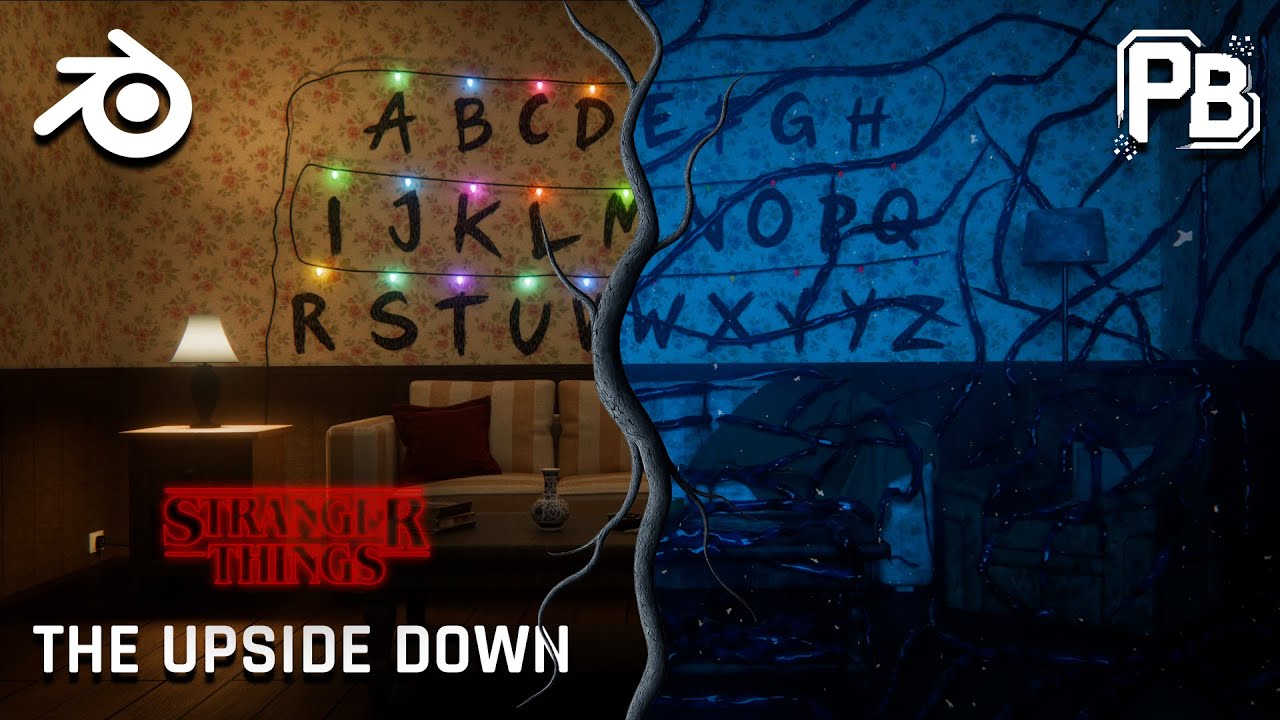
Turn Any Scene Into the Upside Down | Blender Tutorial
Автор: Pixel Bender
Загружено: 2025-12-10
Просмотров: 545
In this Blender tutorial, I show how to turn any scene into the Upside Down, inspired by Stranger Things.
This breakdown focuses on cinematic techniques for creating the Upside Down look — including lighting changes, material variation, volumetric fog, growing vines, floating ash particles, and subtle animation using noise.
Instead of overly complex setups, the goal is to focus on mood, atmosphere, and visual storytelling so the process stays flexible and reusable across different scenes.
Watch the full Short here - • Stranger Things - Where it all started
Topics covered in this video:
• Upside Down lighting setup in Blender
• Material roughness variation using noise textures
• Volumetric fog using textures and Color Ramps
• Creating and animating vines with curves and geometry nodes
• Floating ash particles for atmosphere
• Light flickering using the Graph Editor
Flickering Lights - • Flickering Lights in Blender!
Chapters
00:00 Intro
00:24 Scene Setup
01:05 Lighting
01:36 Materials
02:14 Fog
02:50 Vines
03:42 Growth Effect
04:02 Geo Nodes Displace Effect
05:03 Vines Material
05:26 Ash Particles
06:43 Flickering Lights
07:10 Final Render
07:25 Outro
Inspired by Stranger Things. Created in Blender.
#BlenderTutorial #UpsideDown #StrangerThings #Blender3D #Cinematic
Доступные форматы для скачивания:
Скачать видео mp4
-
Информация по загрузке: