How to Use PIXQUARE App for iPad | Easy Tutorial
Автор: UchiMama
Загружено: 2023-07-24
Просмотров: 23970
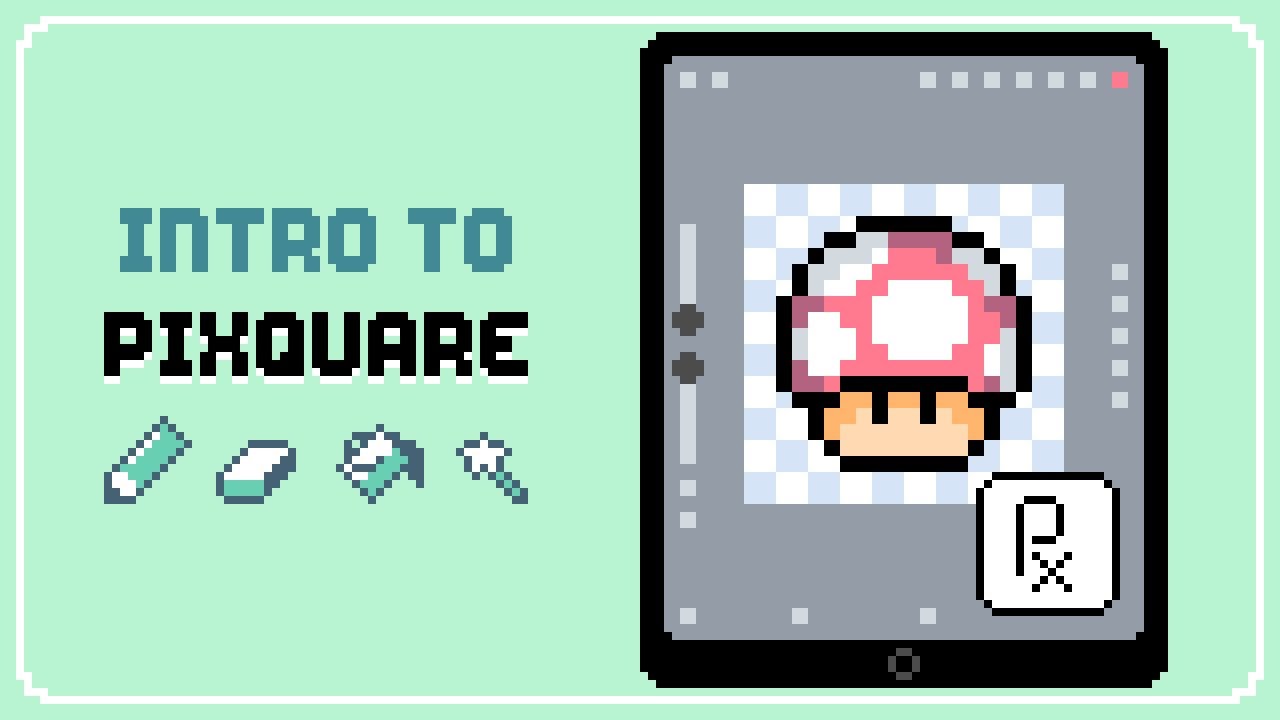
Hello there! Today's video is an easy beginner's tutorial for the Pixquare app for iOS (v1.5.1). I'll show you everything you need to know to start creating pixel art in Pixquare on the iPad, including how to use all the art tools, layers, color palettes, pixel grids, reference images, symmetry, and more.
Pixquare solves many of the challenges that exist with creating pixel art on the iPad. It has quickly become my go-to iPad pixel art app. It seems to combine the best features of Aseprite and Procreate, resulting in an app that is intuitive and a pleasure to work with.
While it's already packed with amazing features that has the pixel art community excited, there are even more features planned. You can find the Pixquare roadmap here: https://pixquare.canny.io/. You can even vote on what features you want to see next!
My next video will be a Pixquare Animation Tutorial, so be sure to subscribe so you don't miss out!
GET PIXQUARE
https://www.pixquare.art/
TIMESTAMPS
0:00 - Intro
0:09 - Create new file
1:19 - Settings
2:59 - Color picker
3:17 - Brush tool
3:37 - Zoom in/out
4:20 - Undo/redo
6:06 - Pixel grid
6:19 - Eraser tool
6:54 - Line tool
8:15 - Shape tool
8:49 - Selection tool
10:36 - Color bucket
12:49 - Eye dropper
13:02 - Resize image
14:16 - Art preview window
14:33 - Reference images
14:56 - Symmetry tool
15:57 - Color palettes
19:36 - Layers
25:02 - Animation
25:22 - Export PNG
26:24 - Export timelapse video
26:58 - Outro
FOLLOW ME
Twitter: @UchiMama_
Twitch: @UchiMama
Itch: uchimama.itch.io
MUSIC
Solar Healing - Sum Wave
Curated Light - Sum Wave
License: Epidemic Sounds
#uchimama #pixquare #pixelart
Доступные форматы для скачивания:
Скачать видео mp4
-
Информация по загрузке: