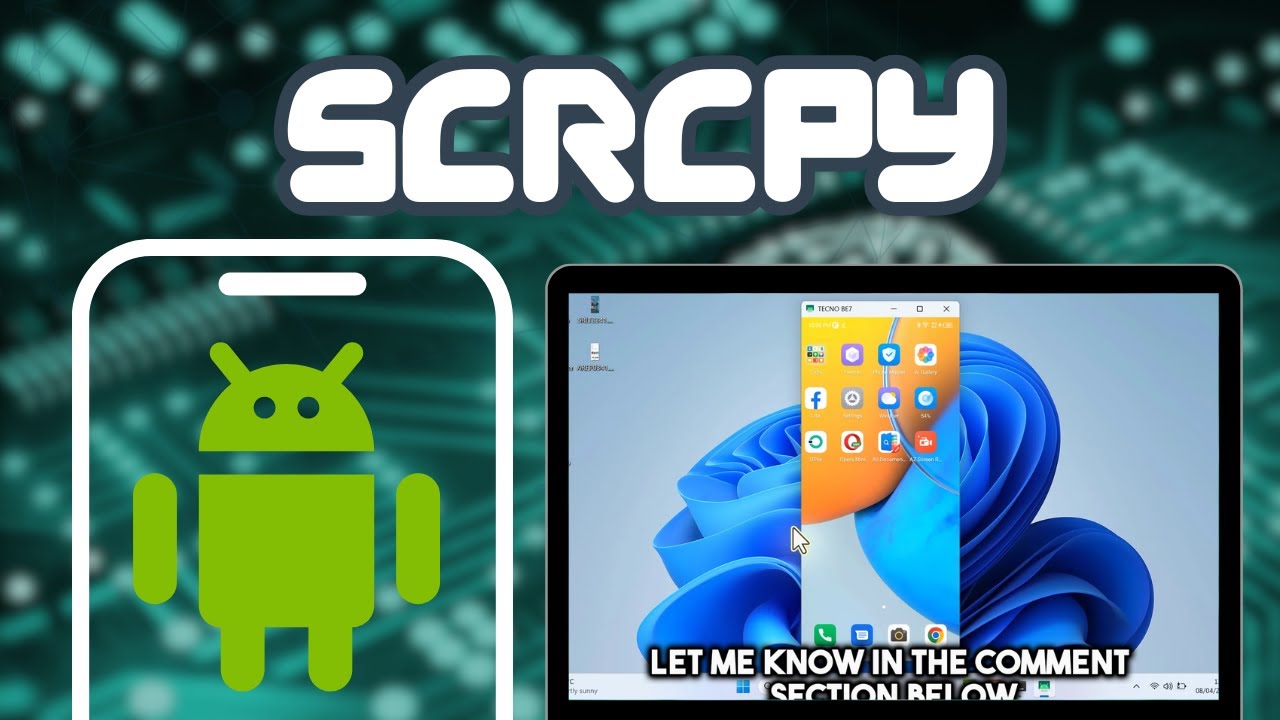
How to Use SCRCPY 3.0 | Control and Mirroring Android to PC
Автор: NetEase Tutorial
Загружено: 2025-04-11
Просмотров: 27949
📱 How to Use SCRCPY to Mirror & Control Android on PC (No Root Required!)
Want to mirror your Android phone screen to your PC without root and without lag*? In this tutorial, I’ll show you *how to use SCRCPY — the best free tool to control your Android device directly from your computer.
SCRCPY is lightweight, open-source, and works with Windows, Mac, and Linux. Whether you're recording gameplay, presenting apps, or just controlling your phone from your laptop, this tool is a must-have!
🔧SCRCPY Official Page: https://github.com/Genymobile/scrcpy/
📌 In This Video, You'll Learn:
✅ How to download and install SCRCPY
✅ How to connect your Android device via USB
✅ How to enable USB debugging in Developer Options
✅ How to mirror your screen with high performance
✅ Keyboard & mouse control features
✅ How to record Android screen using SCRCPY
✅ How to use SCRCPY wirelessly (bonus tip!)
⚙️ System Requirements:
✔️ Android 5.0 or higher
✔️ ADB (Android Debug Bridge)
✔️ PC running Windows, MacOS, or Linux
📖 Timestamps:
00:00 Intro
00:22 Configure Android Phone
01:38 Configure PC
02:40 Showing Experiene
03:02 Wreless Setup
04:36 Additonal Features
05:38 Additonal Features
06:49 Outro
🔔 Subscribe for more tech tutorials & productivity tips: / @neteasetutorial
👍 Like the video and comment below if you have any questions!
📢 Popular Tags:
#SCRCPY #AndroidToPC #ScreenMirror #SCRCPYWindows #MirrorAndroid #SCRCPYTutorial
Доступные форматы для скачивания:
Скачать видео mp4
-
Информация по загрузке: