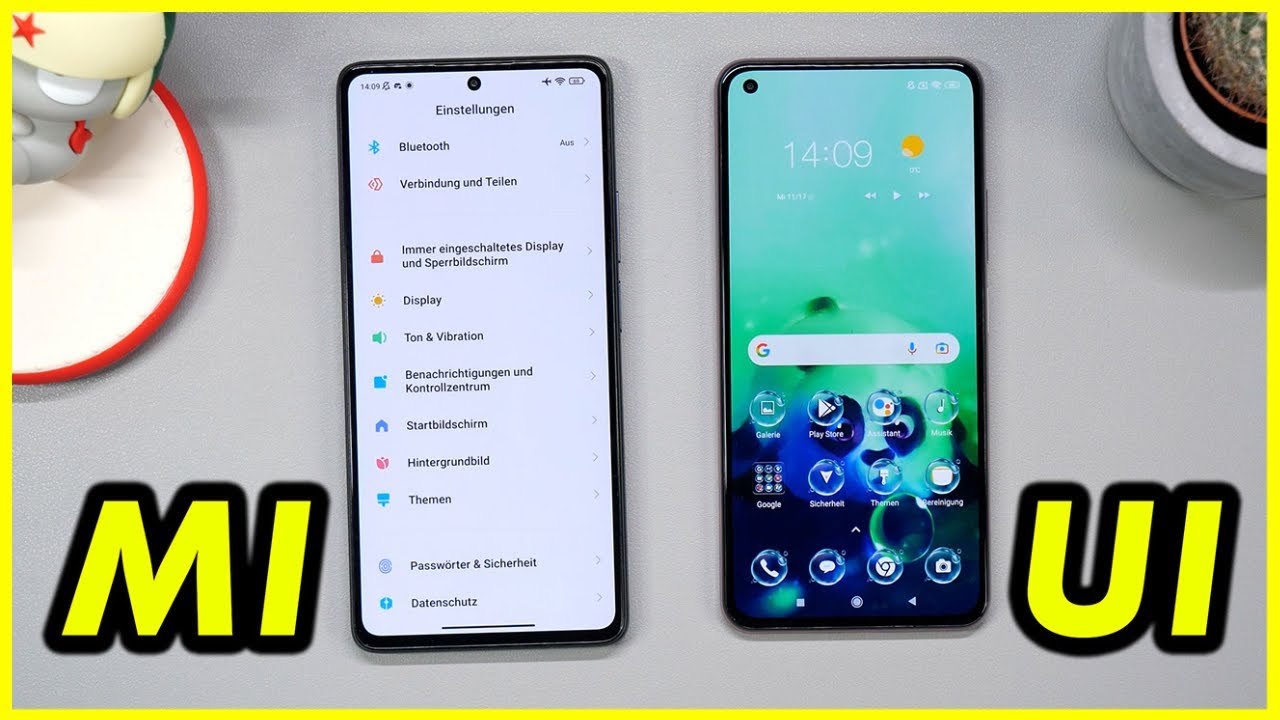
Xiaomi MIUI Hintergrundbild-Karussel KOMPLETT löschen | CH3 Tutorial Deutsch
Автор: CH3 - Charly Charles Check
Загружено: 2021-10-18
Просмотров: 98215
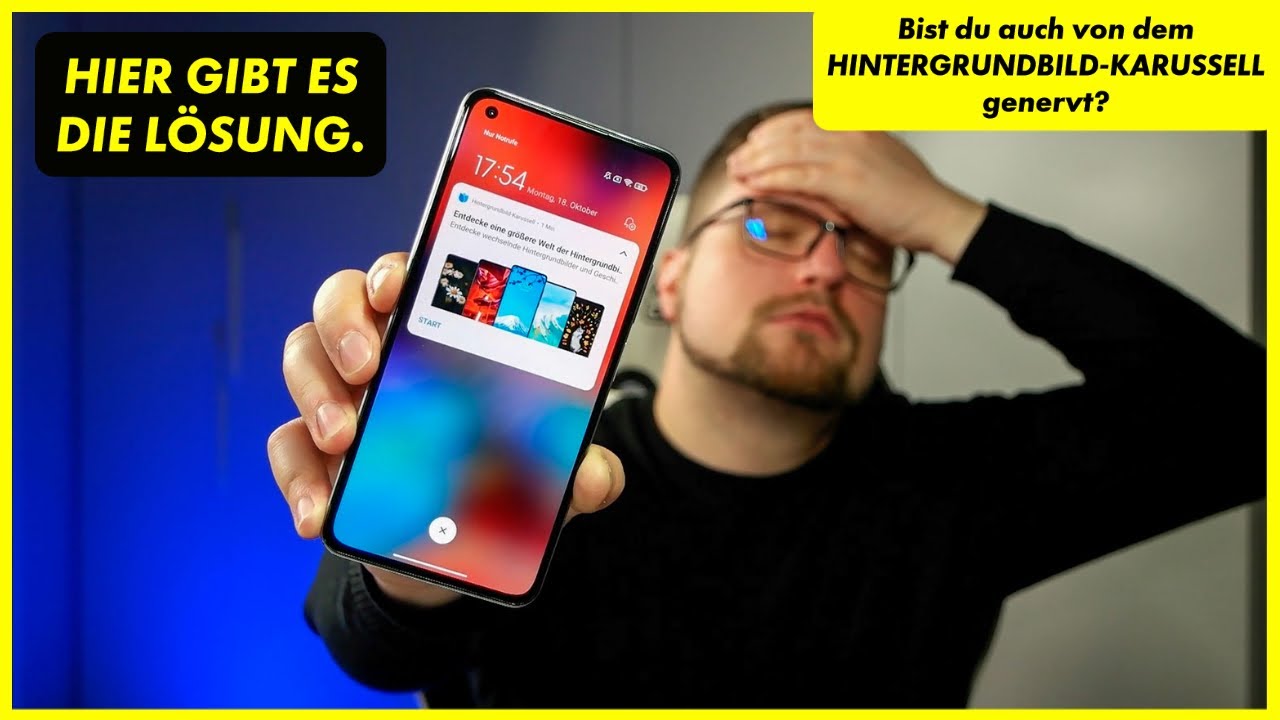
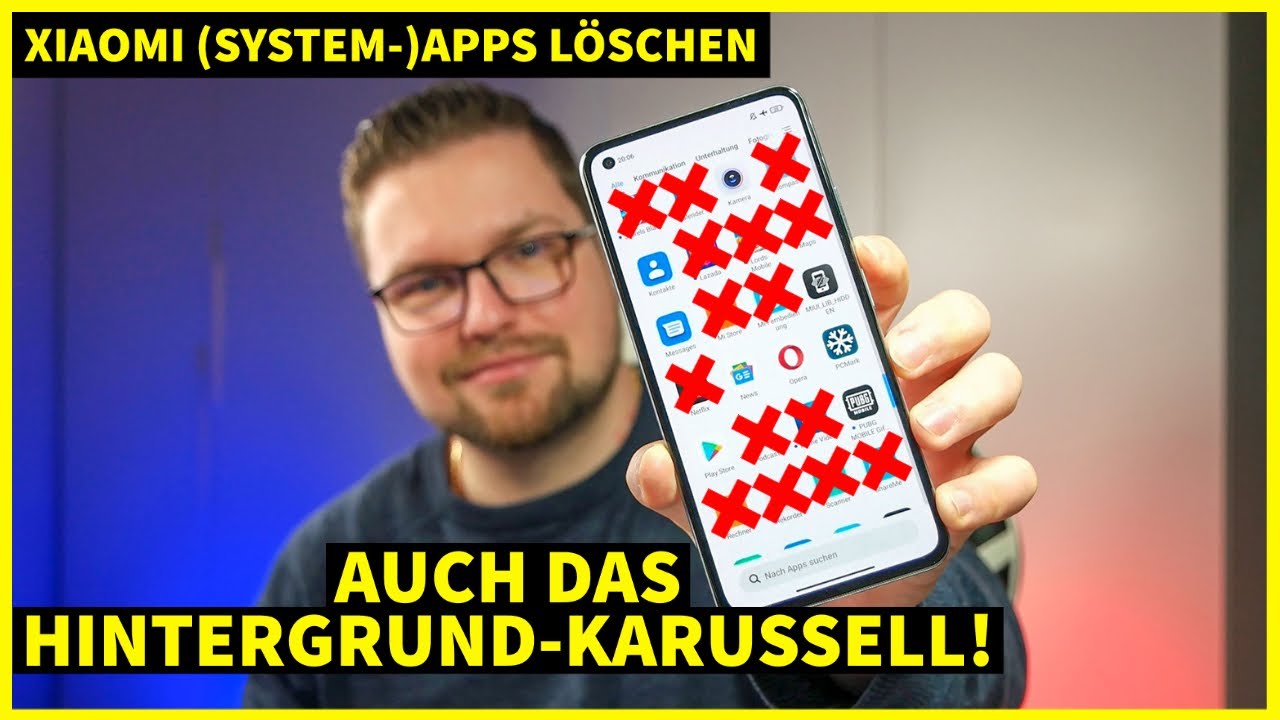
So löscht ihr das Hintergrundbild-Karussel komplett und holt euch die Taschenlampe plus den Mi-Remote Button zurück. ;) Ich bin übrigens gleich live auf meinem neuen Kanal ▶▶▶ / charlycharleschat
Xiaomi 11 Lite 5G NE - Details & Kaufen ► https://amzn.to/2XoXjzV
Xiaomi 11T Pro - Details & Kaufen ► https://amzn.to/3FVKn5P
Redmi Note 10 Pro - Details & Kaufen ► https://amzn.to/3p9XiLD
🔥🔥 HINTERGRUNDBILD-KARUSSEL PLAYSTORE LINK - https://play.google.com/store/apps/de...
Hier mich KOSTENLOS ABONNIEREN: http://www.youtube.com/charlycharlesc... ✔
#Xiaomi #HintergrundbildKarussel #MIUI
Kanalmitglied werden und exklusive Vorteile erhalten:
/ @ch3
WEITERE INFORMATIONEN 🔻🔻🔻🔻🔻🔻🔻🔻🔻🔻
Mein ehemaliges Lieblingsvideo:
• NEW EDITION: Xiaomi 11 Lite 5G NE - Nur 15...
Ich bei Twitter:
http://bit.ly/291tgSB ✔
Ich bei Instagram (& IGTV):
http://bit.ly/2955HJk ✔
Kaffekasse ► https://goo.gl/a2emGh (Vielen Dank!)
Kapitel:
00:00 Einleitung
00:30 Das Hintergrundbild-Karussell Problem
01:50 Bei welchen Xiaomi Smartphones hat es funktioniert?
02:13 So deaktiviert ihr das Hintergrundbild-Karussell
02:45 Was wollen wir? :)
02:59 ADB Lösung
03:27 So löscht man das Hintergrundbild-Karusselll vollständig
05:00 MIUI nach dem Löschen
05:29 Zusammefassung und Verabschiedung
✶✶✶✶✶✶✶ ✶ ✶✶ ✶ ✶✶ ✶ ✶✶ ✶ ✶✶ ✶ ✶✶ ✶ ✶✶ ✶ ✶
Musik:
Epidemic Sound
Hier könnt ihr euch ebenfalls ein günstiges Abo (1. Monat ist kostenlos) von Epidemic Sound holen und die große Anzahl an Musik in euren Videos bzw. auf euren Social Media Kanälen benutzen:
► https://www.epidemicsound.com/referra...
Dieses Video könnte ein Effekt von adMJ707 enthalten:
https://goo.gl/73j1eF
▬▬▬▬▬▬▬▬▬▬▬▬▬▬▬▬▬▬▬▬▬▬▬▬▬▬▬▬
Mein momentanes Equipment:
👓 Meine Brillen: https://bit.ly/3oVmMub
📱 Mein aktuelles Smartphone:
► https://amzn.to/3lQrLwt
📷 Meine Kameras:
► http://amzn.to/2qfHR3X
► https://amzn.to/3mU6SOv
🖥 Mein PC:
► https://amzn.to/2GfXinE
📱 Mein Smartphone-Gimbal (Zur Stabilisierung):
► https://amzn.to/2EO3xdf
💻 Mein Laptop:
► https://amzn.to/3jGC29W
🔉 Mein externes Mikro:
► https://amzn.to/37VsdCO
► https://amzn.to/2TI6E07
🔉 Mein Ansteckmikrofon:
► http://amzn.to/2iX4arV
🔉 Mein Tischmikrofon:
► http://amzn.to/2eKNMJp
📷 Meine Studioleuchten (für bessere Lichtverhältnisse):
► http://amzn.to/29poqSn
► https://amzn.to/2zQuVrb
📷 Mein Stative:
► http://amzn.to/29lAijk
► https://amzn.to/2Rhokjq
📷 Mein günstiges GorillaPod:
► http://amzn.to/29rjomF
📷 Meine Speicherkarte:
► http://amzn.to/28YbcWd
💻 Mein Videoschnittprogramm:
► Adobe Creative Cloud
▬▬▬▬▬▬▬▬▬▬▬▬▬▬▬▬▬▬▬▬▬▬▬▬▬▬▬▬
♣ Empfehlung der Woche:
► https://amzn.to/2y3hqpB
▬▬▬▬▬▬▬▬▬▬▬▬▬▬▬▬▬▬▬▬▬▬▬▬▬▬▬▬
(Alle Links, welche mit ► gekennzeichnet sind, sind sogenannte affiliate Links. D.h. ich kriege einen kleinen prozentualen Anteil an den von dir getätigten Kauf - jedoch kostet das Produkt dadurch natürlich für dich nicht mehr oder weniger.)
Доступные форматы для скачивания:
Скачать видео mp4
-
Информация по загрузке:








![[4K FULL HD] Relaxing Water Background | 1 HOUR | Calm Water Wallpaper (No Sound)](https://imager.clipsaver.ru/y9PTNTSpGJs/max.jpg)




![[2026] Feeling Good Mix - English Deep House, Vocal House, Nu Disco | Emotional / Intimate Mood](https://imager.clipsaver.ru/cxLdtvzf2sI/max.jpg)