How to Setup Teckin Smart Plug
Автор: kokond
Загружено: 2024-01-17
Просмотров: 218
Buy us a Coffee - https://www.buymeacoffee.com/kokond
Our Website Link - https://www.kokond.com/teckin
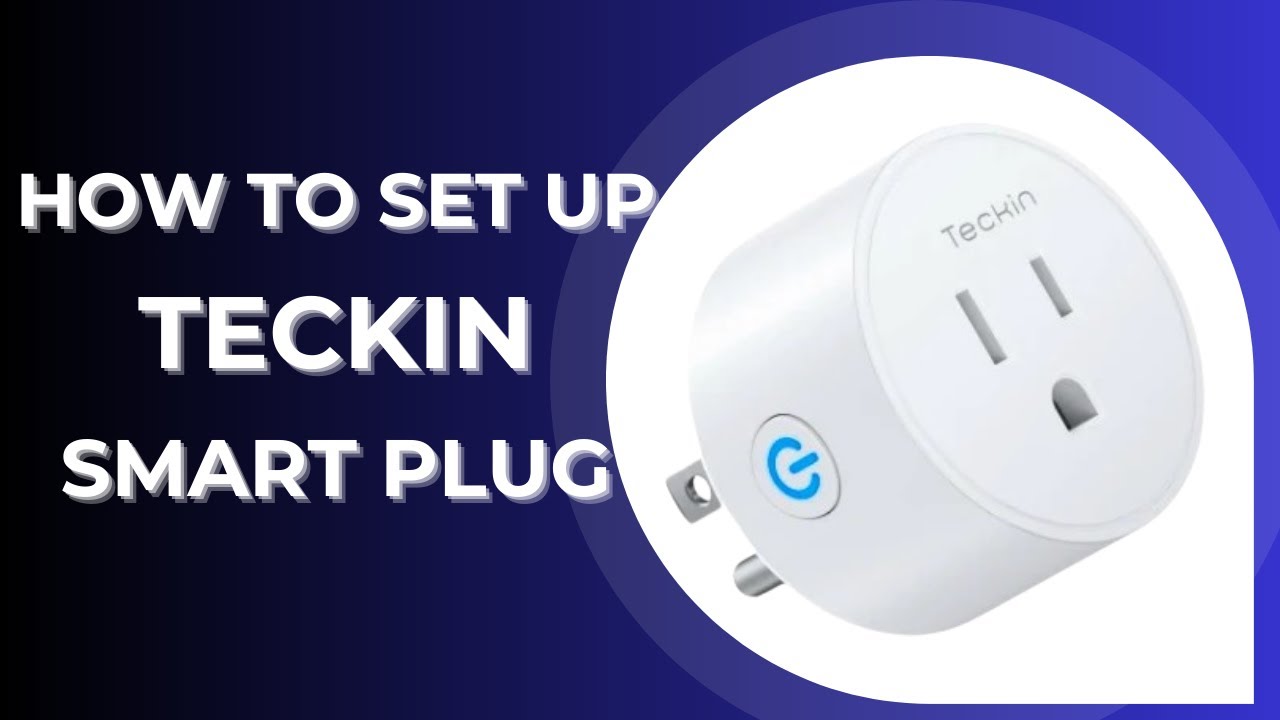
To Setup your Teckin Smart Plug, grab your phone or tablet and head over to the app store. Search for "Teckin" and download the app. Once it's installed, fire it up and create an account. It's quick and easy.
Now, log in to your Teckin app. You're ready to add your smart plug! Tap the plus sign or "Add Device" button.
From the list of devices, select your specific Teckin Smart Plug model. Don't worry, if you're unsure, the app usually helps you identify it.
Now, take your Teckin Smart Plug and plug it into a convenient outlet. Make sure it's powered on.
Here's the magic part! Press and hold the power button on your smart plug for about 5 seconds, until you hear a little "tick" sound and the LED light starts flashing rapidly. That's how your plug knows it's ready to connect.
On your app, tap the option that says "Flashes Rapidly" to confirm the pairing mode.
Next up, your WiFi connection. Select your home network, enter the password, and tap "Next."
Now comes the waiting game. The app will connect your smart plug to your WiFi. It might take a minute or two, so be patient. Remember, patience is a virtue, especially when it comes to smart home tech!
If the connection fails the first time, don't panic. Just try again. Sometimes, smart devices can be a little stubborn. But with a bit of persistence, you'll get there.
And there you have it! Your Teckin Smart Plug is successfully set up and ready to be controlled from your phone. You can now turn your appliances on and off, set schedules, and even create automations. Pretty cool, right?

Доступные форматы для скачивания:
Скачать видео mp4
-
Информация по загрузке: