Using Screen Sharing in Zoom to Capture Mac Internal Audio for Screen Capture Demos
Автор: Michael Eskin
Загружено: 2024-12-15
Просмотров: 50
I found a way to use Zoom to record the internal sound from my Mac as the audio source for screen recording when using Quicktime Player.
Previously, if I wanted the best possibly quaility audio for a demo video, I'd use an external digital recorder to capture the audio from the Mac, then bring both the screen recording and the audio recording into iMovie and manually sync them up.
Alternatively, there are 3rd party apps you can buy that will allow you to do screen capture with device audio, but I was looking for a way to do it for free.
The trick uses Zoom and it's screen capture with audio capability.
Start a Zoom meeting.
Share the screen (pick some window or screen that isn't the one you want to record, really doesn't matter which), and in the screen sharing options be sure to enable sound and optionally select "Stereo (high-fidelity)".
Minimize Zoom and drag the little meeting status bar where it won't adversely effect your screen capture video. If you have a second screen, drag it there.
Now launch Quicktime Player and select "New Screen Recording".
On the screen recording tool bar, click "Options".
In the popup list, you can select your audio and video sources.
For the audio, pick "ZoomAudioDevice".
Make sure your system volume is turned up fairly high as it appears that the Zoom shared device audio does track the system volume.
Click "Record" to start your Quicktime Player screen recording.
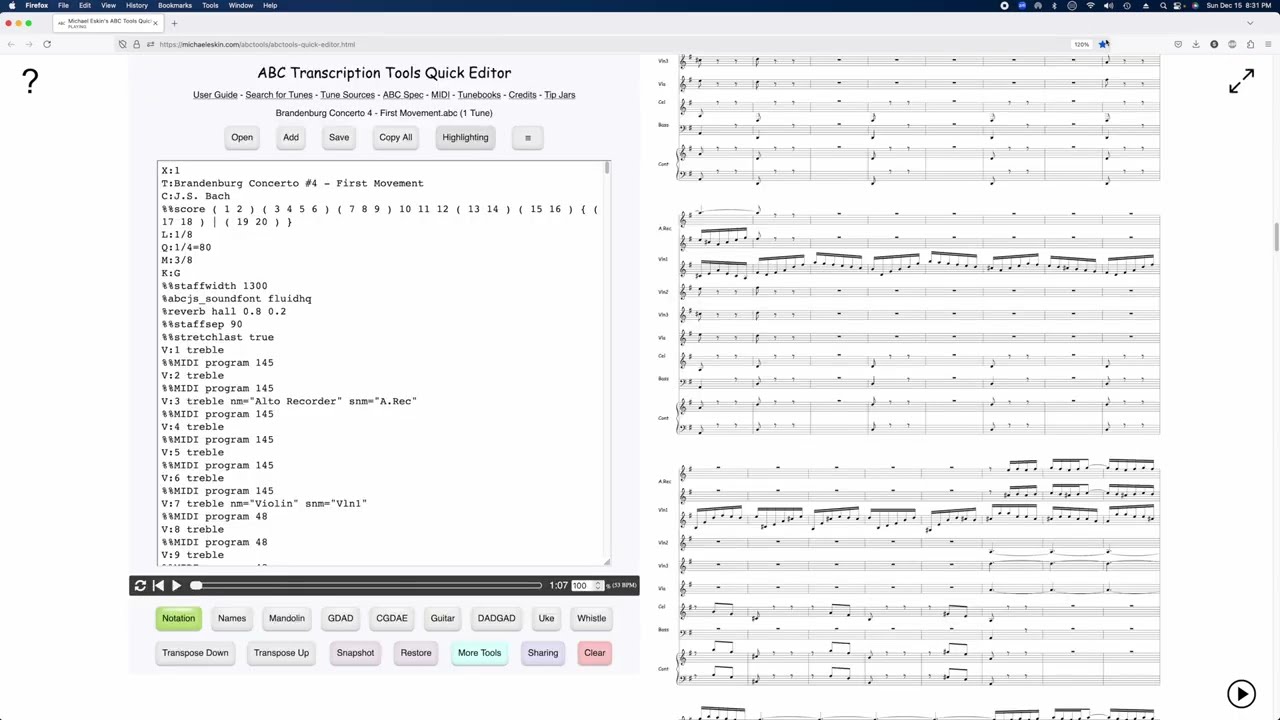
Any sounds your computer makes, for example playing a tune from my tool will get captured directly rather than through the microphone.
When done, click the Stop icon in the top toolbar to stop the recording.
Now, this doesn't record anything from the microphone, so if you want voice-over, you'll need to do that in iMovie, or record the voice audio another way, for example on your phone, and then mix it with the screen capture audio when editing the video.
Доступные форматы для скачивания:
Скачать видео mp4
-
Информация по загрузке: