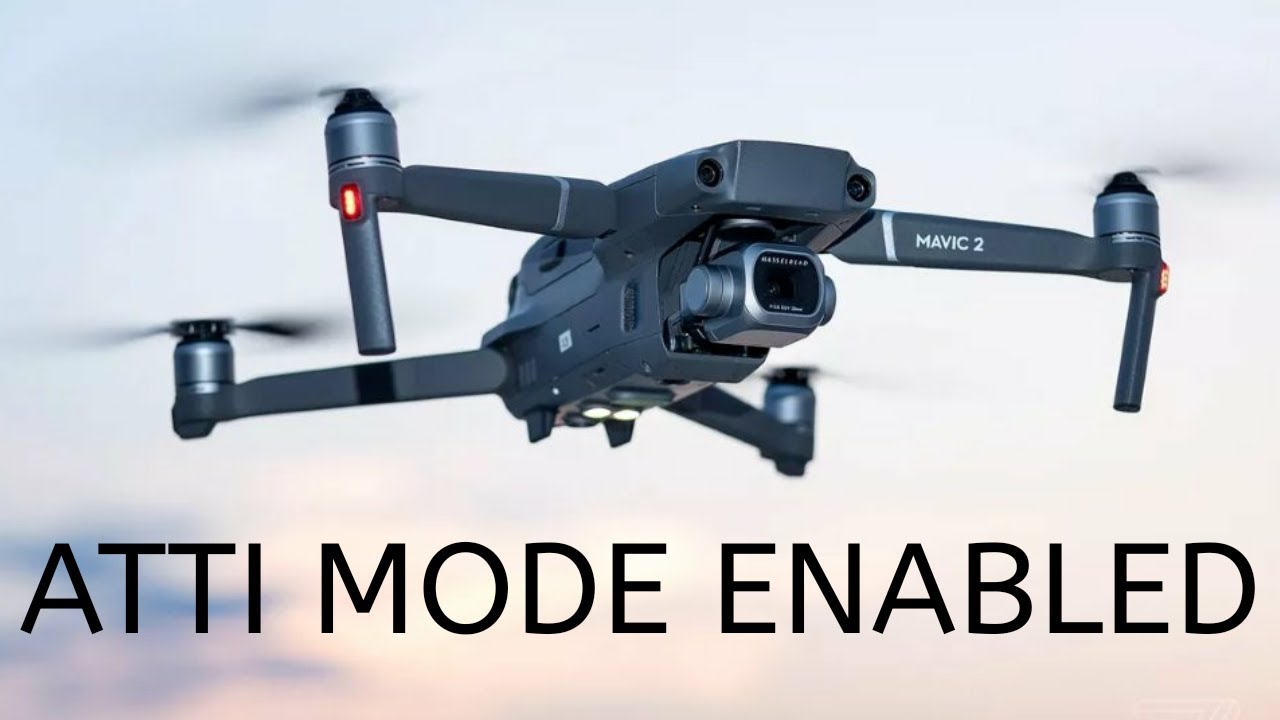
How to switch to atti mode on a Mavic 2
Автор: Whirly Bloke
Загружено: 2020-04-19
Просмотров: 33316
Despite the DJI Mavic 2 being aimed more at the consumer market, it's fast become a prosumer and commercial operator drone for all sorts of industrial inspections and surveys. You don't really need a folding drone for this type of work, but the camera quality, proximity sensors and the way it flies make it more than capable
It's everything you need for inspections, surveys and 3d modelling. It's easy to transport. You can be up and flying really quickly. It's light, so if the unexpected happens it's not gonna be too destructive and importantly for roof inspections, particularly urban roof inspections it's very quiet and stealthy.
So, as a commercial tool it's pretty good but it's got one big drawback. You can't fly in Atti mode. In this video I'll show you how to tweak it so you can.
You'll need DJI Assistant v1.1.2 download. Win and Mac versions are here:
https://bit.ly/3fXlHyW
On Mac press Command Option I to view the Inspector window
On Windows press Control Shift I o view the Inspector window
Flight switch position parameters
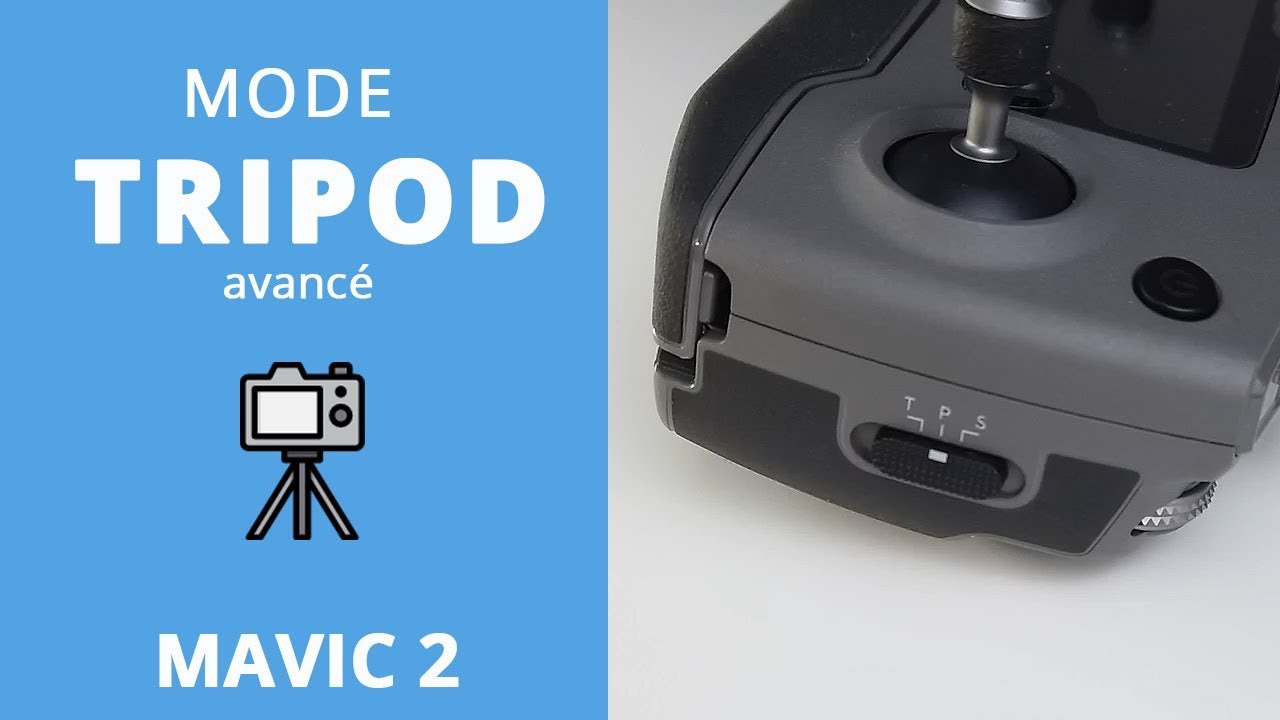
fswitch_selection|g_config_control_control_mode[0] = Tripod : factory value = 12 (Tripod)
fswitch_selection|g_config_control_control_mode[1] = Sport: factory value = 8 (Sport)
fswitch_selection|g_config_control_control_mode[2] Position (GPS): factory value =7 (Position GPS)
Switch parameter values
0 = Manual Mode (GPS position and Altitude Stabilization are disabled)
1 = GPS - no noticed difference
2 = GPS - no noticed difference
3 = ATTI Mode (Altitude Stabilization)
4 = GPS mode indicated, sport mode speed for some reason
5 = GPS - no noticed difference
6 = Beginner
7 = PGPS Mode (Normal)
8 = Sport Mode
9 = FARM Mode (Altitude stabilization with RTH capability)
10 = GPS - no noticed difference
11 = GPS - no noticed difference
12 = Tripod mode
Subscribe for more: https://youtube.com/c/whirlybloke?sub...
╔════╡My Gear╞════════════════════════╡
║ ► HD Goggles - SKY03O Oled: http://bit.ly/2WPkBu8
║ ► VRX Module - OwlRX: http://bit.ly/2wjIehD
║ ► Radio - Taranis X9D: http://bit.ly/2WZPzyC
║ ► Portable Battery Charger - ToolKitRC M8: http://bit.ly/2VJPE8c
║ ► Workshop Battery Charger - iCharger 406 Duo: http://bit.ly/2VDMG5m
║ ► Soldering Workstation - Saike-909: http://bit.ly/2JAr9Jc
╚══════════════════════════════════╡
► Facebook - / whirlybloke
► Twitter - / whirlybloke
► Instagram - / whirlybloke
► Patreon - / whirlybloke
#whirlybloke #mavic #attimode

Доступные форматы для скачивания:
Скачать видео mp4
-
Информация по загрузке:






![DJI Mavic 2 Pro Review - Part 1 - [Unboxing, Inspection, UPDATING Madness!]](https://imager.clipsaver.ru/NT-MN23USWI/max.jpg)