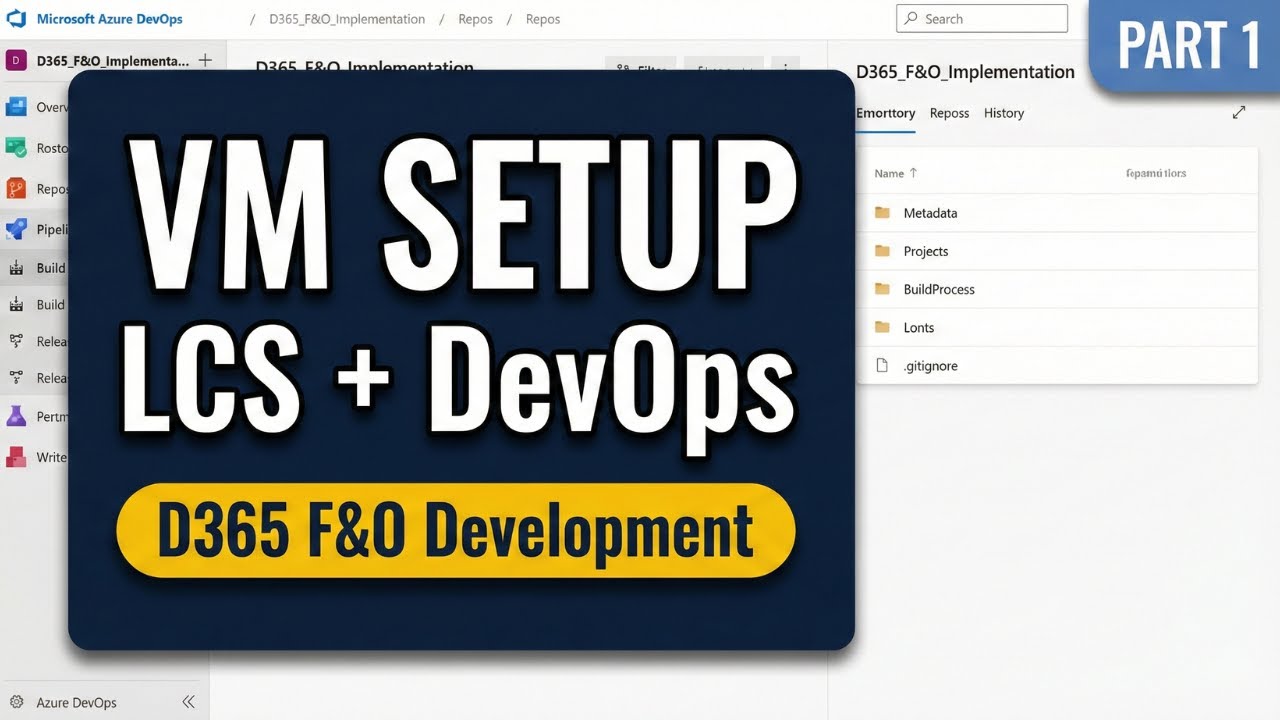
D365 F&O: Full Dev Environment Setup (LCS, DevOps, VM) | Part 1
Автор: ERP Digest
Загружено: 2025-11-03
Просмотров: 839
Set up a complete D365 F&O project from scratch. Learn to configure Lifecycle Services (LCS), Azure DevOps, and a local development VM.
──────────────
👤 About the Creator
──────────────
I'm a Microsoft Certified D365 Technical Consultant with 3+ years of hands-on experience in the Dynamics (AX/D365) ecosystem. I created this end-to-end project series to share a practical, hands-on approach to modern D365 development.
🔗 Connect on LinkedIn → / kuldeepkumarcs
🎥 Full D365 Developer Playlist → • Dynamics 365 F&O Developer Tutorial: Full ...
───────────
🕒 Timestamps
───────────
0:00 → Intro & Project Overview
1:03 → Business Scenario: Bluestone Industrial Components (BIC)
2:05 → Video Goal: The Development Foundation
2:25 → Part 1: Lifecycle Services (LCS) Setup
3:01 → Creating a new LCS Implementation Project
5:19 → Understanding the LCS Project Dashboard
7:03 → Part 2: Azure DevOps (ADO) Setup
7:30 → Creating a new ADO Organization
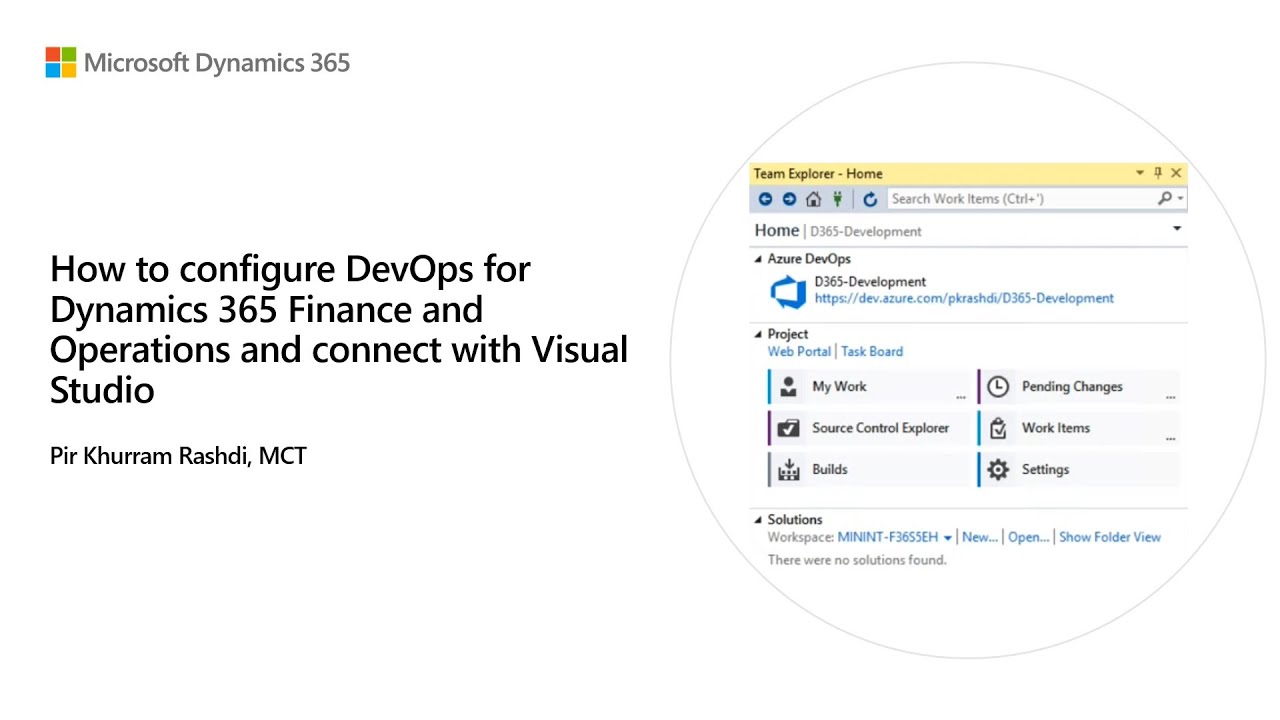
8:22 → Configuring Organization Settings for LCS (TFVC & Classic Pipelines)
10:26 → Creating a new ADO Project (TFVC)
11:37 → Understanding the ADO Project Interface
13:16 → Part 3: Connecting LCS and Azure DevOps
13:34 → Starting the LCS Project Onboarding Wizard
16:39 → Defining the Project Team
17:58 → Defining Project Milestones
19:00 → Generating an ADO Personal Access Token (PAT)
20:34 → Linking LCS to the ADO Project
22:10 → Part 4: Configuring the Azure Subscription
22:54 → Granting "Contributor" role to Dynamics Deployment Services
25:04 → Creating the Azure Connector in LCS
27:41 → Part 5: Deploying a Cloud Sandbox Environment
28:17 → Configuring Deployment Settings
30:40 → Monitoring Deployment & Logging In
31:42 → Part 6: Setting Up a Local Development VM
31:42 → Downloading the VHD from Shared Asset Library
32:45 → Extracting the VHD files
33:56 → Enabling Hyper-V in Windows Features
34:40 → Creating a new Virtual Machine in Hyper-V
36:17 → Attaching the VHD file
37:04 → Starting and Connecting to the VM
37:27 → Part 7: Configuring VM Authentication
37:58 → Creating an Azure App Registration
38:48 → Running the Self-Signed Certificate PowerShell Script
39:30 → Running the Admin User Provisioning Tool
40:14 → Accessing F&O Locally via IIS
41:29 → Recap
──────────────
💡 What You'll Learn
──────────────
✓ How to provision a new Lifecycle Services (LCS) implementation project.
✓ Configure Azure DevOps for D365 (including TFVC & Classic Pipeline settings).
✓ The critical step of connecting LCS to Azure DevOps for integration.
✓ How to deploy and access a local development VHD using Hyper-V.
✓ Authenticate the local VM using Azure App Registration.
──────────────────────────
🚀 About This D365 Development Series
──────────────────────────
This series goes beyond basic tutorials to show you how real-world Dynamics 365 (D365FO) projects are built from start to finish. We'll build a complete, end-to-end "Automated Customer Tiering System" for a fictional client, Bluestone Industrial Components (BIC).
You'll see every step of a production-ready solution, from setup to deployment, covering:
➤ Core X++ Development: Extending tables and forms (CustTable), creating Enums, and implementing custom business logic using Chain of Command (CoC).
➤ Automation: Building robust, automated batch jobs with the SysOperation Framework.
➤ APIs & Integration: Creating Data Entities to build secure OData REST APIs and for Data Management Framework (DMF) exports.
➤ Event-Driven Architecture: Firing real-time alerts from D365 to Azure Logic Apps using Business Events.
➤ Business Intelligence: Connecting D365 to Power BI to build an interactive sales dashboard.
➤ DevOps & ALM: Setting up a complete CI/CD pipeline in Azure DevOps, managing source control (TFVC), and automating builds.
────────────────
💻 Tools & Technologies
────────────────
🔹Dynamics 365 Finance & Operations (D365FO)
🔹X++
🔹Visual Studio 2019
🔹Lifecycle Services (LCS)
🔹Azure DevOps (ADO)
🔹SQL Server Management Studio (SSMS)
🔹Power BI Desktop
🔹Azure Logic Apps
───────────────────
💬 Feedback & Future Topics
───────────────────
This series covers the core components of a practical, end-to-end D365 project. I know there are many more topics we could dive into, from advanced debugging to complex form patterns.
I welcome your feedback and ideas! If there's a specific D365 topic you'd like to see covered in a future video, please share your suggestions in the comments section below.
#Dynamics365, #D365Development, #LifecycleServices, #AzureDevOps
Доступные форматы для скачивания:
Скачать видео mp4
-
Информация по загрузке: