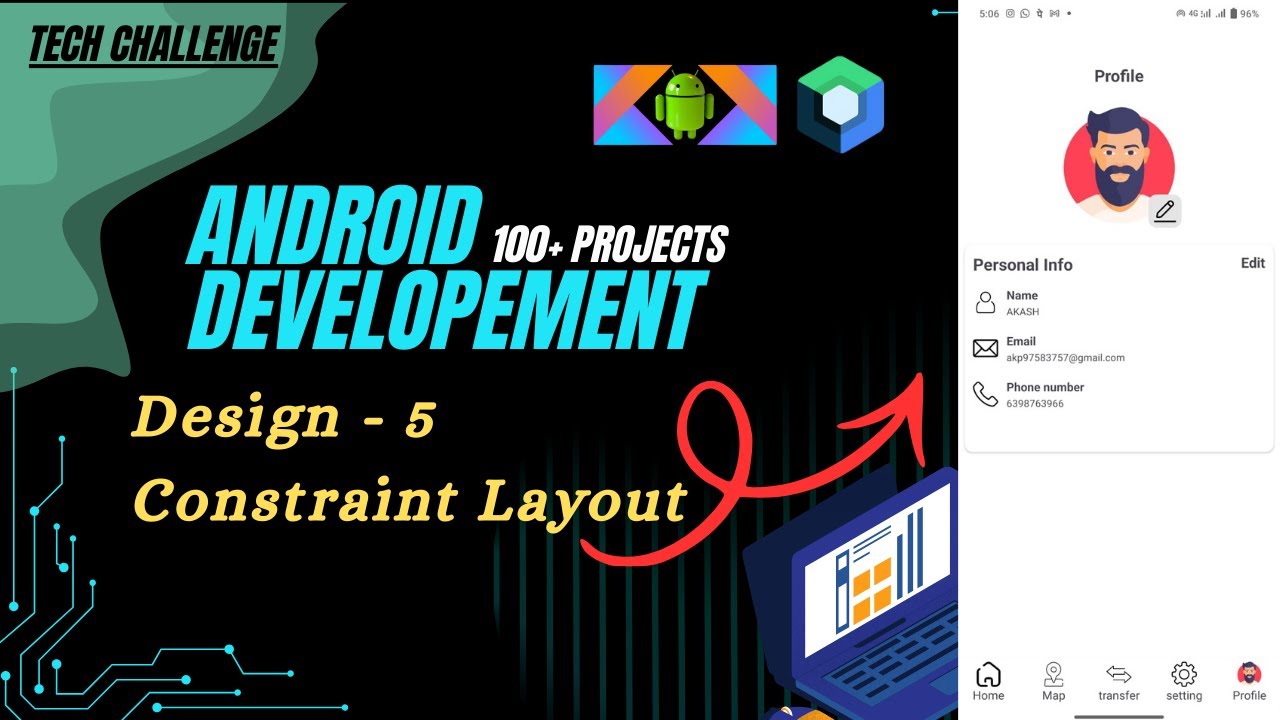
Build Profile UI in Android Using ConstraintLayout | Kotlin UI Design Tutorial 🚀
Автор: Tech Challenge
Загружено: 2026-01-15
Просмотров: 2
In this video, I have built a clean and modern Profile UI using ConstraintLayout in Android with Kotlin.
This project focuses on understanding how to design responsive and professional UI layouts using Android’s most powerful layout system.
ConstraintLayout helps reduce nested layouts and improves performance while creating flexible designs for different screen sizes.
📱 What you will learn in this video:
✔ Basics of ConstraintLayout
✔ Creating a Profile Screen UI
✔ Using constraints (start, end, top, bottom)
✔ Aligning views properly
✔ Handling margins and bias
✔ Designing a responsive layout
✔ Best practices for clean UI design
Whatsapp group link -: https://chat.whatsapp.com/CxLCGlbPvot...
This tutorial is beginner-friendly and uses real-world UI design concepts followed in professional Android applications.
💡 Why ConstraintLayout?
👉 Recommended by Android
👉 Better performance
👉 Responsive UI for all screen sizes
👉 Used in real-world Android apps
👉 Important for interviews & projects
After watching this video, you will be able to design your own profile screens and complex UI layouts confidently.
🎯 Who is this video for?
👨💻 Android Beginners
📱 Kotlin Learners
🎓 Students
🚀 Aspiring Android Developers
👍 Like the video
🔔 Subscribe to Tech Challenge
💬 Comment below:
“Profile UI Completed!”
More real-world Android UI projects coming soon 🚀
🔥 Hashtags (High Reach)
#constraintlayout #androidprofileui #androiduidesign
#androidwithkotlin #kotlinandroid
#androiddevelopment #androidstudio
#androidtutorial #androidbeginners
#androidui #androidlayout
#mobiledevelopment #appdevelopment
#learnandroid #kotlindevelopment
#androidbasics #uiuxdesign
#codingtutorial #developerslife
#techchallenge #buildapps
Доступные форматы для скачивания:
Скачать видео mp4
-
Информация по загрузке: