Tecno Spark 10C WiFi Bluetooth GPS Problem Solution | Network Range Fix | US UK Canada Europe
Автор: SMARTPHONE TECHNOLOGIES
Загружено: 2025-11-06
Просмотров: 208
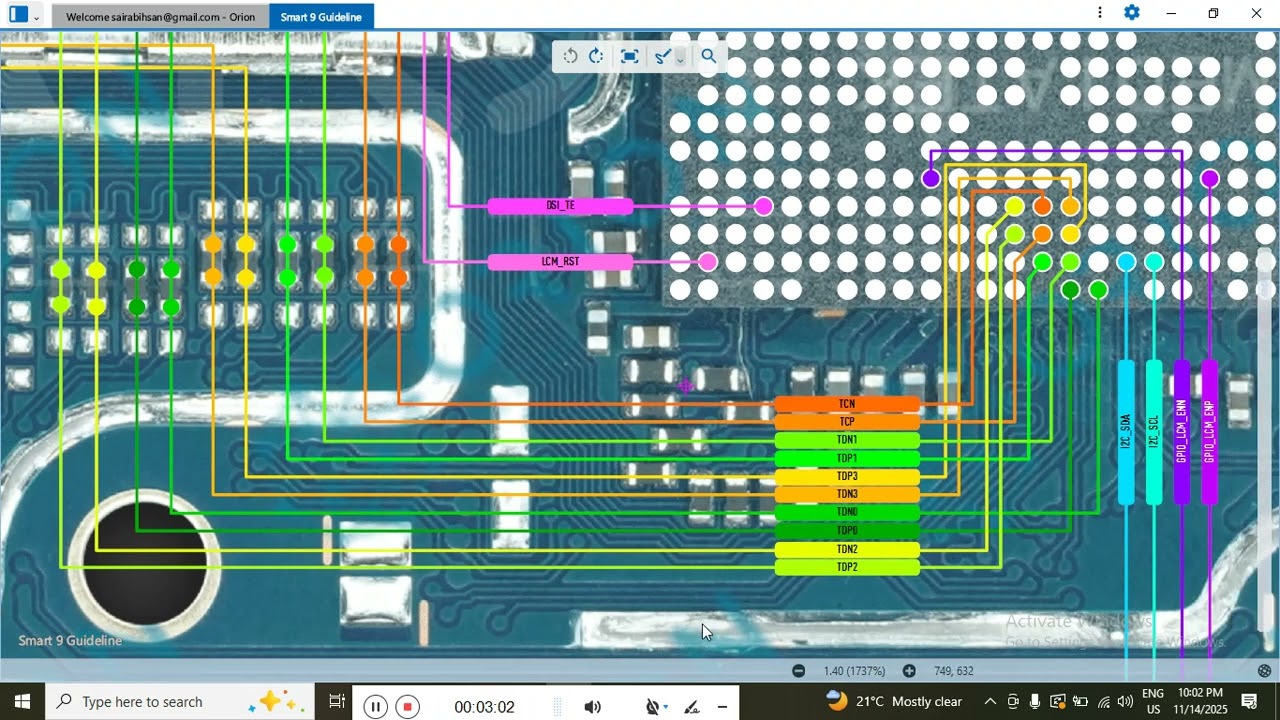
In this video, we fix Tecno Spark 10C WiFi Not Turning ON, Bluetooth Not Connecting, and GPS Location Not Detecting issues.
We will check Antenna Lines, Network Module, WiFi Chip, Coils, and Jumper Ways to restore full wireless connectivity.
This solution works in US, UK, Canada, Germany, India, Pakistan, Bangladesh & worldwide repair shops.
🔧 30 Step-by-Step Repair Guide
Power OFF phone.
Remove SIM tray.
Heat and open back cover.
Remove screws and open shield.
Disconnect battery first.
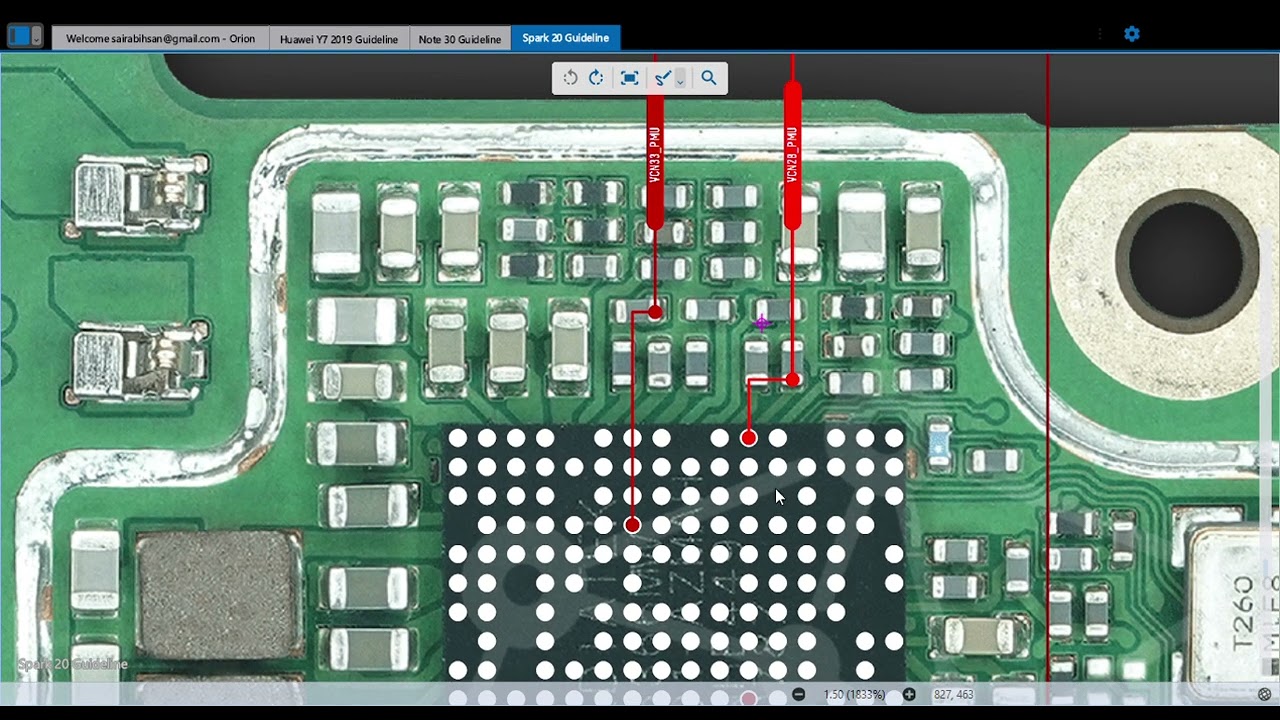
Locate antenna and WiFi module areas.
Clean antenna contacts with PCB cleaner.
Ensure antenna metal springs touch cover pad.
Tighten all RF screw points.
Reconnect battery and test WiFi.
If WiFi still off, remove mainboard.
Inspect WiFi IC zone under microscope.
Check surrounding coils for breaks.
Test continuity of antenna line track.
If line cut, apply jumper ways.
Measure voltage on WiFi power coil.
If no voltage, check PMIC output.
Reflow WiFi IC carefully with hot air.
Cool board and test again.
If WiFi turns ON but signal weak, replace antenna cable.
If WiFi turns ON but still drops, replace WiFi module.
Now test Bluetooth connection with headset.
Then test GPS in Google Maps.
Adjust or replace GPS antenna patch if needed.
Clean board with contact cleaner.
Reassemble mainboard and shield.
Reconnect battery.
Power ON phone.
Test WiFi + Bluetooth + GPS together.
Close phone completely and deliver to customer.
#️⃣ Hashtags
#TecnoSpark10C #Spark10CWiFiProblem #Spark10CBluetoothFix #GPSNotWorking #NetworkSolution #HardwareRepair #MobileRepairTutorial #AntennaSolution #RFICRepair #RepairGuide

Доступные форматы для скачивания:
Скачать видео mp4
-
Информация по загрузке: