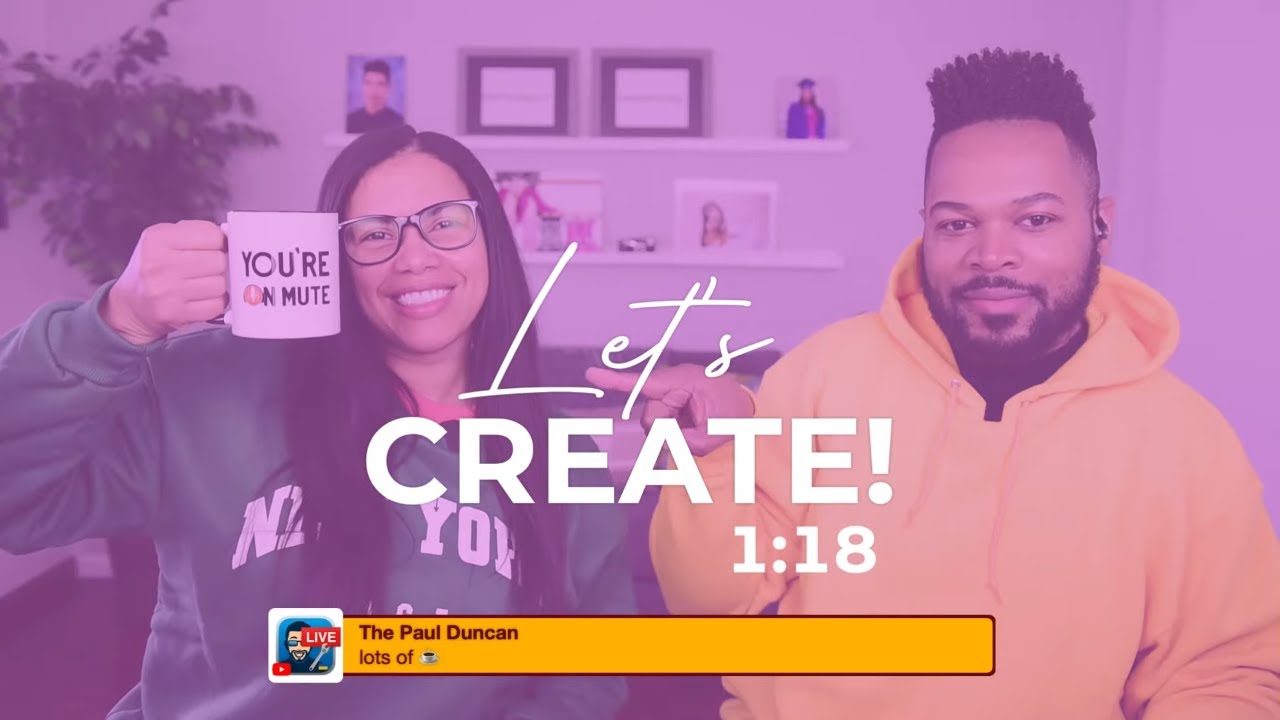
Organizing Folders and Scenes in Ecamm LIve | BuildingBlocks w/ ana and Fuljens
Автор: BuildingBlocks
Загружено: 2022-04-22
Просмотров: 486
Organizing your scenes and overlays panels can help increase your workflow - not only when designing overlays, but when preparing scenes for productions.
Join us on BuildingBlocks; we are going to share tips so you can organize like a pro!
Try Ecamm Live completely risk-free today for 14 days. No credit card required: https://bit.ly/3gj1hzi
To buy us a coffee or schedule a 1:1 consultation visit us at:
https://www.buymeacoffee.com/ANAANDFU...
Subscribe to BuildingBlocks: https://bit.ly/34Ywin6
Our Amazon Store: https://amzn.to/3uFsxR4
Our Live Streaming Gear Guide: https://amzn.to/38LSgyF
As always feel free to leave us a comment with questions or email us at anaandfuljens@gmail.com
#anaandfuljens #buildingblocks #ecammlive
___________________________________________________________________
___________________________________________________________________
0:00 Text Overlay Waiting Screen
3:26 This Bumper was designed in Ecamm using Text Overlays
3:45 Good Morning!
7:58 Live Demo Mode; Scenes Folders
9:55 New Scene, CMD ~, Create Overlay Panel Folders
12:12 Rename Folders
13:07 Creating a Lower Third
14:11 Matching Colors
14:45 Assign Rectangle to Lower Third Body
15:00 Duplicate Rectangle; Option + Drag
15:38 Hair Care Regimen; LOL
17:51 Linking Overlays; Group and Move
18:34 Logo Placeholder; Dimelo Loco
19:41 Assign to Logo Folder
21:22 Creating a Scrolling Ticker
23:22 Assign to Scrolling Ticker Folder
25:32 Add Lower Third Text
25:58 Feature Request Update
27:15 Assign Lower Third Text to Folder
27:25 Renaming the Rectangles
28:30 Linking and Locking
30:34 Rearranging Rectangles; Change Font Color
32:24 Renaming Scenes, Folders, Overlays
34:43 Nudging
36:23 Jazz up the Scrolling Ticker; Add Background and Masking
38:24 How to add Masks
40:51 Scrolling Ticker Folder
41:44 Add Rectangle for Time and Temperature
43:37 Add a Clock Overlay; add to Time and Temperature Folder
45:00 Add a Temperature Overlay; Option+0 for Degree Symbol; Emoji Keyboard for Weather
49:09 Adding Camera Folder, Camera Overlay, Renaming Camera Overlay
50:13 Layering your Folders
54:01 Diversifying your Skills
1:00:34 International Creator Day
1:04:26 Live Streaming Symptoms; Community Chat
1:29:23 Sammy Superstar has all the answers
1:32:54 Closing Screen; designed in Ecamm using Text Overlays
Доступные форматы для скачивания:
Скачать видео mp4
-
Информация по загрузке:




![[2026] Feeling Good Mix - English Deep House, Vocal House, Nu Disco | Emotional / Intimate Mood](https://imager.clipsaver.ru/cxLdtvzf2sI/max.jpg)