How to Upload Variable Products in Website | Step-by-Step E-commerce Tutorial || Mohibullah Mehedi
Автор: Mohibullah Mehedi
Загружено: 2026-01-16
Просмотров: 4
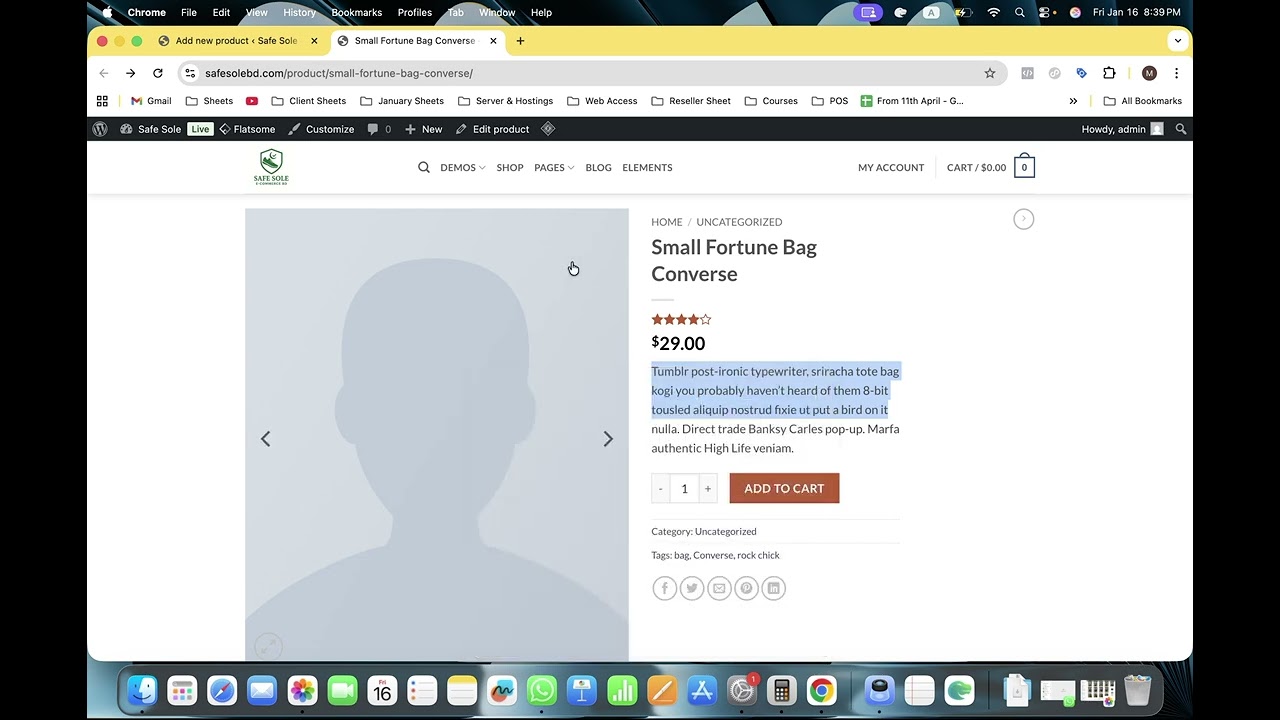
Hello everyone! In this video, I will guide you through the complete process of uploading products to your WordPress (WooCommerce) e-commerce website. I specifically focus on how to manage Variable Products—products that come in different sizes, colors, or options.
You will learn how to set up product attributes, manage image galleries, and even set different prices for specific sizes (e.g., Size 41 costs more than Size 43). This tutorial is perfect for store owners and beginners looking to manage their online shops professionally.
📌 What you will learn in this tutorial:
How to write effective Product Titles, Short Descriptions, and Long Descriptions.
Uploading the Main Product Image and Product Gallery.
The difference between a Simple Product and a Variable Product.
How to create Attributes (e.g., Shoe Sizes: 41, 42, 43).
Setting up Regular Prices and Sale Prices.
Advanced Tip: How to set different prices for different variations/sizes.
🔗 Connect & Support: If you need professional help with Website Development or Digital Marketing, feel free to contact me:
📩 Email: mohi.workzone@gmail.com
Search Queries Solved:
How to add variable products in WooCommerce
WooCommerce product upload tutorial for beginners
How to set different prices for variable products
WordPress e-commerce product entry guide
Uploading products with multiple sizes
If you found this video helpful, please Like and Subscribe for more tutorials! ❤️
#WooCommerce #WordPressTutorial #Ecommerce #ProductUpload #WebDevelopment #DigitalMarketing
Доступные форматы для скачивания:
Скачать видео mp4
-
Информация по загрузке:


![Камеди клаб [НОВЫЙ 2026] [full HD] Сборник избранных смешных и юмористических эпизодов | часть 5](https://image.4k-video.ru/id-video/hFezUJlKMmM)