Portkeys LH5P II – The Monitor I Reach For Over the Shinobi II
Автор: Thomas Fransson
Загружено: 2025-11-18
Просмотров: 5964
Get the LH5P II - https://geni.us/ZChfmd6
(affiliate)
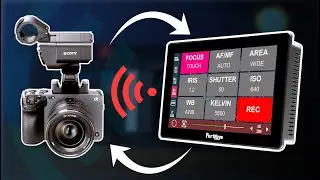
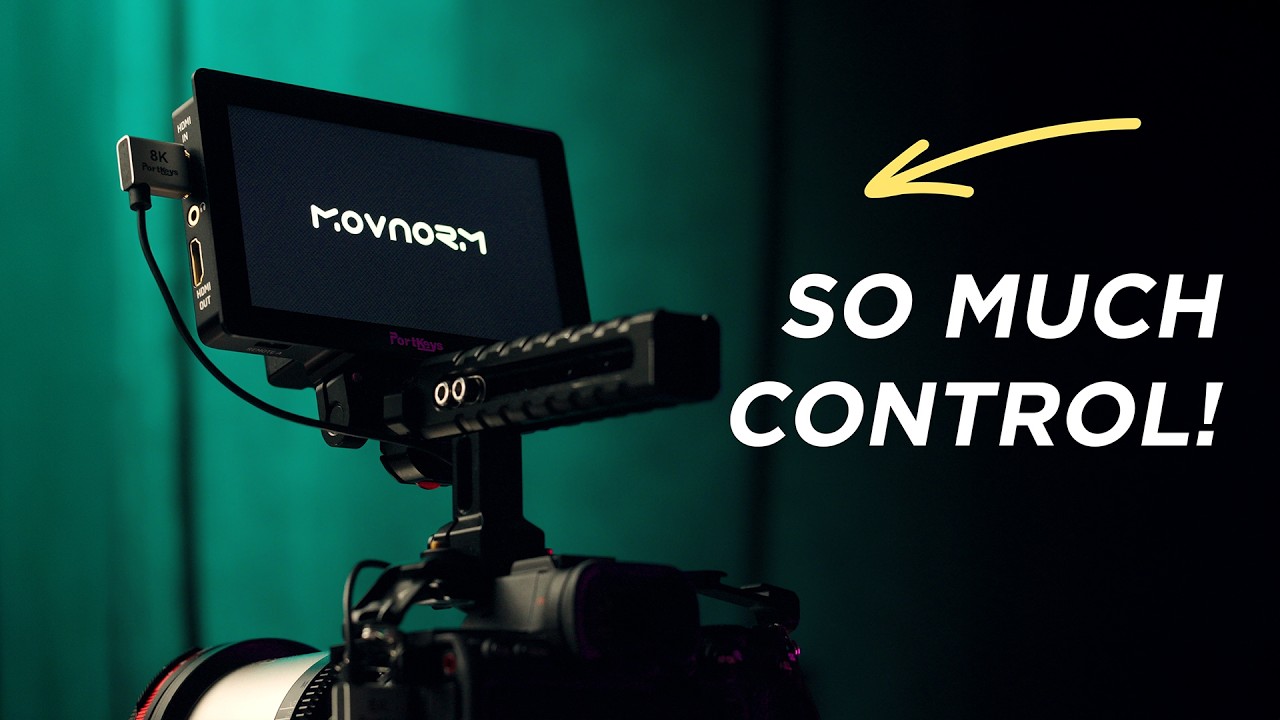
A deep look at the Portkeys LH5P II – a compact 5.5" camera monitor with 10-bit (FRC) panel, camera control, Tilta follow focus integration, wireless and wired camera control and touch focus for Sony, Canon, Black Magic, Panasonic, Nikon and Z-cam cameras and a surprisingly polished OS. I’ll also show you why I tend to reach for this over my old Atomos Shinobi II
We’ll walk through the hardware, the new operating system, LUT handling, wireless/touch AF control, onion-skin overlays and my usual color and latency tests, so you can decide if this is the “upper middle class” monitor that actually fits your setup. If you're looking for a capable 5.5" monitor to your camera rig the Portkeys LH5P II is a great option.
LINKS (affiliate)
LH5P II - https://geni.us/ZChfmd6
LH7P - https://geni.us/lh7p
Sandisk USB Flash Drives - https://geni.us/3Z5jAlA (32GB for max compability)
Portkeys HDMI Cables - https://geni.us/Ka2XGCB
Coiled HDMI - https://geni.us/WJCHn
NPF-750 (7000mah) - https://geni.us/XJqDcNO
Favorite Top Handle - https://geni.us/m14Ow7d
Monitor Mount - https://geni.us/fud7BX
Arri to Nato adapter - https://geni.us/BA52K
In this video:
Hardware tour, ports, power options and build
Display settings, black level, LUTs and exposure tools
Wireless camera control, touch AF and Tilta motor control
Onion-skin / image overlay tricks and latency test vs camera
Why I prefer the LH5P II over the Atomos Shinobi 2
Chapters
00:00 - Upper middle class
00:30 - Why this video & new OS vs older reviews
01:03 - Quick hardware tour (buttons, ports, IO)
01:51 - Single mounting point & rigging considerations
02:12 - USB ports, image capture & my preferred nano thumb drives
03:03 - Power options, LEMO, D-Tap and powering from bigger cams
03:50 - Antennas, wireless range & first impressions on build
04:29 - Putting it on a camera rig
04:50 - Display gamut, color modes & first setup
05:19 - Black Levels on/off and why I turn it off
05:57 - LUT basics & why I use my own conversion LUTs
06:16 - Importing LUTs via USB (step-by-step)
07:21 - Custom LUT list & monitor ready to shoot
07:25 - Tilta follow focus control page (focus/iris motors & A/B moves)
08:06 - Camera control presets & why I use wireless with Sony
08:21 - Adjusting exposure settings from the monitor (iris, shutter, ISO, PZ)
08:59 - Touch AF modes and AF tracking from the screen
09:29 - Touch tracking demo with the thumb drive
10:28 - Turning touch focus off & assist tools overview
10:36 - Focus peaking options with finer control
11:05 - Zebra tools with 1% steps
11:23 - False color, waveforms & LUT-aware monitoring
11:56 - Audio meters and overlays
12:07 - Onion-skin: image capture & image overlay workflow
12:31 - Using overlays for framing guides and product alignment
13:10 - HDR/HLG check fields & channel views
13:23 - Frame guides, crosshair and custom aspect ratios
13:48 - Fan Noise
14:23 - Assigning F-buttons (record trigger, screen off, freeze, etc.)
15:00 - Boot-up time & using screen-off to save battery
15:02 - Panel quality, 10-bit FRC and color impressions
15:26 - Total HDMI latency measurements (camera + monitor)
16:01 - Portkeys LH5P II vs Atomos Shinobi 2
16:48 - Who this monitor is for & closing thoughts
Доступные форматы для скачивания:
Скачать видео mp4
-
Информация по загрузке: