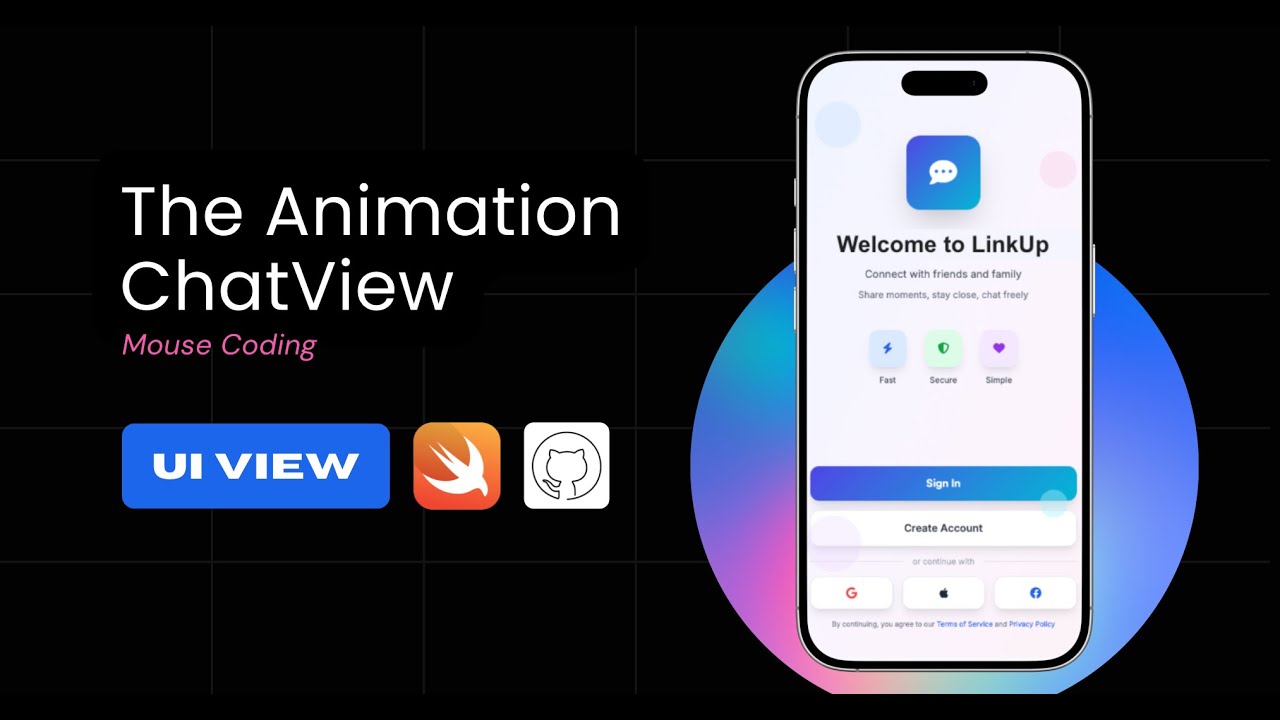
Unit 6. The Effects & Custom TabView
Автор: Mouse Tech
Загружено: 2025-11-25
Просмотров: 5
🔥 UNIT 6 — ADDING MOTION & TRANSITION EFFECTS WITH CUSTOM TABVIEW (Swift / Xcode)
In this video, we expand the “BUILDING A CHAT APP FROM SCRATCH” series by adding smooth motion, transitions, and interactive effects to the app using a fully customized TabView navigation system.
This unit transforms the UI from static screens into a fluid, modern iOS experience.
We won’t add backend logic yet — this video focuses purely on animations, transitions, and view-to-view movement using SwiftUI’s TabView and animation APIs.
👉 What we’ll build:
A custom-designed TabView for switching between major screens
Smooth animated transitions when navigating across tabs
A floating or modern-styled tab bar (depending on your design)
Icon scaling, opacity fade, and slide-motion effects
Dynamic active-tab highlighting
Subtle movement when switching between UI Views
A fully responsive animation system ready for future logic integration
🎯 Git:https://github.com/KN-Mouse/The-UI-ef...
📱 Tools Used:
Swift / SwiftUI
Xcode
iOS Simulator
⚙️ Key Takeaways:
How to customize SwiftUI’s TabView for modern app navigation
How to apply smooth transition animations between screens
How to combine opacity, scale, and slide effects for polished motion
How to create a fluid navigation system without using NavigationStack
How to structure your TabView for upcoming enhancements:
user-based dynamic tabs
real-time data updates
interactive gesture-driven transitions
🎨 Design Goal:
The goal of this unit is to transform your UI navigation into a dynamic, animated, and visually engaging experience — creating the feeling of a premium, modern mobile app as you move between screens.
👉 Don’t forget to LIKE ❤️ and SUBSCRIBE for UNIT 7: Advanced Header Animations & Dynamic UI Effects!
#Swift #SwiftUI #Xcode #iOSDevelopment #TabView #ChatApp #UIDesign #Animation #MVVM #SwiftTutorial

Доступные форматы для скачивания:
Скачать видео mp4
-
Информация по загрузке: