Скачать
3 Ways to Reset and update firmware AtGames Legends 4k Pinball
Автор: Paul Fusco
Загружено: 2024-04-17
Просмотров: 3767
Описание:
If your wifi is 3 bars or higher on the backbox screen proceed to reset your 4KP and re-install the updates.
If your wifi is 2 bars or lower then connect to an ethernet cable then proceed to reset your 4KP.
A factory reset can fix many software related issues like audio, video, wifi, can't connect to the Atgames server, and user interface problems.
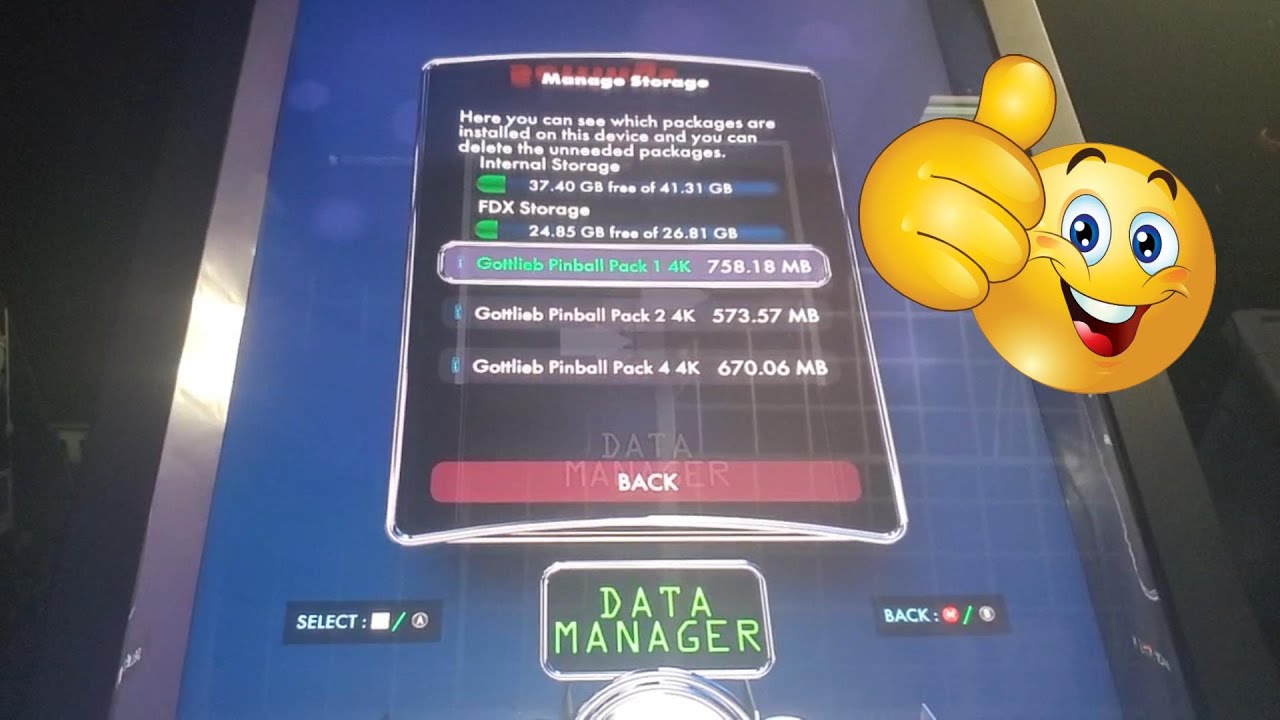
Learn how to create a flash drive X FDX to backup your DLC tables and backup personal data to USB so you can fix your software firmware on Legends 4KP.
Доступные форматы для скачивания:
Скачать видео mp4
-
Информация по загрузке: