How to Change Email on Instagram (Step-by-Step Tutorial)
Автор: Delft Stack
Загружено: 2026-01-15
Просмотров: 5
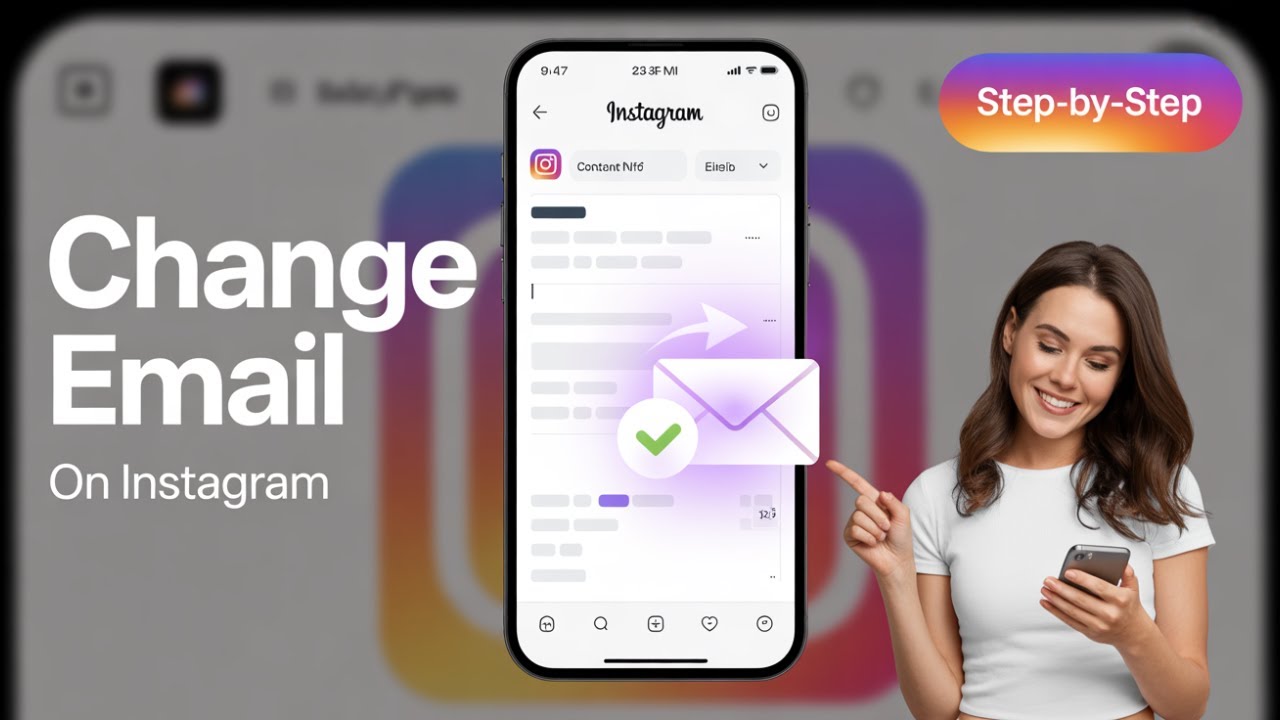
Need to update the email linked to your Instagram account? 🔐 Whether you’ve changed your email address or want better account security, this step-by-step tutorial shows you how to change your email on Instagram using the Account Center—quickly, safely, and without confusion. 🚀
🔹 What You’ll Learn in This Video
✅ How to access Instagram Account Center
✅ Where to find your personal and contact details
✅ How to add a new email to your Instagram account
✅ How email replacement works on Instagram
✅ How to confirm your new email with a verification code
⏳ Timestamps
⏱ 00:00 – Introduction
⏱ 00:09 – Opening the Instagram App
⏱ 00:23 – Going to Your Profile
⏱ 00:33 – Opening Settings & Activity
⏱ 00:47 – Accessing Account Center
⏱ 01:00 – Profiles & Personal Details
⏱ 01:12 – Opening Contact Info
⏱ 01:27 – Adding a New Email
⏱ 01:39 – Replacing the Existing Email
⏱ 02:13 – Email Verification Code
⏱ 02:29 – Email Successfully Updated
📌 Summary
Keeping your email up to date on Instagram is essential for account security 🔐, login access 🔑, and receiving important notifications 📩. This tutorial walks you through the exact steps using the latest Instagram Account Center layout, so you can update your email confidently without getting lost in outdated menus.
👉 If this tutorial helped you, like the video, subscribe to the DelftStack channel, and turn on the notification bell 🔔 so you never miss the latest tips and tutorials. Let us know in the comments if you updated your email for security or recovery reasons!
Доступные форматы для скачивания:
Скачать видео mp4
-
Информация по загрузке: