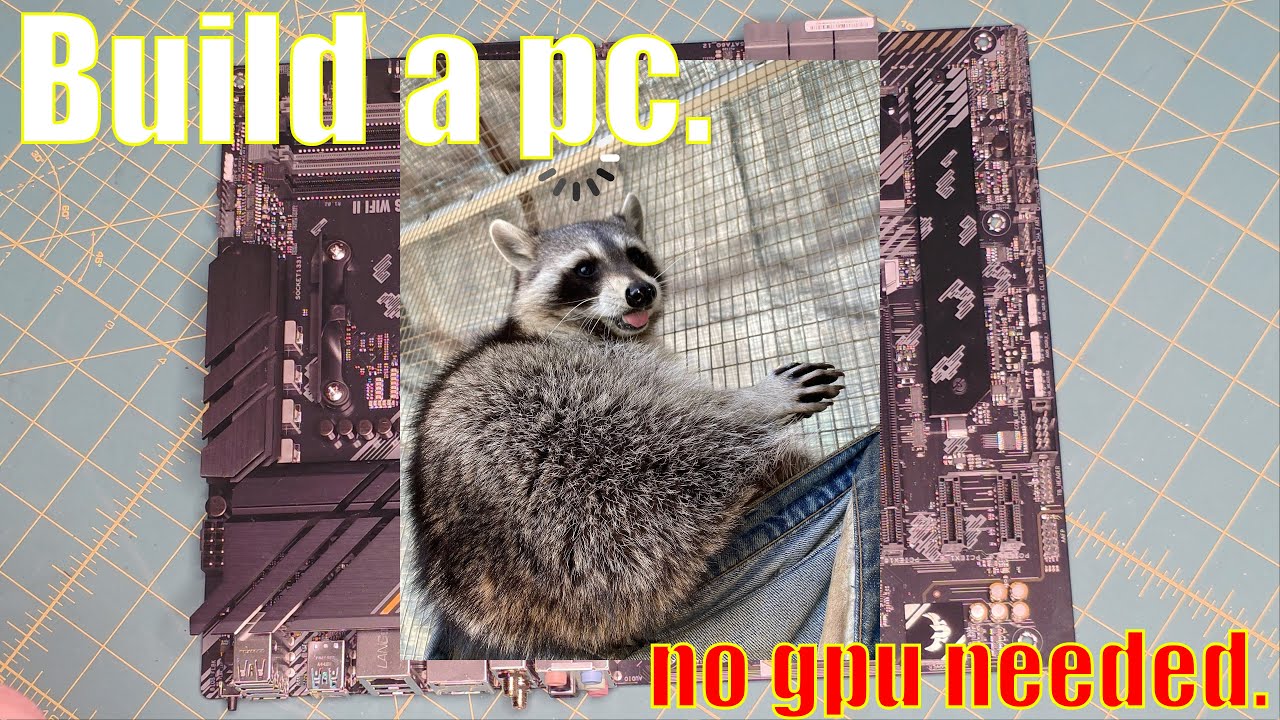
How to Build a PC 💻 Step by Step Budget Ryzen 7 Build for Under $700 - NO GPU REQUIRED!
Автор: The Code Pilot
Загружено: 2026-01-12
Просмотров: 62
Want to build a PC but don’t know where to start?
This is a full step-by-step PC build using a Ryzen 7 5700G, no dedicated GPU, and a very obtainable budget.
In this video, I walk through:
Choosing compatible PC parts
Installing the CPU, RAM, and NVMe storage
Mounting the motherboard and power supply
Cable management (without losing your sanity)
First boot, POST check, and final cleanup
This system was built as a learning and project machine for Linux, Windows, and development work — powerful enough to do real work, without spending thousands.
💻 Parts used in this build (affiliate links):
Case: https://amzn.to/4pAKfOX
Processor: https://amzn.to/44Zs0vc
Motherboard: https://amzn.to/4jB99wr
HDD / SSD: https://amzn.to/4jAj05C
RAM: https://amzn.to/451f4ot
Power Supply: https://amzn.to/4qbR2zs
Thermal Paste: https://amzn.to/4qhs3en
Electronic Wipes: https://amzn.to/49gd12k
USB PCI Card: https://amzn.to/4qoT2V6
Sprayway Glass Cleaner: https://amzn.to/3NdUV8y
🎵 Music courtesy of freetouse.com
If you buy through my links, Amazon tosses me a few coins. It won’t make this computer install an OS on itself (or find that fan I was wondering if I had), but it does help fund future questionable tech purchases. Appreciate you! 😄
Chapters:
00:00 Intro
01:10 Opening the Case
04:22 Installing components to Motherboard
07:12 Hard Drive
09:52 CPU
11:39 CPU Fan
19:17 Memory
21:34 Power Supply
29:17 Installing Motherboard into Case
32:50 Connecting wires and plugs and such
42:30 First Run
45:02 Cable Management
49:47 Case Reassembly
53:18 Outro
👍 Like if this helped
📺 Subscribe for more PC builds, Linux, and IT tutorials
💬 Questions or future build requests? Drop them in the comments
✈️ The Code Pilot — Guiding you through the world of tech, one tutorial at a time.
Доступные форматы для скачивания:
Скачать видео mp4
-
Информация по загрузке: