Популярное

Музыка Кино и Анимация Автомобили Животные Спорт Путешествия Игры Юмор

Интересные видео

2025 Сериалы Трейлеры Новости Как сделать Видеоуроки Diy своими руками

Топ запросов

смотреть а4 schoolboy runaway турецкий сериал смотреть мультфильмы эдисон
dTub
Скачать

UNINET IColor SmartCUT Software Garment Application Instruction

Автор: UNINET IColor Printing Solutions

Загружено: 2019-06-21

Просмотров: 21240

Описание:

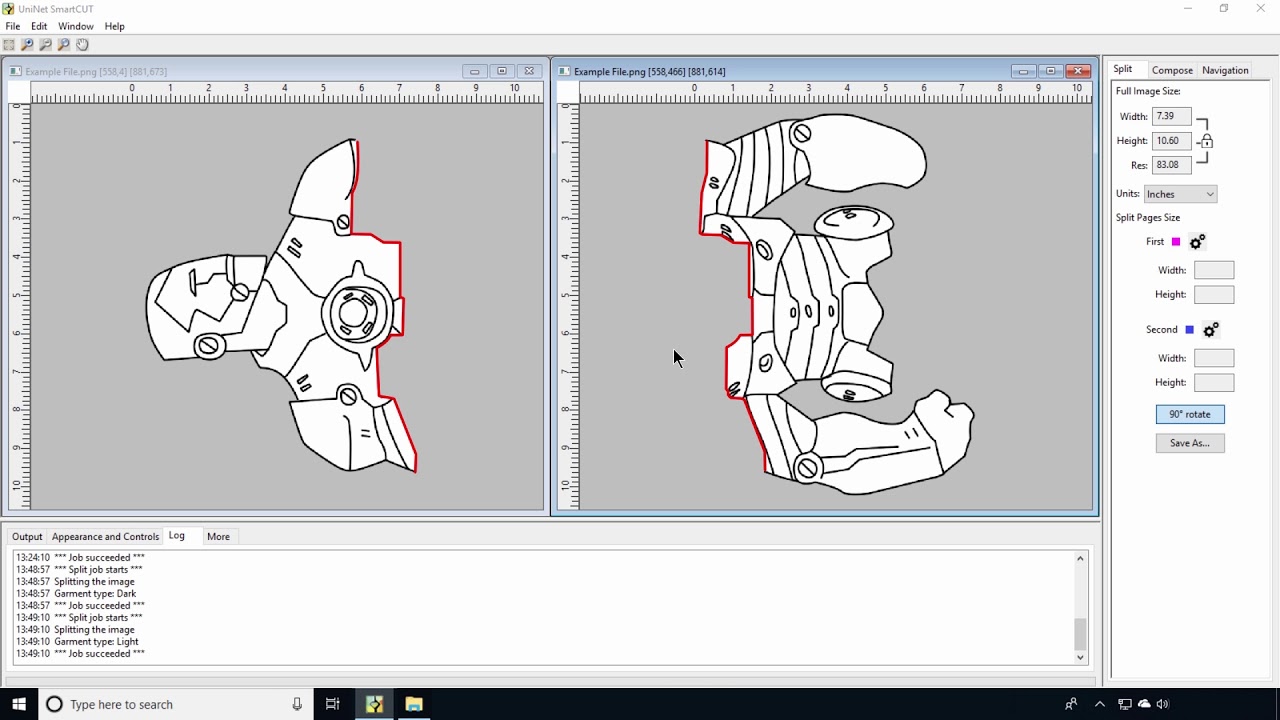
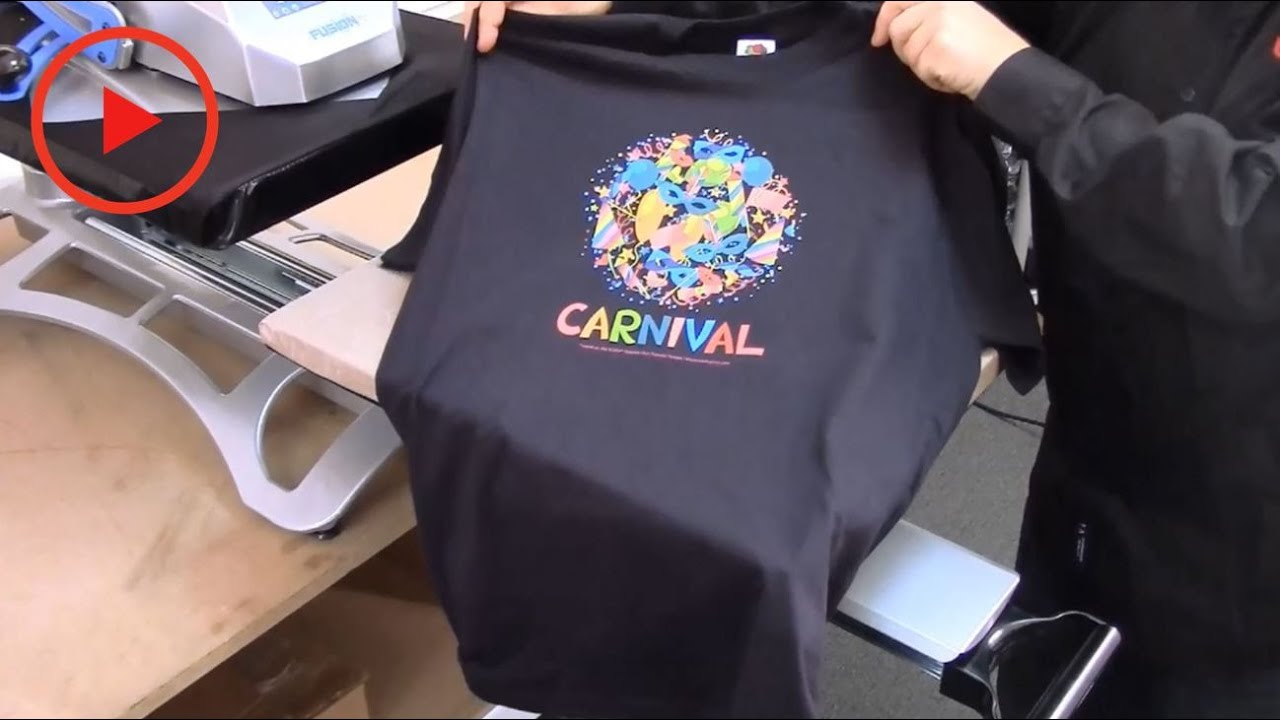
UNINET IColor SmartCUT Software - Now you can print oversized images on letter or A4 sized printers quickly and easily. Unlike tiled or overlapped images, SmartCUT software ensures that the seam is invisible on the final product. UNINET'S SmartCUT intelligently splits your oversized image, into 2, 3 or more pieces that can be reassembled in a seamless fashion onto your garment or substrate. Create large, multicolor designs without the need for a tabloid or A3 sized printer! This video shows step by step instructions on how to split, print, and apply your image to a garment.

For more information, visit www.icolorprint.com or call +1631-590-1040

Join the white toner revolution! Become a member of the most helpful and fastest-growing group on facebook!
  / whitetonertransfersupportgroup  

UNINET IColor SmartCUT Software Garment Application Instruction

Поделиться в:

Доступные форматы для скачивания:

Скачать видео mp4

  • Информация по загрузке:

Скачать аудио mp3

Похожие видео

Обучающее видео №1 по программному обеспечению UNINET IColor ProRIP

Обучающее видео №1 по программному обеспечению UNINET IColor ProRIP

IColor Glitter Adhesive 2 Step Transfer Paper Instructional Video

IColor Glitter Adhesive 2 Step Transfer Paper Instructional Video

Весь процесс создания лазерных переносов!

Весь процесс создания лазерных переносов!

White Toner Pressing a Cup

White Toner Pressing a Cup

Обучающее видео по программному обеспечению UNINET IColor SmartCUT

Обучающее видео по программному обеспечению UNINET IColor SmartCUT

Как объединить и нажать IColor Select Ultrabright

Как объединить и нажать IColor Select Ultrabright

Laser Transfer papers - Two Forever Papers & Two UniNet iColor Papers

Laser Transfer papers - Two Forever Papers & Two UniNet iColor Papers

How to Rasterize in ProRIP Part 2 - Lines and Holes

How to Rasterize in ProRIP Part 2 - Lines and Holes

How to get perfect transfers with 2-step papers every time!

How to get perfect transfers with 2-step papers every time!

UNINET IColor ProRIP Essentials Video Tutorial

UNINET IColor ProRIP Essentials Video Tutorial

Fool Proof Marrying of 2 Step White Toner Paper

Fool Proof Marrying of 2 Step White Toner Paper

UNINET IColor Premium Transfer Paper using IColor Toner Based Printing Technology

UNINET IColor Premium Transfer Paper using IColor Toner Based Printing Technology

Tips for UNINET IColor SmartCut Software - Regular and Multiple Cuts

Tips for UNINET IColor SmartCut Software - Regular and Multiple Cuts

HOW TO USE UNINET SMART CUT AND APPLY DIVIDED WHITE TONER TRANSFERS

HOW TO USE UNINET SMART CUT AND APPLY DIVIDED WHITE TONER TRANSFERS

Instructions for the IColor Standard 2 Step Transfer Paper using the IColor 500

Instructions for the IColor Standard 2 Step Transfer Paper using the IColor 500

Uninet Icolor 650/ 550/ 560/ 540 White Toner Printer. Making T Shirts Step By Step

Uninet Icolor 650/ 550/ 560/ 540 White Toner Printer. Making T Shirts Step By Step

Как печатать изображения размером более 8,5 x 11 дюймов с помощью переноса белого тонера с помощь...

Как печатать изображения размером более 8,5 x 11 дюймов с помощью переноса белого тонера с помощь...

Unboxing and First Look at My iColor 560 White Toner printer - Making Decals!

Unboxing and First Look at My iColor 560 White Toner printer - Making Decals!

Uninet Icolor White Toner 550 Printer

Uninet Icolor White Toner 550 Printer

Introducing The iColor 560 White Toner Printer From UniNet

Introducing The iColor 560 White Toner Printer From UniNet

© 2025 dtub. Все права защищены.


  • Контакты
  • О нас
  • Политика конфиденциальности


Контакты для правообладателей: infodtube@gmail.com