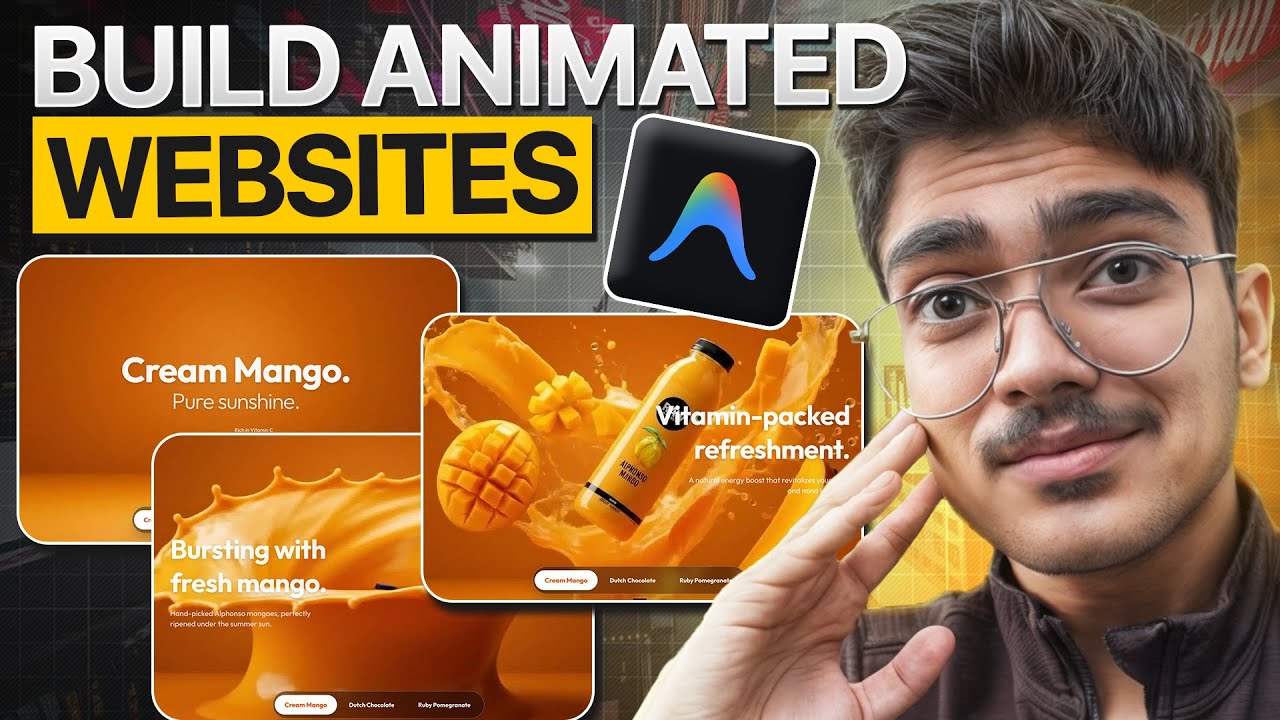
Build a Stunning Animated Portfolio Website with React + GSAP | Step-by-Step Tutorial
Автор: Rupz Web
Загружено: 2025-09-13
Просмотров: 8027
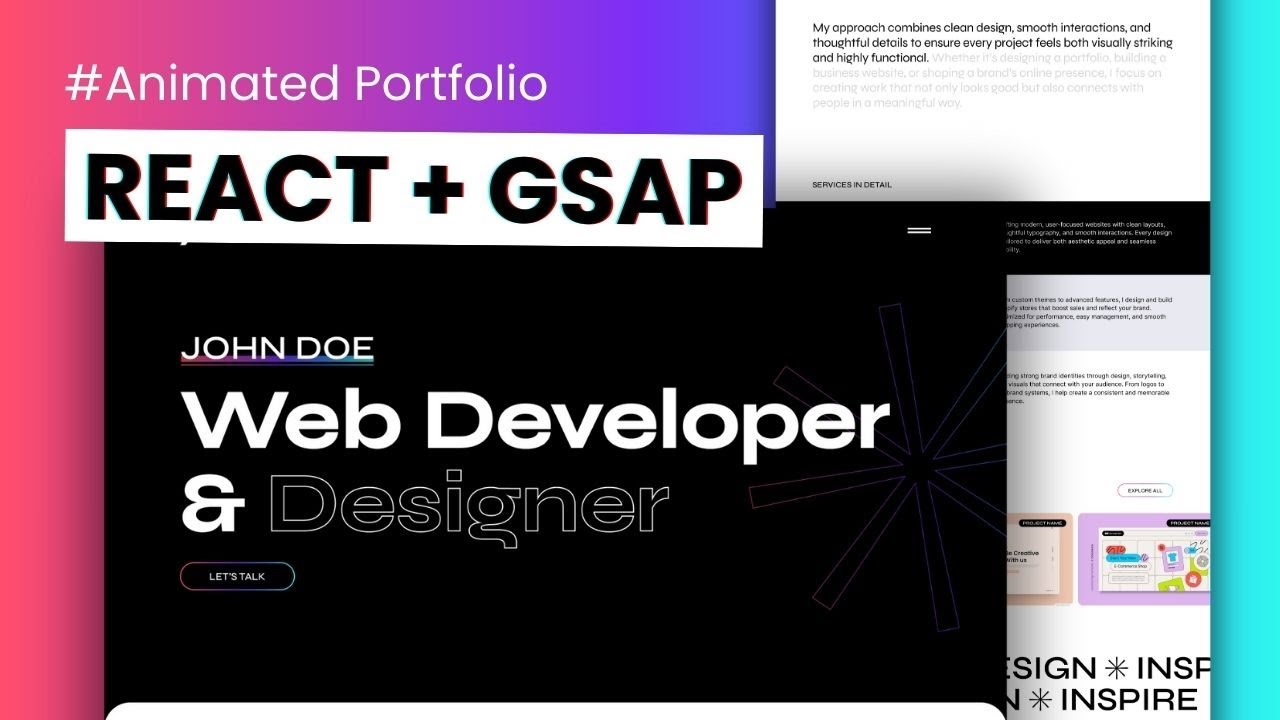
Build your stunning mobile responsive animated portfolio website from scratch using React.js + GSAP
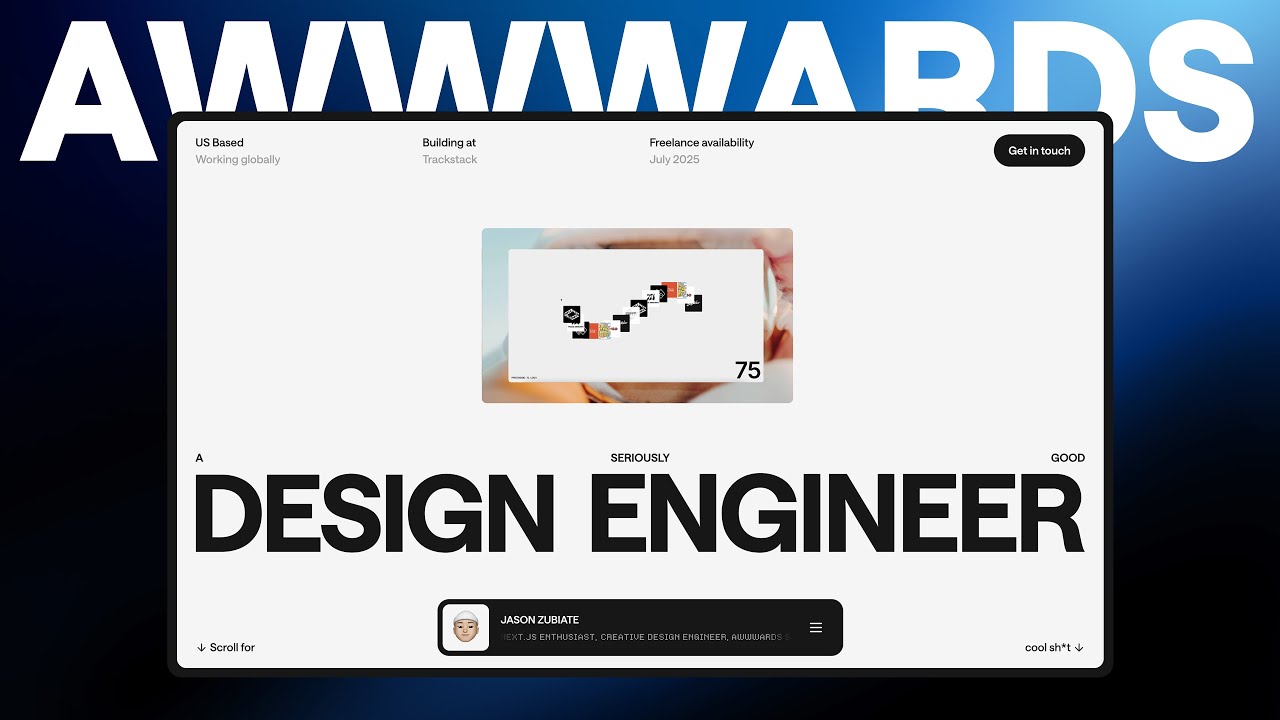
Inspired by modern Awwwards-style designs, I first created the layout in Figma and then developed it step by step in React.
In this tutorial, you’ll learn how to:
✅ Create an animated hero section with text + shapes
✅ Add a clean navigation menu
✅ Build an about section with fade-in text effects
✅ Make a sticky services section
✅ Add a horizontally scrolling work showcase
✅ Create a smooth marquee animation
✅ Design a color-changing CTA section
✅ Finish with a beautiful footer
Even if you’re new to React, by the end of this video you’ll know how to build this complete portfolio website.
📌 Source code: https://rupzweb.gumroad.com/l/react-j...
Note* : This project and source code are shared for learning and personal use (such as practice or portfolio projects). They are not permitted to be re-uploaded or used to create separate tutorials, videos, or content without proper credit.
If you want to showcase or share this work, please credit Rupz Web and link back to this original video.
📌 Technologies Used:
React.js
GSAP (GreenSock Animation Platform)
Figma (for design)
Animated Website: • Build a Stunning Animated Portfolio Websit...
Text Animation: • Want Smooth Text Animation? Try GSAP Split...
⌚ Chapters:
00:00 Intro
01:04 Project Setup
08:00 Tailwind and Font installation
15:06 Folder Structure
17:08 Home Page Design
1:34:32 GSAP Installation
1:37:36 Navbar Animation
1:40:00 Hero Animation
1:51:58 About Animation
1:55:05 Services Animation
1:58:19 Work Section Animation
2:04:45 CTA Section Animation
2:08:10 Menu Design
2:18:45 Add Routes
2:24:30 Design Project Page
If you enjoy this tutorial, don’t forget to Like 👍, Comment 💬, and Subscribe 🔔for more web design + development tutorials!
Доступные форматы для скачивания:
Скачать видео mp4
-
Информация по загрузке: