How to Make Word Document Read Only & Password Protect Urdu/Hindi | How to make Password Protection
Автор: Latif Ullah Khan Official
Загружено: 2026-01-11
Просмотров: 9
#MSWord #MicrosoftWord #PasswordProtect #ReadOnly #WordTips #TechTutorial #Urdu #Hindi #DocumentSecurity #ComputerTricks
How to Make Word Document Read Only & Password Protect (Urdu/Hindi) | How to make Password Protection
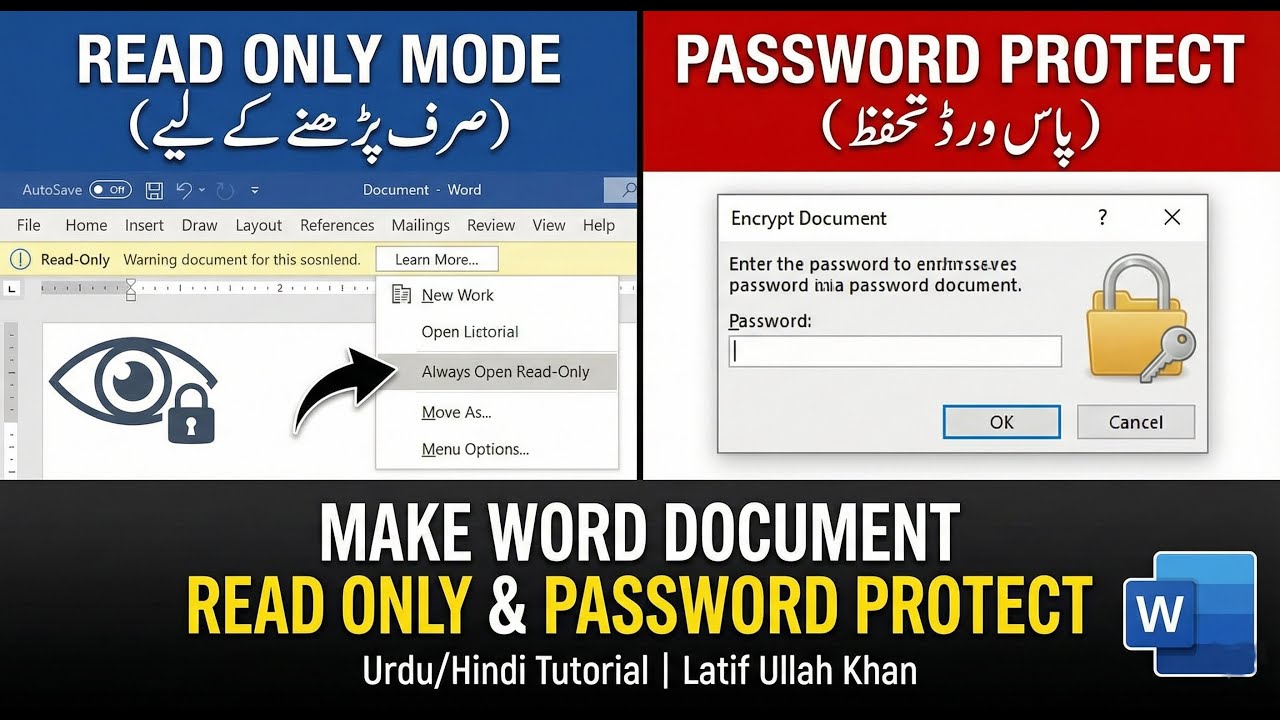
In this video, I will show you how to protect your Microsoft Word documents from unauthorised editing. We will cover two different methods to secure your files: Read-Only Mode and Password Encryption.
Whether you want to share a file (like a resume or CV) that others can view but not change, or if you need to fully lock a private document with a password so no one can open it, this tutorial covers it all step-by-step in Urdu/Hindi.
In this tutorial, you will learn:
How to enable "Always Open Read-Only" mode in MS Word.
The difference between Read-Only and Password Protection.
How to encrypt your Word file with a secure password.
How to remove these restrictions if you need to edit the file later.
If you found this video helpful, please like, share, and subscribe to the channel for more IT tips and tricks!
Host: Latif Ullah Khan
Timestamps
00:00 - Introduction
00:35 - Creating a sample document (Resume/CV)
03:42 - How to make a Word file "Read Only"
04:12 - Testing Read-Only mode (Prevention of accidental edits)
06:50 - How to remove Read-Only protection
07:58 - How to set a Password (Encrypt with Password)
08:28 - Testing Password Protection (Opening a locked file)
#MSWord #MicrosoftWord #PasswordProtect #ReadOnly #WordTips #TechTutorial #Urdu #Hindi #DocumentSecurity #ComputerTricks #Office365 #LatifUllahKhan #SecureFile #HowTo #ITSkills
Доступные форматы для скачивания:
Скачать видео mp4
-
Информация по загрузке: