The Best 4K Transcoding Hardware for Plex (2025)
Автор: Benjamin S Powell
Загружено: 2025-10-10
Просмотров: 3169
Can your PC actually run a Plex media server for 4K?
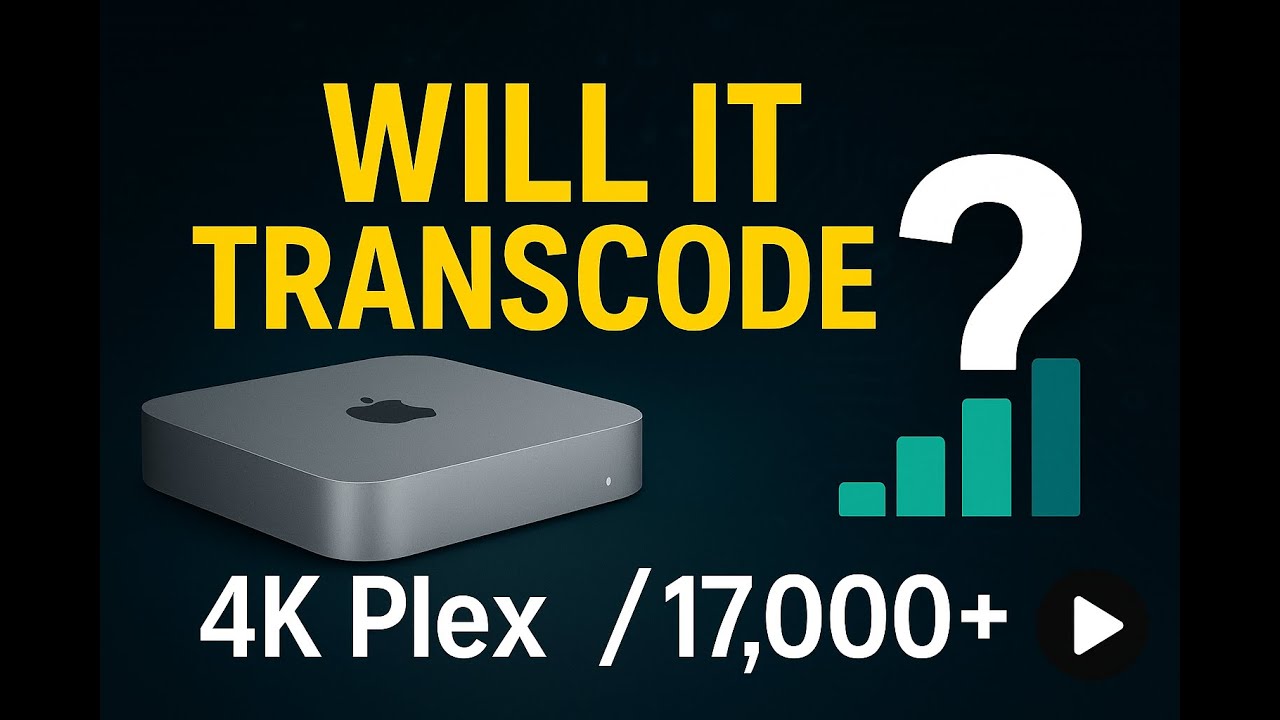
This video is a straightforward hardware guide using PassMark targets so you can choose a cheap, reliable box for Plex. I explain why transcoding matters, what happens if you don’t have Plex hardware transcoding, and which budget mini PCs are safe bets.
Key takeaways from the video:
• PassMark ≈ 17,000 for a smooth single 4K transcode; ≈ 5,000 for 1080p.
• If you don’t use Plex’s paid tier (no hardware transcode), the CPU does all the work.
• How to check: search your CPU model + “PassMark” and read the multi-thread score.
• Solid, low-cost options: Mac mini (Intel or M1), Dell OptiPlex, HP EliteDesk.
• If you only use a NAS for files (no media streaming), these thresholds don’t matter.
• Many ex-office minis ship with Windows 10; as support winds down, consider a non-Windows OS for a media server.
What you’ll learn in this video:
– What transcoding is and why TVs/tablets often force it
– When you’ll buffer (and how to avoid it)
– Picking CPUs that hit the target (and what to expect from i3 vs i7 vs M1)
– Practical buying tips for Marketplace/eBay (specs to scan fast)
Search terms covered naturally: Plex 4K transcoding, best CPU for Plex, PassMark score for Plex, media server hardware guide, mini PC Plex server, Mac mini Plex, OptiPlex Plex, EliteDesk Plex, 1080p vs 4K transcode.
#Plex #MediaServer #Transcoding #PassMark #NAS
Доступные форматы для скачивания:
Скачать видео mp4
-
Информация по загрузке: