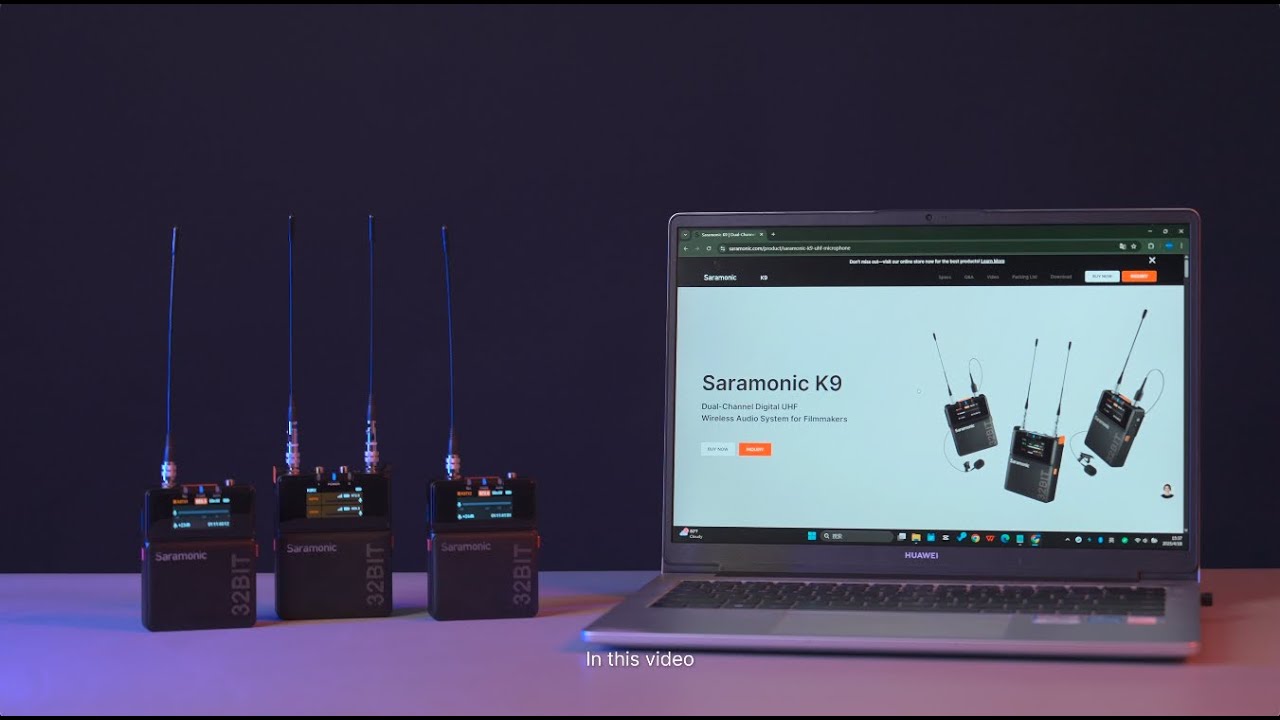
How to Upgrade Saramonic K9?
Автор: Saramonic Global
Загружено: 2025-07-05
Просмотров: 478
We highly recommend that you upgrade the system via your computer.
To upgrade via your computer.
1. Install the antennas properly.
2. Switch on the transmitters and receivers and navigate to Read.
3. Connect the devices to your computer via the USB cable included in the package.
4. Download the Local Update Package from: https://www.saramonic.com/support/dow... (You may use Saramonic K9 to search for the file)
5. Drag the TX file and RX file to your transmitters and receiver respectively.
6. Return to the menu and navigate to Upgrade and choose SD card.
To upgrade with your phone.
1. Reset Bluetooth on all 3 devices.
2. Download and launch Saramonic System.
3. Tap the + sign on the top right corner to add the devices.
4. Tap the Bulk Management icon on the top right corner and then Update.
5. The upgrade might take a few minutes. Please keep your phone's screen light up to complete the whole process.
If you need any help or have any questions, please don't hesitate to reach out to us via support@saramonic.com.
Доступные форматы для скачивания:
Скачать видео mp4
-
Информация по загрузке:


