How to Retrieve All Items with Any Partition Key and a Range of Sort Key Values in DynamoDB
Автор: vlogize
Загружено: 2025-08-18
Просмотров: 2
Learn how to efficiently query a `DynamoDB` table to get items based on a range of sort key values while utilizing any partition key.
---
This video is based on the question https://stackoverflow.com/q/64939813/ asked by the user 'Costa Michailidis' ( https://stackoverflow.com/u/1027004/ ) and on the answer https://stackoverflow.com/a/64945578/ provided by the user 'Seth Geoghegan' ( https://stackoverflow.com/u/13549664/ ) at 'Stack Overflow' website. Thanks to these great users and Stackexchange community for their contributions.
Visit these links for original content and any more details, such as alternate solutions, latest updates/developments on topic, comments, revision history etc. For example, the original title of the Question was: DynamoDB - How to get all items with any partition key, but with a range of sort key values?
Also, Content (except music) licensed under CC BY-SA https://meta.stackexchange.com/help/l...
The original Question post is licensed under the 'CC BY-SA 4.0' ( https://creativecommons.org/licenses/... ) license, and the original Answer post is licensed under the 'CC BY-SA 4.0' ( https://creativecommons.org/licenses/... ) license.
If anything seems off to you, please feel free to write me at vlogize [AT] gmail [DOT] com.
---
How to Retrieve All Items with Any Partition Key and a Range of Sort Key Values in DynamoDB
If you've been working with DynamoDB, you might have encountered a challenge when trying to retrieve items based on a combination of keys. A common scenario is wanting to fetch all items with any specified partition key while also filtering on a range of sort key values. This guide will guide you through understanding the problem and how to effectively implement a solution.
Understanding the Problem
In our example, let's say you have a DynamoDB table containing Pokémon data. This table uses the Pokémon's name as the partition key and their level as the sort key. The goal is to obtain a list of Pokémon that are above a certain level, regardless of their partition key.
A user trying to execute such a query may encounter errors like:
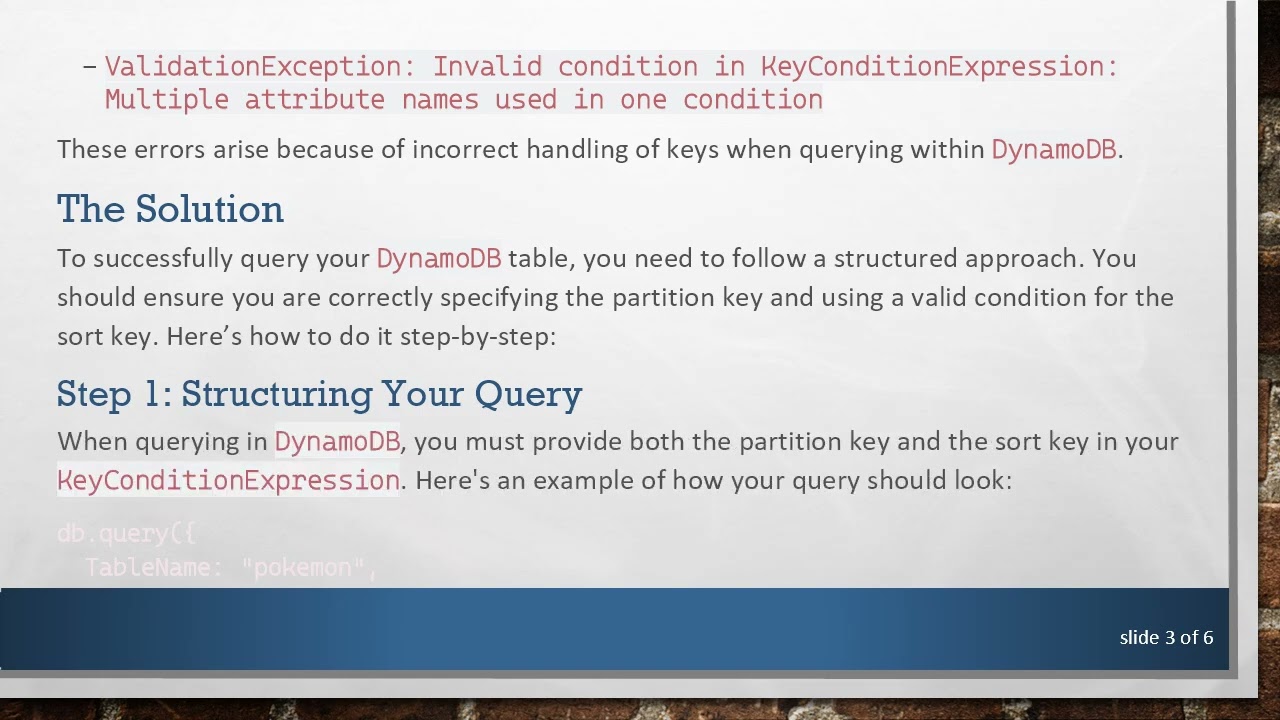
ValidationException: Query condition missed key schema element: pokemon
ValidationException: Invalid condition in KeyConditionExpression: Multiple attribute names used in one condition
These errors arise because of incorrect handling of keys when querying within DynamoDB.
The Solution
To successfully query your DynamoDB table, you need to follow a structured approach. You should ensure you are correctly specifying the partition key and using a valid condition for the sort key. Here’s how to do it step-by-step:
Step 1: Structuring Your Query
When querying in DynamoDB, you must provide both the partition key and the sort key in your KeyConditionExpression. Here's an example of how your query should look:
[[See Video to Reveal this Text or Code Snippet]]
Step 2: Breaking Down the Query
TableName: Specify the name of your DynamoDB table, in this case, "pokemon".
IndexName: If you're using a Global Secondary Index (GSI), provide its name here. In our case, it's "level".
KeyConditionExpression: This is where you define the criteria for retrieving items. You need to indicate that the partition key (e.g., Pokémon name) equals a specific value and that the sort key (level) is greater than a designated threshold.
ExpressionAttributeValues: Here, map the placeholders in your KeyConditionExpression to their respective values.
ExpressionAttributeNames: This is helpful when your attribute names clash with reserved words in DynamoDB. Use it to denote what # name and # level refer to.
Step 3: Executing the Query
Once the query is structured correctly, executing it in your JavaScript code will return the desired results. You will get a list of all Pokémon that meet your sort key criteria above the specified level.
Conclusion
Querying a DynamoDB table can initially seem daunting, especially with partition and sort keys involved. However, understanding how to formulate a proper KeyConditionExpression will significantly simplify the process. This allows you to efficiently retrieve the information you need without running into errors.
Remember to tailor your queries based on your data's specific schema and feel free to experiment with different parameters to suit your application’s needs!
If you have any questions or need further assistance, feel free to comment below!
Доступные форматы для скачивания:
Скачать видео mp4
-
Информация по загрузке: