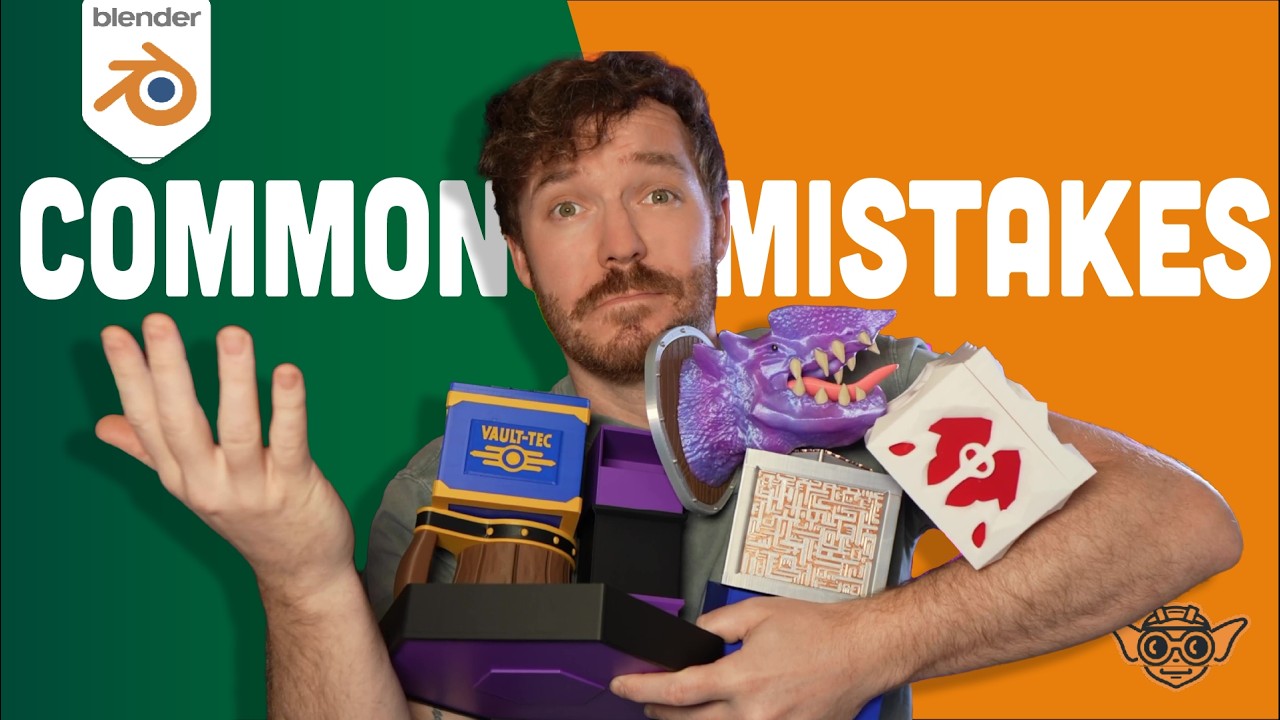
New to Blender for 3D Printing? Avoid These 5 Mistakes
Автор: Copperthumb
Загружено: 2026-01-16
Просмотров: 11
If your 3D prints don’t fit, fail partway through, or just don’t behave the way you expected — it’s not always your printer. Most likely, it's your model.
In this video, I break down the 5 most common mistakes beginners make in Blender when designing for 3D printing, and show you how to fix them with a print-first mindset.
00:00 - Intro
00:53 - Applying the Scale
02:25 - Tool Overwhelm! (Sticking to one project)
03:25 - Non-manifold geometry (gaps, and how to fix them)
05:39 - Overhangs (learning good modeling techniques)
07:14 - Rushing Your Workflow (understanding iterative design)
08:25 - Outro
These are mistakes I’ve made myself — and fixing them will save you time, filament, and frustration!
What This Video Covers:
• Why Blender’s scale must be applied before slicing
• Using the right Blender workflow for 3D printing
• Non-manifold geometry and invisible model errors
• Designing with clearance so parts actually fit
• Why iteration matters more than perfection
This video is designed for people using Blender for 3D printing; not animation, games or renders.
If you’re building things like dice trays, deck boxes, dice towers, organizers, or other functional prints, this will make everything easier!
👉 On that note - Beginner-friendly projects and follow-up tutorials are available on the channel!
Доступные форматы для скачивания:
Скачать видео mp4
-
Информация по загрузке: