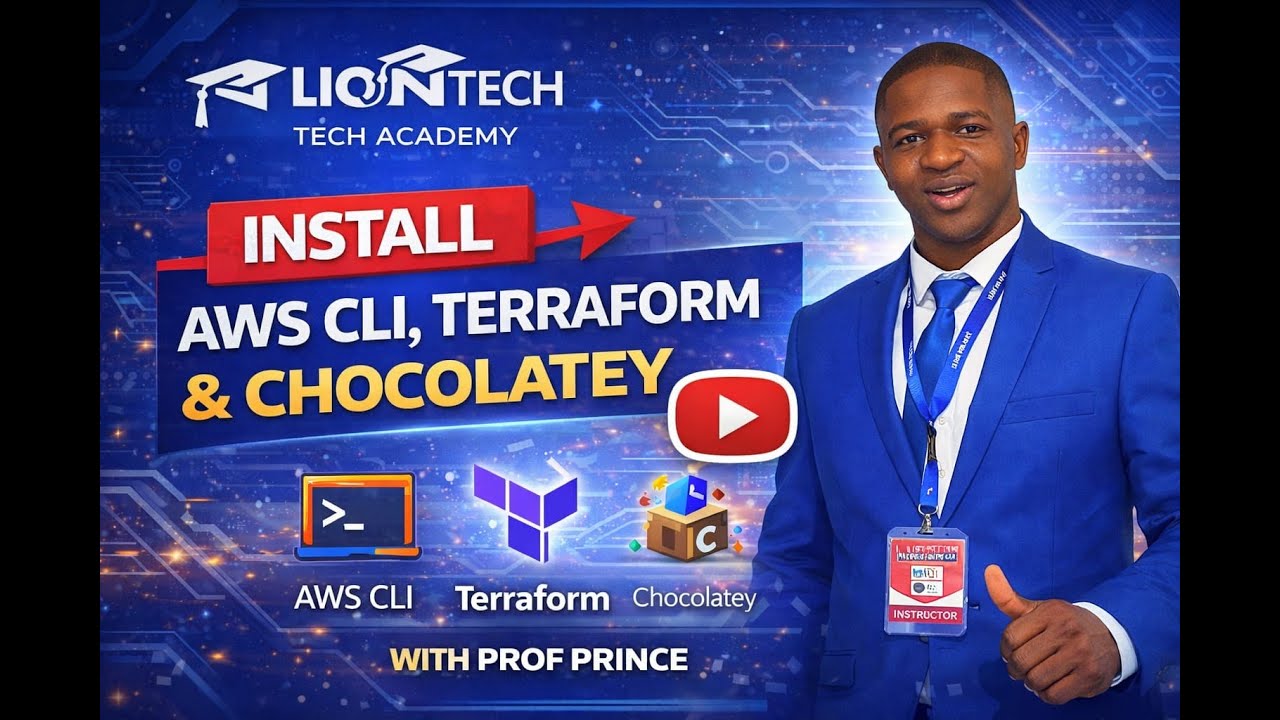
Install AWS CLI + Terraform + Chocolatey (Windows) | Step-by-Step Setup with Prof Prince
Автор: LIONTECH ACADEMY
Загружено: 2026-01-17
Просмотров: 2
In this video, Prof Prince walks you through a complete Windows setup for DevOps and Cloud Engineering by installing the essential tools you need to get started:
✅ Chocolatey (Windows package manager)
✅ AWS CLI (to manage AWS from your terminal)
✅ Terraform (Infrastructure as Code for automation)
By the end of this tutorial, you’ll have everything installed, verified, and ready for real infrastructure automation labs.
What you will learn
How to install Chocolatey on Windows
How to install AWS CLI and confirm it works
How to install Terraform and verify the installation
Quick checks and best practices for a clean setup
Requirements
Windows 10/11
Stable internet connection
An active AWS account (recommended for the next labs)
LionTech Tech Academy Contact
📞 647 381 8836
📧 liontechacademy@gmail.com
#DevOps #AWS #Terraform #AWSCLI #Chocolatey #InfrastructureAsCode #CloudComputing #LionTechTechAcademy
Доступные форматы для скачивания:
Скачать видео mp4
-
Информация по загрузке: