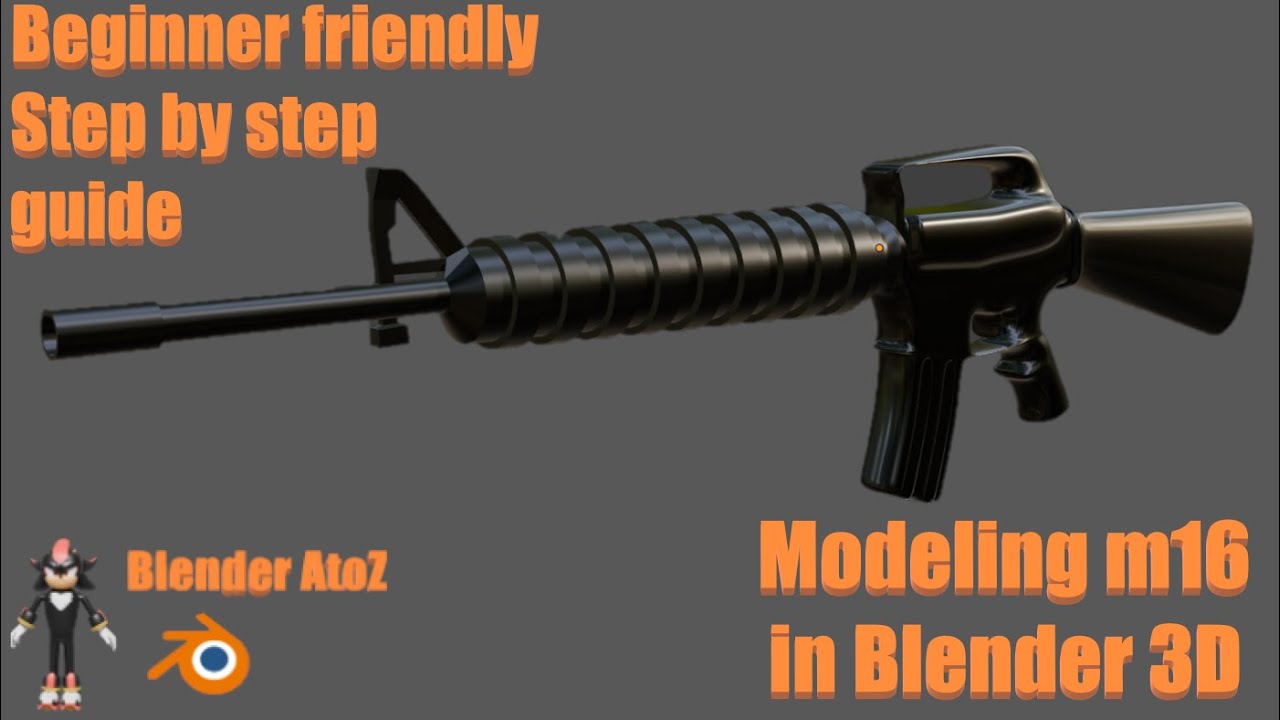
How to model m16 in blender 3D | Beginner friendly | Step by step guide
Автор: Blender AtoZ
Загружено: 2025-12-08
Просмотров: 45
Welcome to Blender AtoZ — beginner-friendly Blender tutorials made simple!
In this step-by-step video, you’ll learn how to model an M16 rifle in Blender 3D from start to finish. This tutorial is designed for beginners who want clear, practical techniques for hard-surface and weapon modeling. No complicated jargon — just easy, repeatable steps.
What you’ll learn in this tutorial:
• Setting up reference images and blueprints for accurate proportions.
• Blocking out the basic shapes: barrel, receiver, stock, magazine, sights.
• Hard-surface techniques: booleans used smartly, bevels, edge-loops, and controlling smoothing.
• Modeling details like rails, trigger, bolt, and polymer textures while keeping mesh clean.
• Modifiers you’ll use: Mirror, Bevel, Subdivision Surface (where needed), and Array.
• Optimization for game assets: reducing polycount, creating LODs, and using normal maps.
• UV unwrapping basics and preparing maps for texturing.
• Quick texturing workflow and baking normals to keep the model game-ready.
• Export tips for game engines (FBX/GLTF) and rendering in Eevee/Cycles.
This tutorial is perfect if you want to create a realistic or stylized M16 prop for games, animations, or portfolio work. I show clean-organized steps so beginners can follow along and finish a complete, usable weapon model.
If you find this tutorial helpful, please like, comment, and subscribe to Blender AtoZ for more beginner guides: low poly vehicles, props, environments, and hard-surface assets. Turn on notifications to catch new tutorials fast.
Доступные форматы для скачивания:
Скачать видео mp4
-
Информация по загрузке: