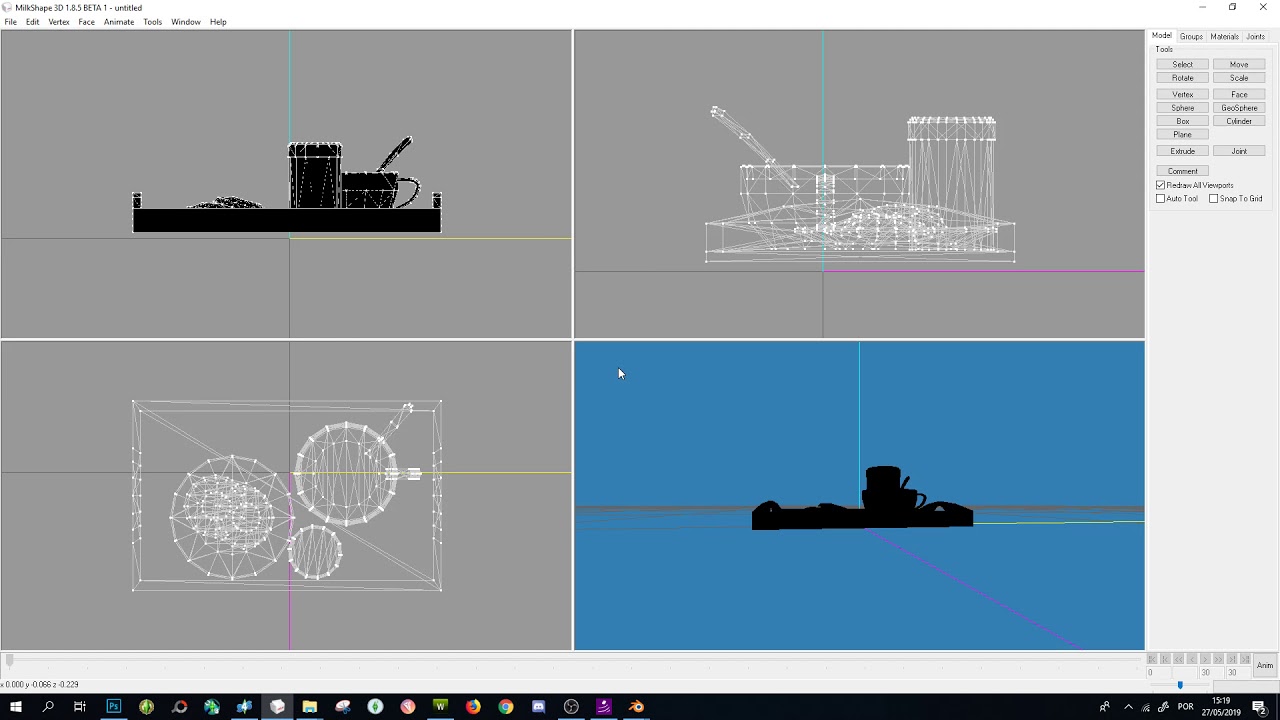
How I convert sims 4 objects to the sims 3 (as a beginner!)
Автор: Cowplant Cartel
Загружено: 2025-10-03
Просмотров: 543
If you’re interested in converting objects from The Sims 4 into The Sims 3, this walkthrough should give you an idea of what’s involved and how to get started. I walk through the process of converting two different objects: a deco bag and a functional dining chair.
I am still learning how to do this! I am definitely not an expert, but I started converting objects recently and wanted to share what I’ve learnt. Let me know if I got anything wrong :)
Programs used in this video:
🔗 Sims 4 Studio: https://sims4studio.com/board/31/down...
🔗 Blender: https://www.blender.org/download/
🔗 TSR Workshop: https://www.thesimsresource.com/works...
🔗 Milkshape 3D: http://www.milkshape3d.com/ (+ Tutorial on adding TSRW plugin: https://thesimsresource.zendesk.com/h...)
🔗 GIMP: https://www.gimp.org/downloads/
00:00 Intro
02:05 Example 1 - Deco Handbag
02:41 Extract the TS4 object
05:43 Clone TS3 object
10:08 Export TS4 mesh in Blender
11:14 Convert TS4 mesh in Milkshape
15:37 Replace TS3 mesh
18:40 Replace TS3 textures
29:03 Edit colour swatches
34:05 Export finished conversion
35:19 Example 2 - Dining Chair
54:08 Outro
----------
Support me on Ko-Fi: https://ko-fi.com/cowplantcartel
My tumblr: / cowplantcartel
My mods: https://modthesims.info/m/10391788
My cc/conversions: https://simblr.cc/user/1550-cowplantc...

Доступные форматы для скачивания:
Скачать видео mp4
-
Информация по загрузке: