BrightSign interactive tutorial, making Attract Mode that really works
Автор: Maketronics
Загружено: 2024-09-18
Просмотров: 3182
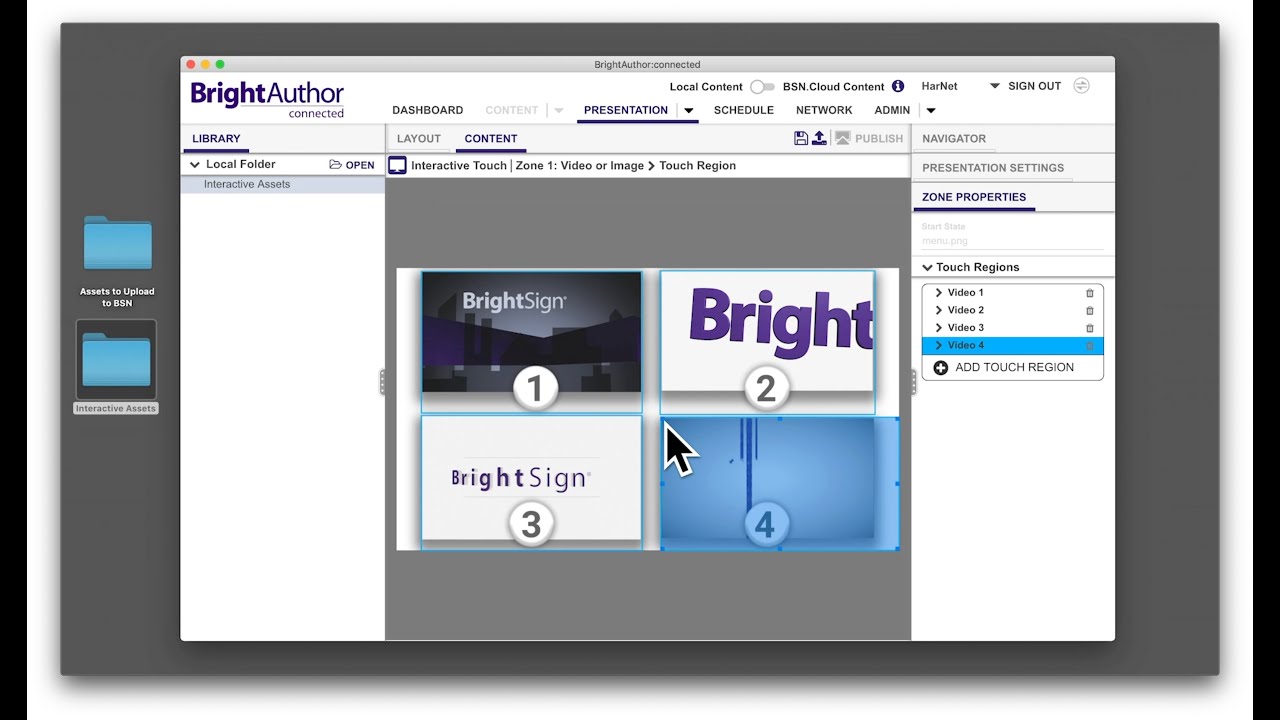
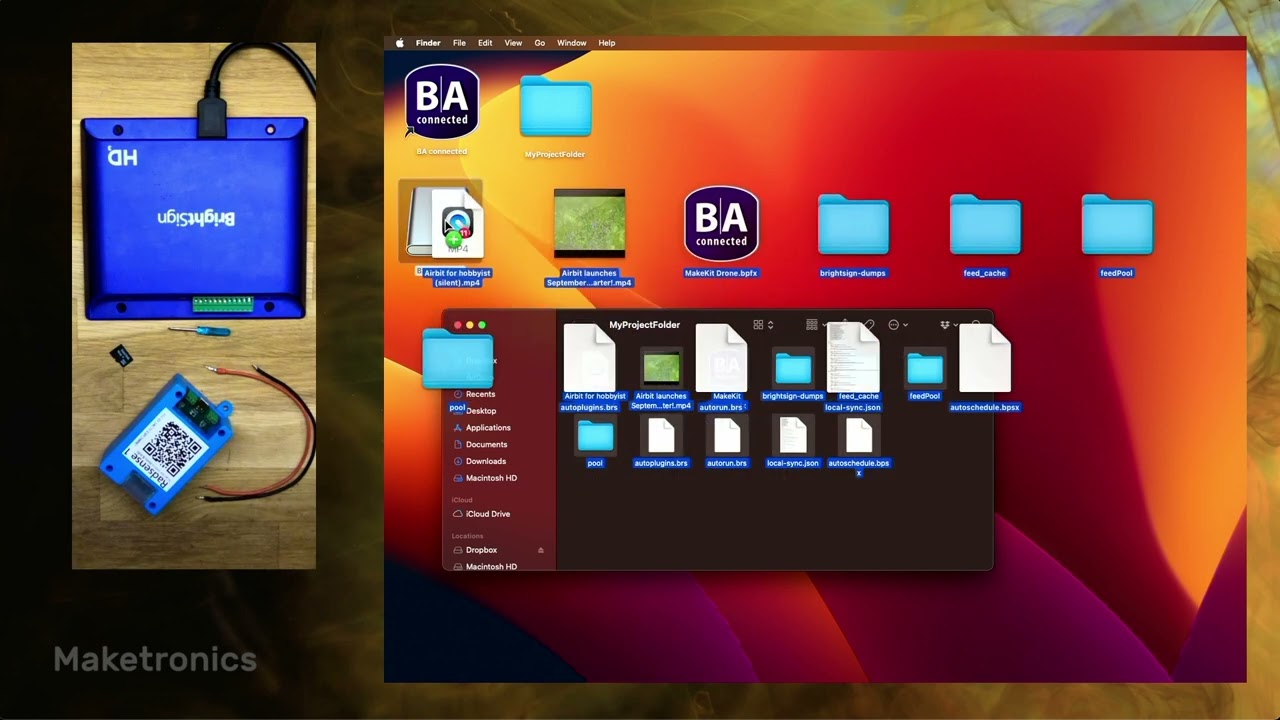
Want to get attention to your video? Using the RadSense radar sensor and a digital video player from BrightSign, we're showing you how to build an interactive presentation that toggles video sources based on the presence of a user. This can be used in museums, Point of Sale and any other situation where you want to change the content based on presence.
This is very useful for information displays that you don't want to play audio while nobody is around (so your employees don't have to listen to this all day). You can play a trailer initially to attract the viewer and then show a video with sound once they are attracted. The RadSense is a radar sensor, so you can hide it behind anything not made of metal. You can even embed it inside a wall or a shelf, so it's completely hidden.
Learn more about the device here: https://maketronics.no/radsense-1/
Find our detailed Tutorial on how to use it with RadSense here: https://maketronics.no/support/using-...
Доступные форматы для скачивания:
Скачать видео mp4
-
Информация по загрузке: