Скачать
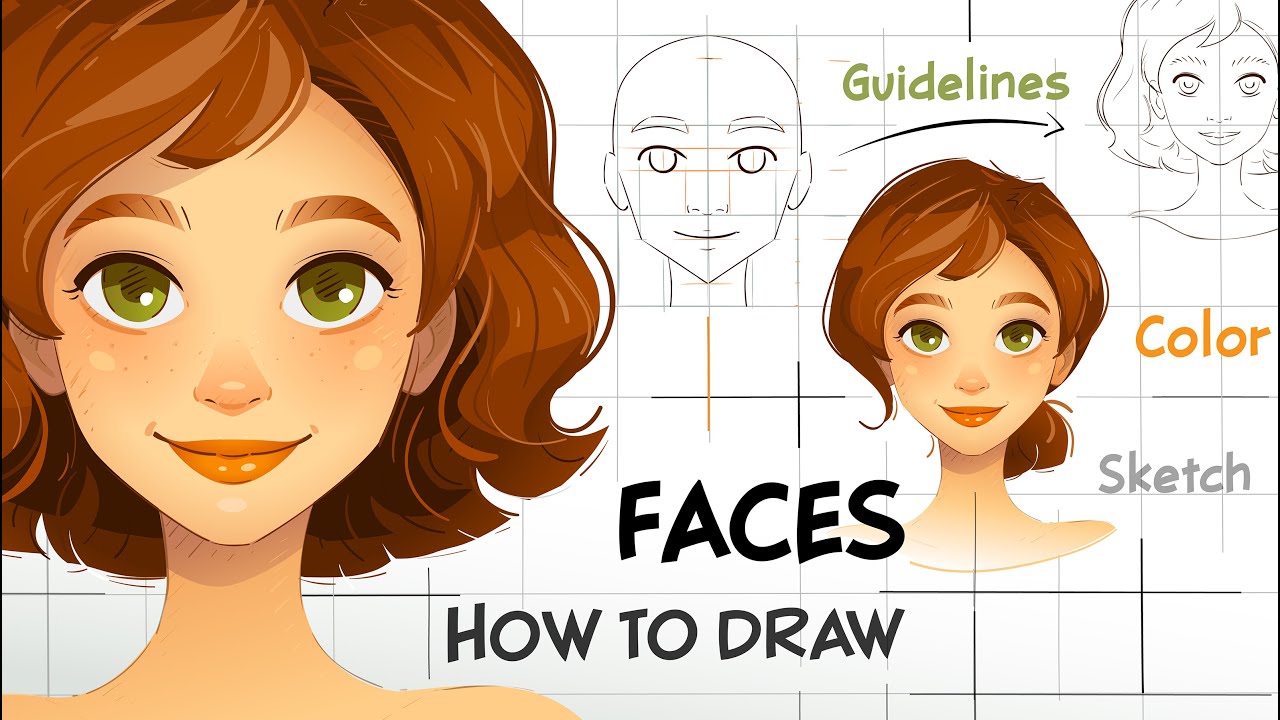
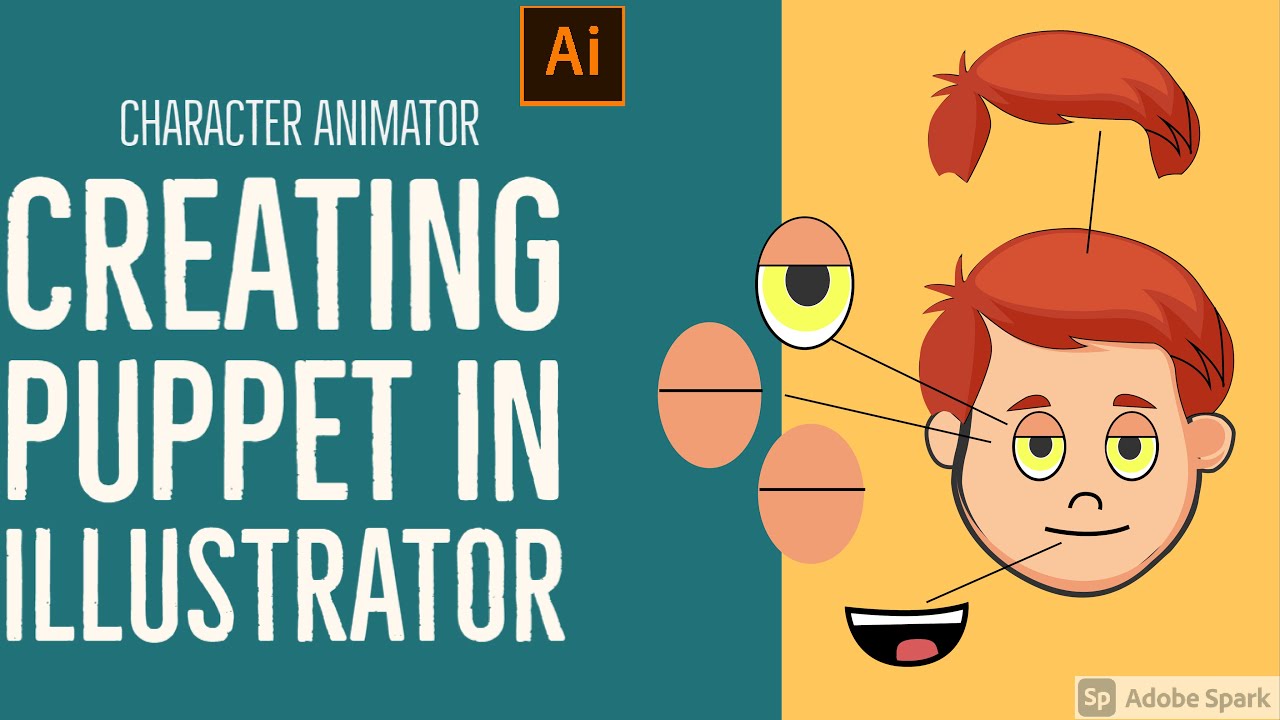
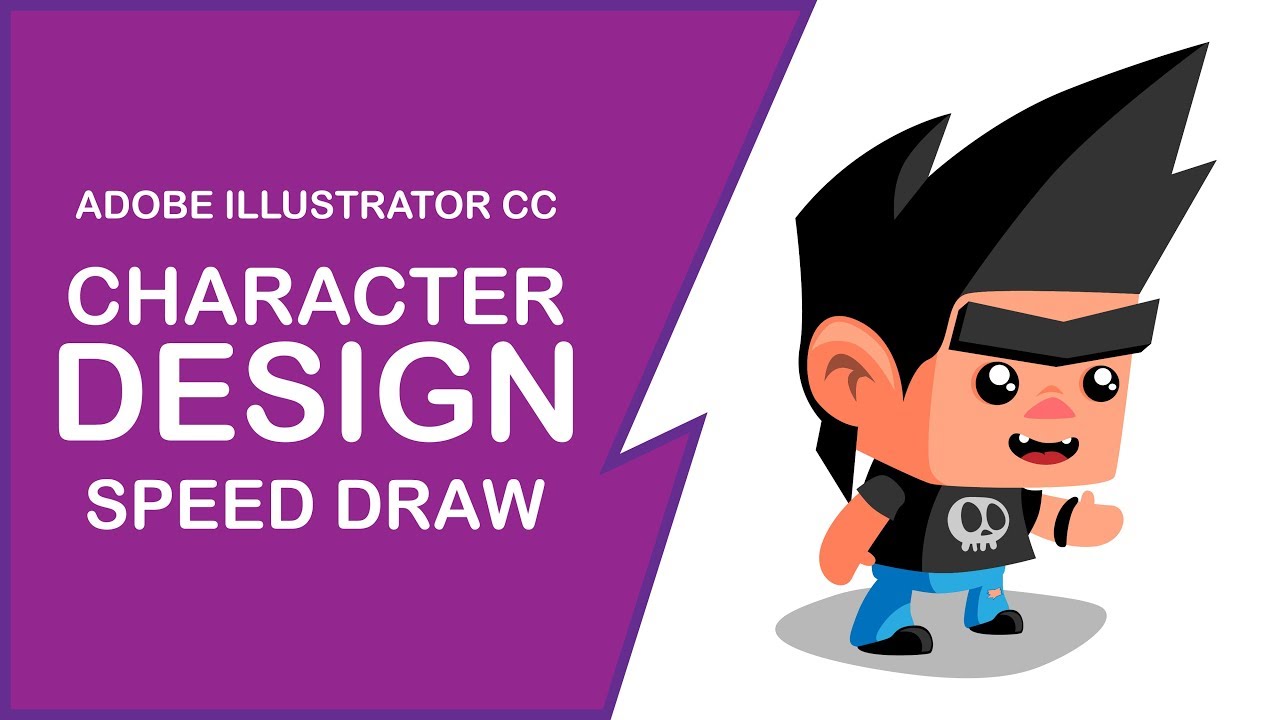
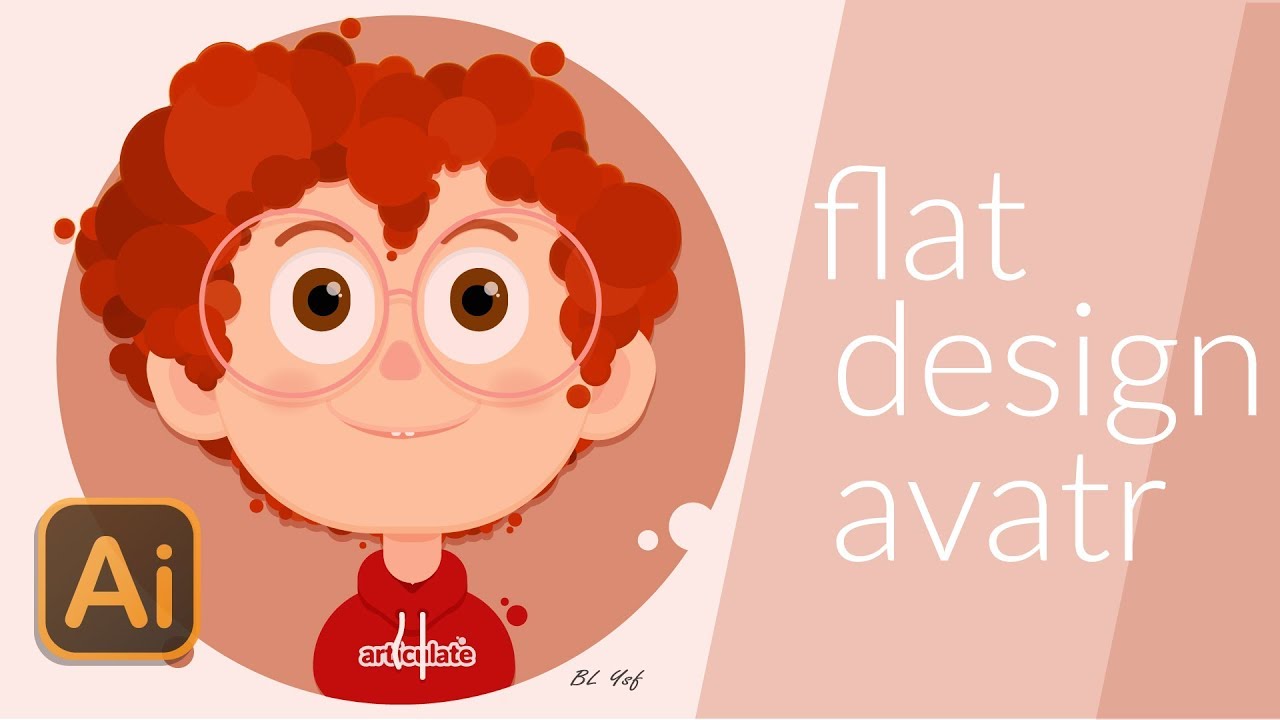
Simple character head design tutorial on Adobe illustrator
Автор: BobHO
Загружено: 2018-05-15
Просмотров: 4118
Описание:
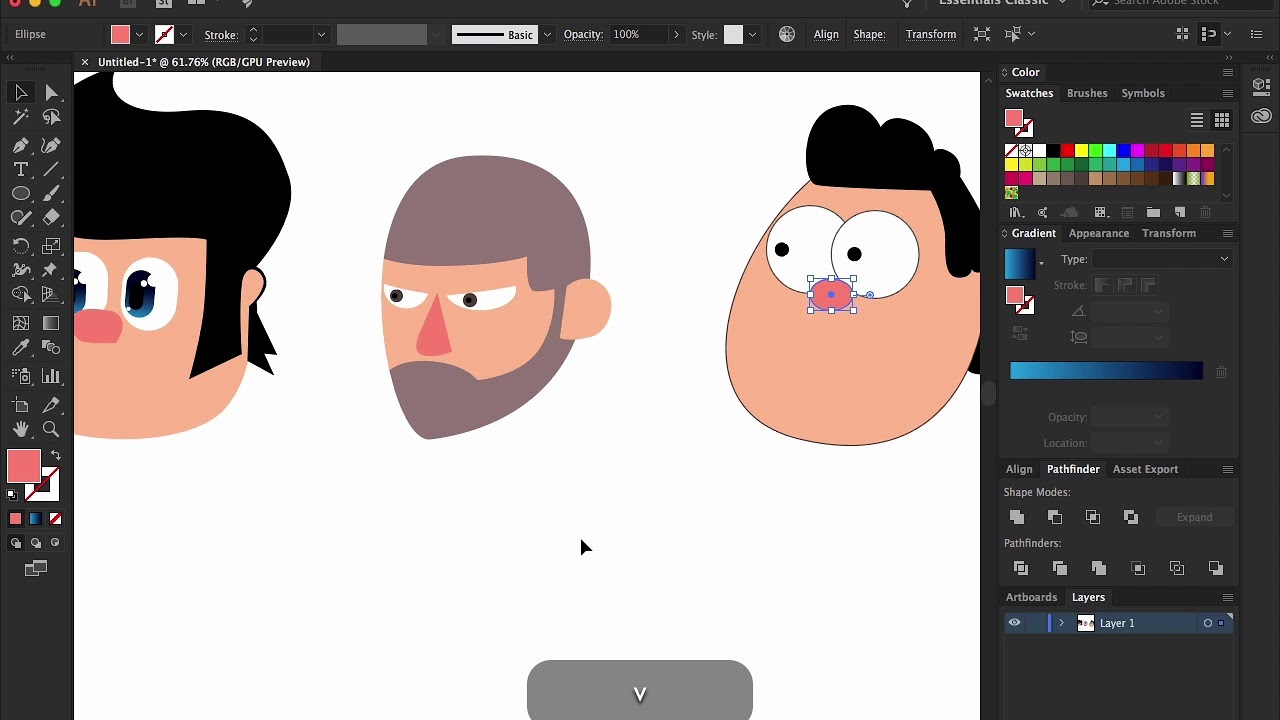
In this tutorial we going to create three simple character head in Adobe illustrator CC.
Tools we use:
Pen tool
Pathfinder tool
Gradient tool
How to use pen tool?
1. Click to add point
2. Click and drag to adjust the curve
3. Click the anchor point to convert the smooth point to a corner point.
Useful shortcuts:
1. ( V ) - Selection tool
2. ( A ) - Direct selection tool
3. ( P ) - Pen tool
4. ( Ctrl+C ) - Copy
5. ( Ctrl+V ) - Paste
6. ( Ctrl+F ) - Paste in front
More shortcuts here:
https://adobe.ly/2e5be1V
Like and Subscribe.
Доступные форматы для скачивания:
Скачать видео mp4
-
Информация по загрузке: